How to Make Videos Without Showing Your Face
How to make a video without showing your face: a decision matrix matching your content type to the right faceless format, plus the steps to finish it.
By the Recapo.ai Editorial Team · Fact-checked July 10, 2026
You don't need to appear on camera to publish consistently — you need to pick the faceless format that fits what you're actually making. This guide treats how to make a video without showing your face as a format decision rather than a gear problem: there are seven proven ways to film without showing your face, and the right one depends on whether you're teaching, reviewing, storytelling, or reacting. Below is a decision matrix that maps your content type to the format, points you to a starting tool for each, and lays out the shared finishing steps — voiceover, captions, vertical reframing, and a cover — that turn raw no-face footage into something worth uploading.
Most guides on making videos without showing face walk you through a single workflow start to finish. This one deliberately doesn't, because the place creators actually get stuck is one step earlier: choosing among the faceless video formats before they burn a weekend on the wrong one. A slideshow tip video and a top-down cooking clip are both "no-face" videos, yet almost nothing about their production overlaps. Get the format right and everything downstream — script, audio, editing — gets easier. If you want the full end-to-end production loop after you've chosen, the complete faceless video walkthrough covers that; this article is about choosing well first.
Key Takeaways
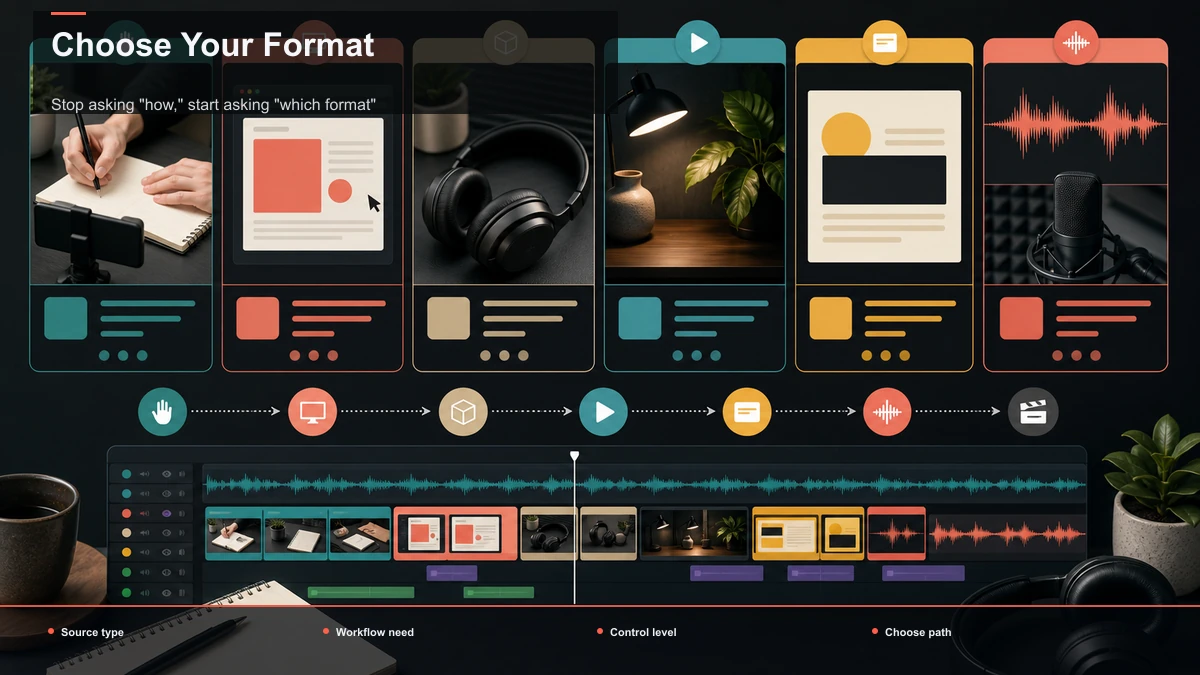
Stop asking "how," start asking "which format"
The question "how do I make a video without showing my face" hides a better question underneath it: which no-face format should I be making at all? Beginners usually copy whatever they saw last — an animated explainer, a top-down recipe — without checking whether that format fits their topic. Then they wonder why it took ten hours and still felt off.
The fix is to choose format before you touch a single tool. Your content type decides the format; the format decides the tools; the tools are mostly interchangeable. That order keeps you from animating something that should have been a screen recording, or scripting a voiceover for something that would have worked better as a silent top-down demo. Two tables below make the decision for you — first the full menu of no face video methods, then the matrix that maps your niche to one of them.
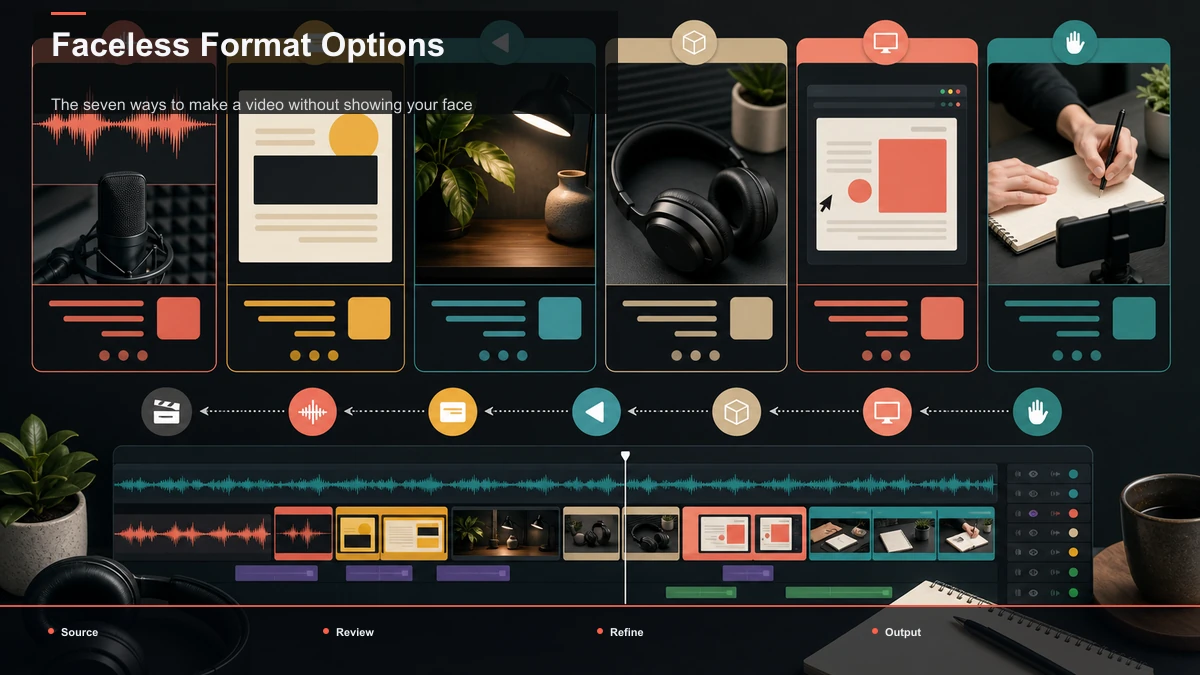
The seven ways to make a video without showing your face
These are the formats that reliably work on YouTube, TikTok, Shorts, and Reels without your face in the frame. Read the "watch out for" column before you commit — most first-attempt failures come from ignoring it.
| 1 | Screen recording | Your screen plus voiceover | Cluttered desktop, tiny UI, long dead air | 2 | Top-down / hands-only | Overhead shot of your hands working | Lighting, shadows, and a shaky mount | 3 | POV / first-person | Footage shot outward from your viewpoint | Stabilization and wind or handling noise | 4 | Animation / motion graphics | Illustrated or animated visuals | Slow to produce; can feel generic | 5 | Voiceover over B-roll | Narration over stock or your own footage | Stock licensing; audio quality | 6 | Slideshow / kinetic text | Stills, text cards, simple motion | Reads as low-effort if the pacing is flat | 7 | AI avatar / digital presenter | A synthetic on-screen presenter | Can feel uncanny; the script still matters |
Match the format to your content type
This is the core of the whole decision. Find the row that describes what you make, and the format in the middle column is your default starting point. You can blend formats later — most mature faceless channels do — but start with one.
| Software tutorials, how-tos, reactions to on-screen content | Screen recording | Your screen is the subject; you narrate over it | Cooking, crafts, DIY, unboxings, product demos | Top-down / hands-only | Hands in frame show the process without your face | Travel, day-in-the-life, experiences | POV / first-person | The camera is your eyes; you film outward, not at yourself | Explainers, education, abstract concepts | Animation / motion graphics | Visuals illustrate ideas that have no real footage | Listicles, news, commentary, "top 10" niches | Voiceover over B-roll | Narration carries it; footage is illustrative | Quotes, tips, facts, book or plot summaries | Slideshow / kinetic text | Text and stills are the point; quick to produce | Talking-head style without being on camera | AI avatar / digital presenter | A synthetic presenter fronts your script |
Format-by-format: where to start
Once you've matched a format, here's the entry point for each — the tool or setup that gets you a first draft with the least friction.
Screen recording. Use any screen recorder (OBS is a solid free one) and narrate as you go. Keep your desktop clean, zoom into the part of the screen you're discussing, and cut the dead air between actions afterward.
Top-down and hands-only. All you need is a phone on an overhead mount and even lighting. The hands-in-frame look works for cooking, crafts, and demos because the process is the star. Film in short takes so you can trim mistakes without reshooting everything.
POV / first-person. Mount the camera at eye or chest level and film outward — this is how you literally film without showing your face while still feeling personal. Stabilization and wind noise are your two enemies; a cheap mic cover and steady footage fix most of it.
Animation and motion graphics. Best for ideas that have no real footage. It's the slowest format to produce by hand, so many creators pair simple motion-graphics templates with a strong voiceover instead of animating frame by frame.
Voiceover over stock or B-roll. The workhorse of faceless channels: write a script, record narration, and lay it over stock clips or your own B-roll. The footage only has to illustrate the words — just make sure any stock you use is properly licensed.
Slideshow and kinetic text. The quickest format to ship. Stills, text cards, and light motion carry short tips, quotes, and summaries. The risk is looking low-effort, so lean on pacing and clean captions to keep it lively.
AI avatar / digital presenter. If you want a talking-head feel without being on camera, a synthetic presenter can front your script. Treat it as a delivery layer — the writing still decides whether anyone watches.
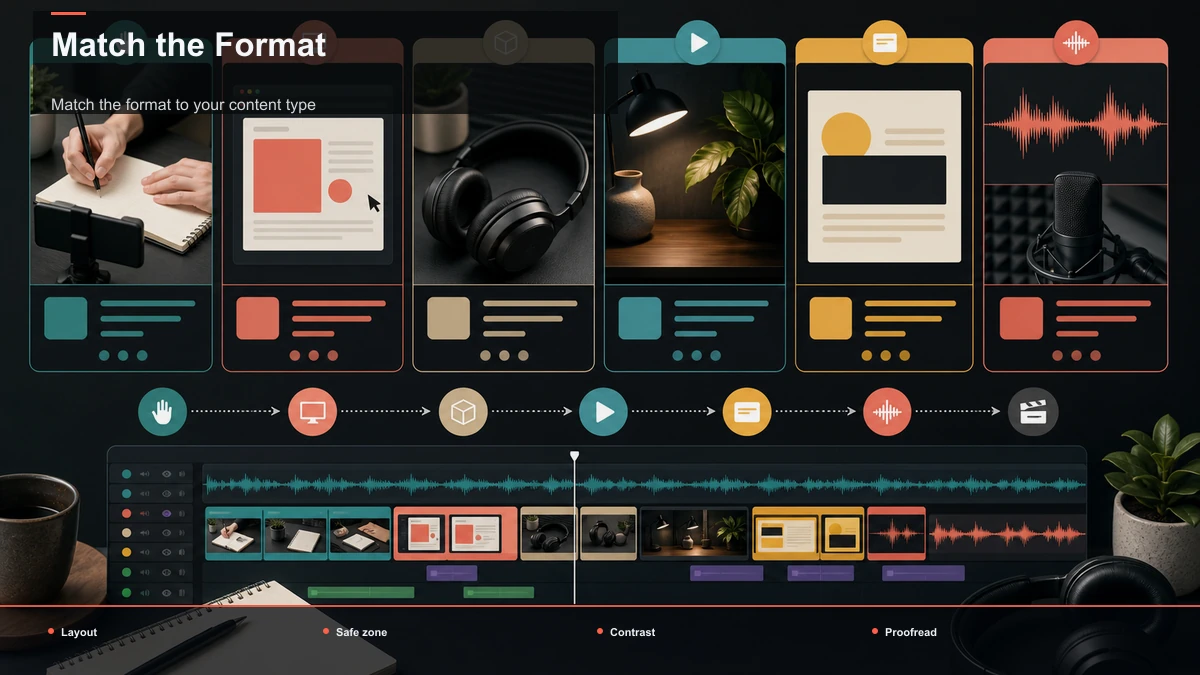
The finishing layer every faceless format shares
Whichever format you land on, the last mile is identical — and because there's no face to carry the video, these four steps are where it starts to look professional instead of like a raw screen grab. All four run in the browser with no install, and they accept standard MP4/MOV files (Recapo handles up to 6GB total per task), so a long screen recording or a folder of B-roll goes in without pre-compressing.
- Voiceover. Nearly every faceless format is narrated. Record your own voice, or — if you'd rather not be heard any more than seen — generate narration with a voiceover maker from your script. Either way, the voice is your on-screen presence, so treat it as the performance.
- Captions. Some no-face content is watched on mute, and without a face the words are all a scroller has. Auto-generate them with an auto subtitle generator, then proofread names, terms, and numbers — auto-captions are a starting point, not a final draft.
- Vertical reframing. For Shorts, Reels, and TikTok, convert your 16:9 source to 9:16 with a TikTok video resizer, keeping the important part of the frame — your screen, your hands, the key text — inside the safe center where platform UI won't cover it.
- Cover. A thumbnail still earns the click on YouTube. Pull a strong frame and build one with a cover maker; on a faceless channel, clear text and a single focal image do more work than a posed face ever would.
Audio is where faceless videos win or lose
Here's the counterintuitive truth of no-face content: your audio matters more than your video. When there's a face on screen, viewers forgive rough sound because they have something to watch. Strip the face away and the narration becomes the performance — muddy, echoey, or robotic audio is the fastest way to lose a faceless viewer in the first three seconds.
So spend your effort there. If you record your own voice, get close to the mic, kill room echo, and keep your levels consistent. If you'd rather not use your own voice, a generated one is fine — just choose a natural read and vary the pacing so it doesn't drone. Either path, if you want the delivery to sound human rather than flat, the guide on making an AI voice sound natural is worth a read. And always back the audio with captions, so the message survives even with the sound off.
Monetization: what faceless doesn't change
Going faceless doesn't unlock a shortcut, and it doesn't disqualify you either. Platforms evaluate original, watchable content on its own terms — whether or not your face is in the frame. What actually gates monetization is each platform's own program: YouTube, TikTok, and the rest publish their eligibility requirements on their official pages, and those rules — subscriber and watch-time thresholds, originality and reused-content policies, and so on — are the numbers to trust. Don't take a threshold figure from a random blog (including this one); read the platform's current help docs, because they change.
Two honest cautions for faceless creators specifically. First, "reused content" rules bite hardest here: a channel that's just other people's stock clips or reposted footage under a thin voiceover can run into originality reviews, so add real commentary, editing, and structure. Second, faceless is a format, not a money-printer — no one can promise you income from it, and any guide quoting you a guaranteed payout is guessing.
FAQ
What's the easiest faceless format to start with? A slideshow or a voiceover-over-B-roll video. Both are quick to ship because you're working with stills, text, and narration rather than filming and stabilizing footage. Once you're comfortable, add a second format that fits harder topics.
Can I make faceless videos entirely on a phone? Yes for top-down and POV formats — a phone plus a mount and a clip-on mic covers most of it. Screen recording and the finishing steps (voiceover, captions, vertical reframing, cover) are usually easier in a browser tool on a laptop, but nothing here strictly requires a desktop.
Do I have to use an AI voice? No. Your own recorded voice works fine and often connects better. An AI or generated voice is simply an option if you'd rather not be heard any more than seen, or if you want to produce faster — treat it as a choice, not a requirement.
Will faceless videos get monetized? They can. Monetization depends on each platform's official program rules — originality, watch time, subscriber thresholds — not on whether your face appears. Faceless channels succeed regularly, but check the platform's own eligibility page for current requirements rather than trusting a number from a blog.
How do I make a faceless video vertical for Shorts and Reels? Reframe your horizontal 16:9 source to 9:16 with a resizer, keeping the key part of the frame — your screen, hands, or on-screen text — inside the centered safe zone so platform UI doesn't cover it. That single step makes a horizontal recording postable to Shorts, Reels, and TikTok.
Choose your format, then finish it in one tab
Pick your format from the matrix above, shoot or gather the raw material, then bring it into Recapo to add a voiceover, caption it, reframe it vertical, and export with a cover — all in the browser, no install, with source files up to 6GB total per task. Create a free account and turn your first no-face idea into a finished, upload-ready video.
References and official sources