Recapo.ai
Clips & Shorts
Guides and articles from Recapo.ai for video editing, recap workflows, creators, and AI production.

Turn long gameplay recordings into coherent short clips by mapping events, reactions, context, audio, captions, vertical framing, and final review gates.

Turn a product launch recording into focused social clips with a message map, candidate workflow, platform edits, claim checks, and approval gates.
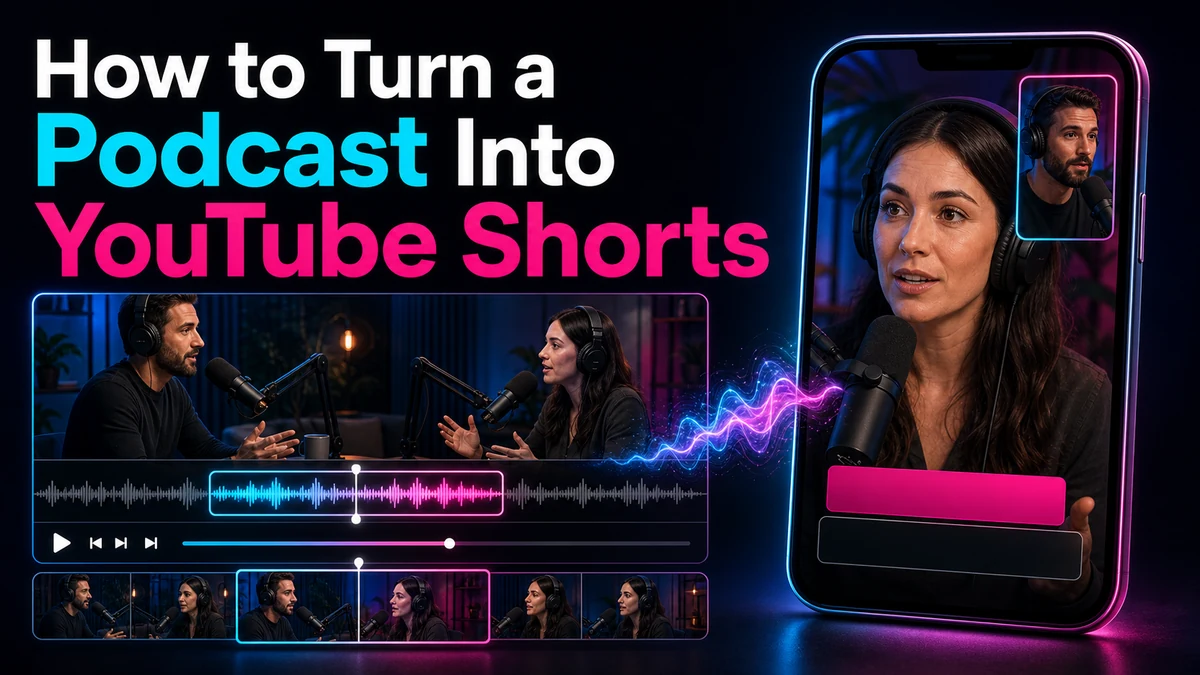
Turn a podcast into YouTube Shorts with complete ideas, clear speaker framing, accurate captions, cleaner audio, and a practical review workflow.

Turn a webinar into YouTube Shorts by choosing focused chapters or Q&A clips, reframing slides, adding captions, and reviewing every claim in context.
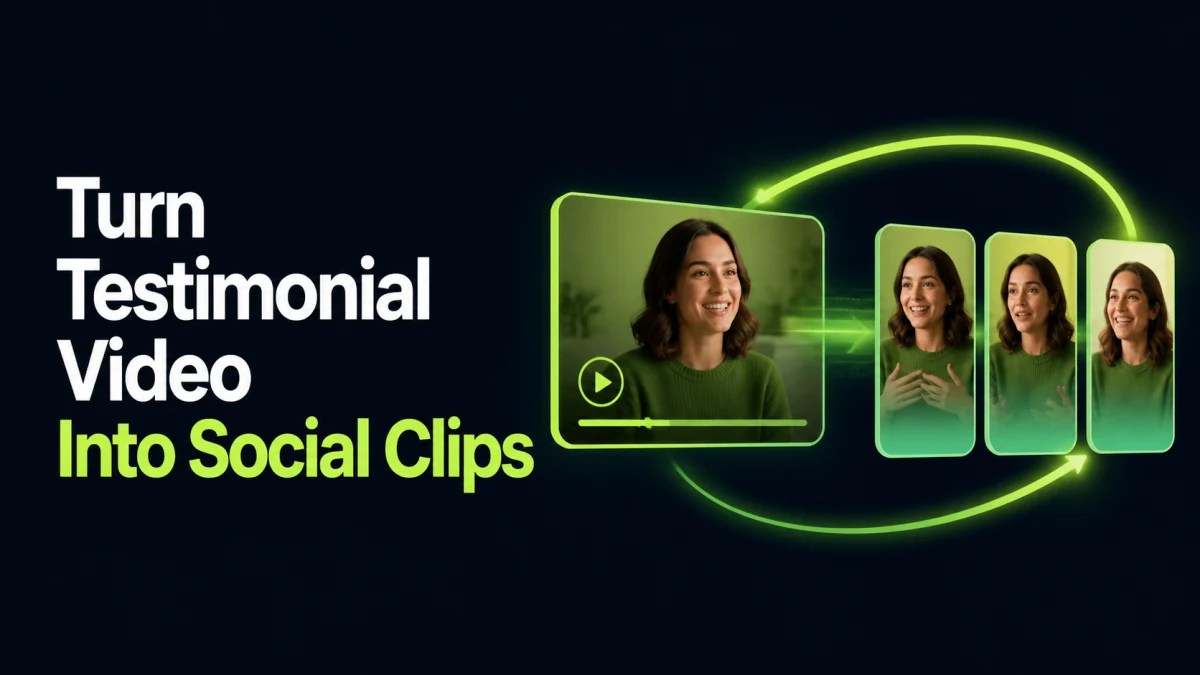
Turn customer testimonial videos into accurate social clips with a claim map, complete quote boundaries, disclosures, consent, captions, and approval gates.
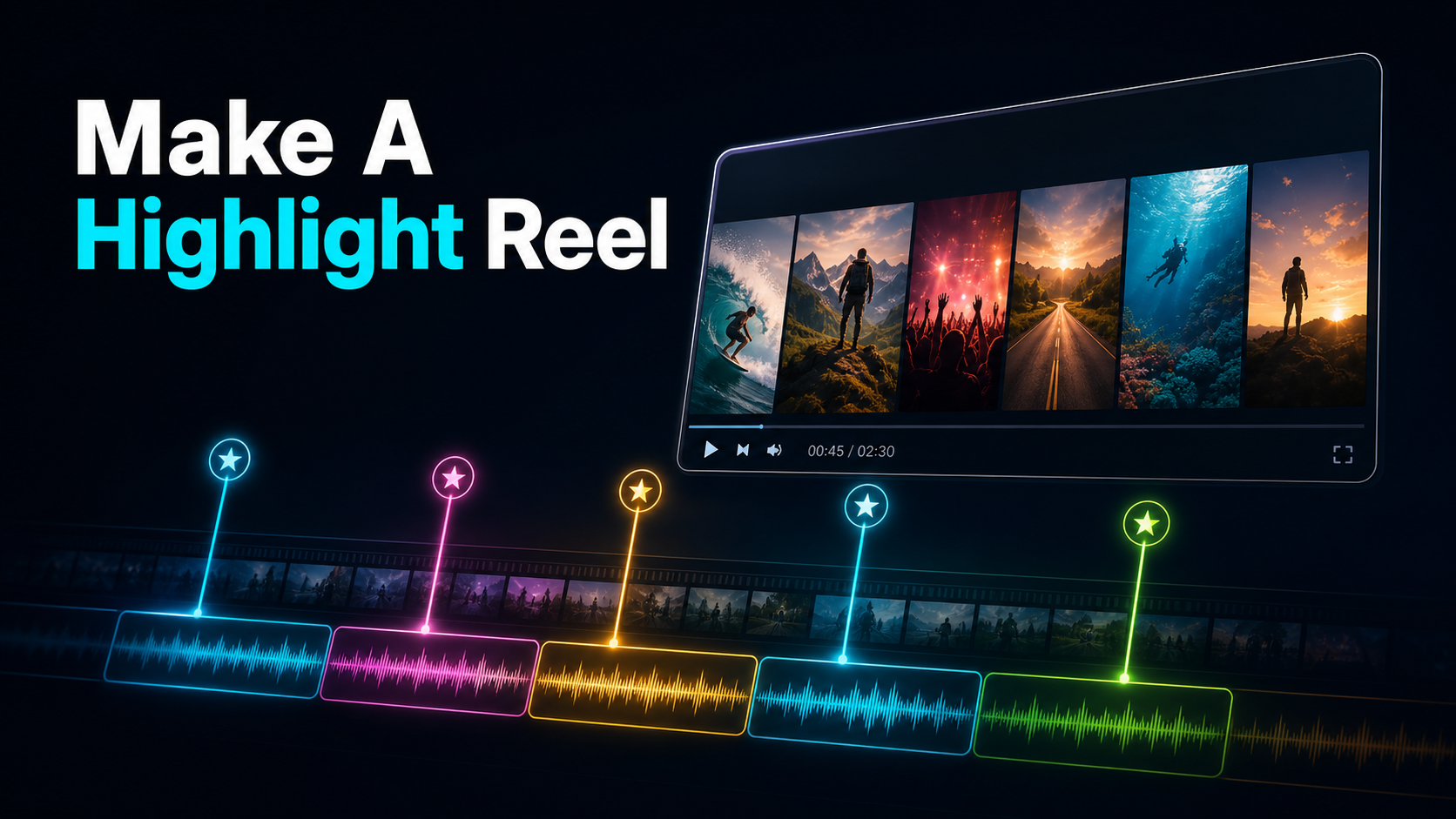
Learn how to make a highlight reel from a long video: pick your best moments with AI, then compile, pace, and caption them into one polished reel for YouTube.
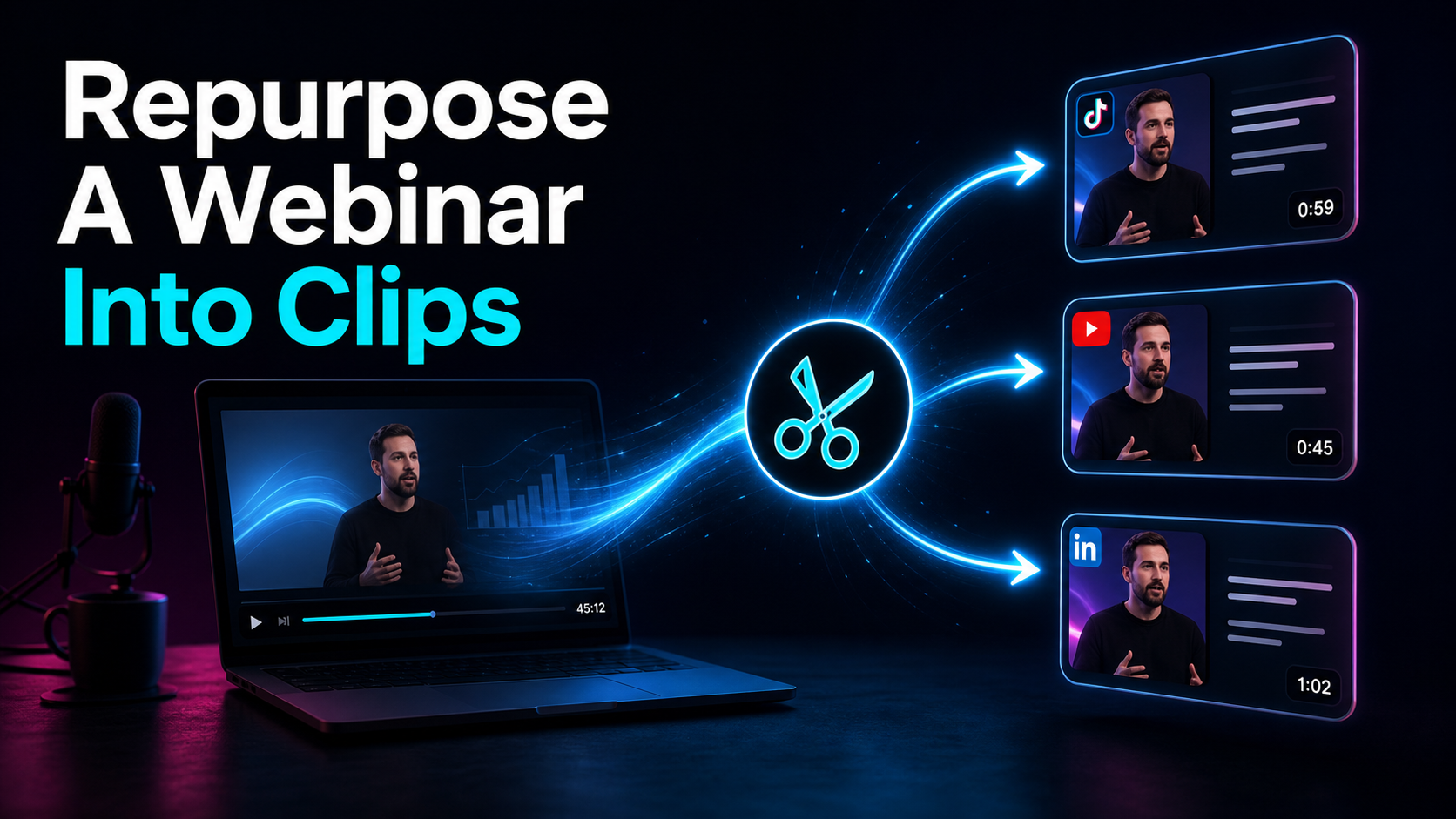
How to repurpose a webinar into clips in one browser pass: auto-transcribe, let AI surface quotable moments, reframe to vertical with burned captions.
Estimate clips from a long video using candidate count, approval rate, rejection reasons, and measured editing time instead of a universal yield claim.

Use a six-gate review process to evaluate AI-generated clip candidates for context, edit points, framing, captions, audio and publishing rights.
Use this 12-point YouTube Shorts editing checklist to review the hook, framing, captions, audio, rights and final export before publishing.
Learn how to turn an interview into YouTube Shorts with complete answers, ethical edits, two-person reframing, captions, and a practical QA workflow.
Turn tutorial videos into focused YouTube Shorts with clear steps, readable screen details, captions, vertical framing, and a practical QA workflow.

Turn livestream highlights into YouTube Shorts with a practical workflow for context, dead air, 9:16 framing, captions, rights, privacy, and final QA.
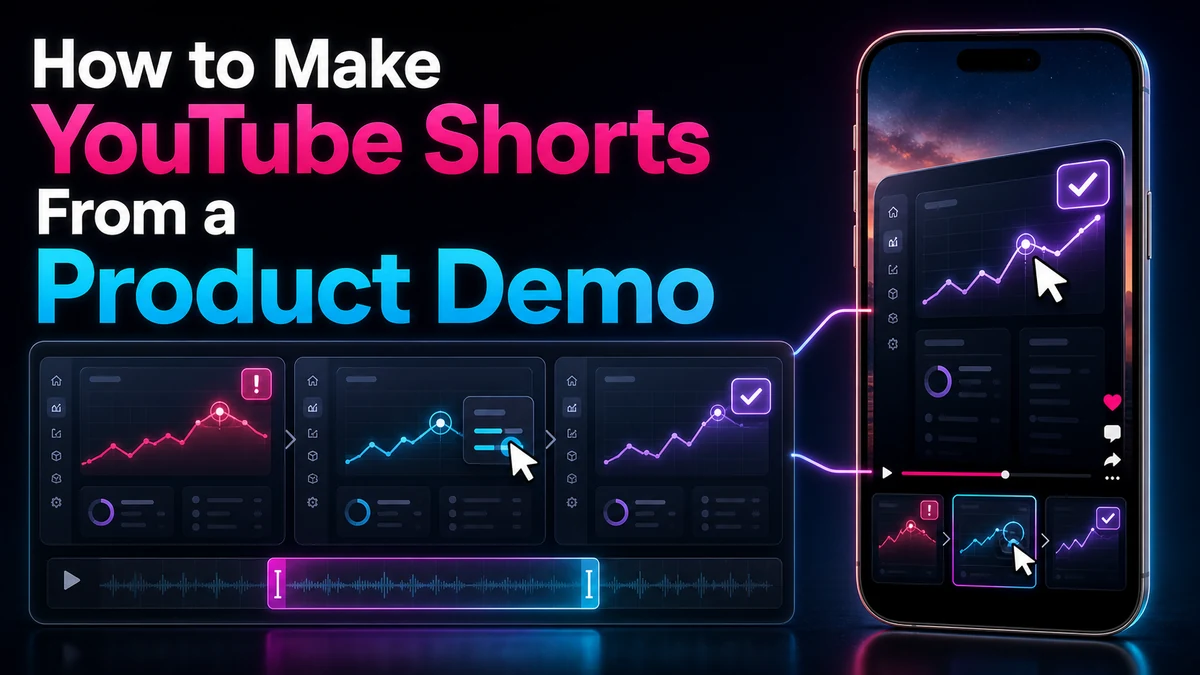
Turn a product demo into a clear YouTube Short with problem–feature–result structure, legible UI, visible proof, and an honest next step for viewers.

Turn course lessons into clear YouTube Shorts by preserving prerequisites, instructional accuracy, usage rights, vertical framing, and a useful next-step CTA.
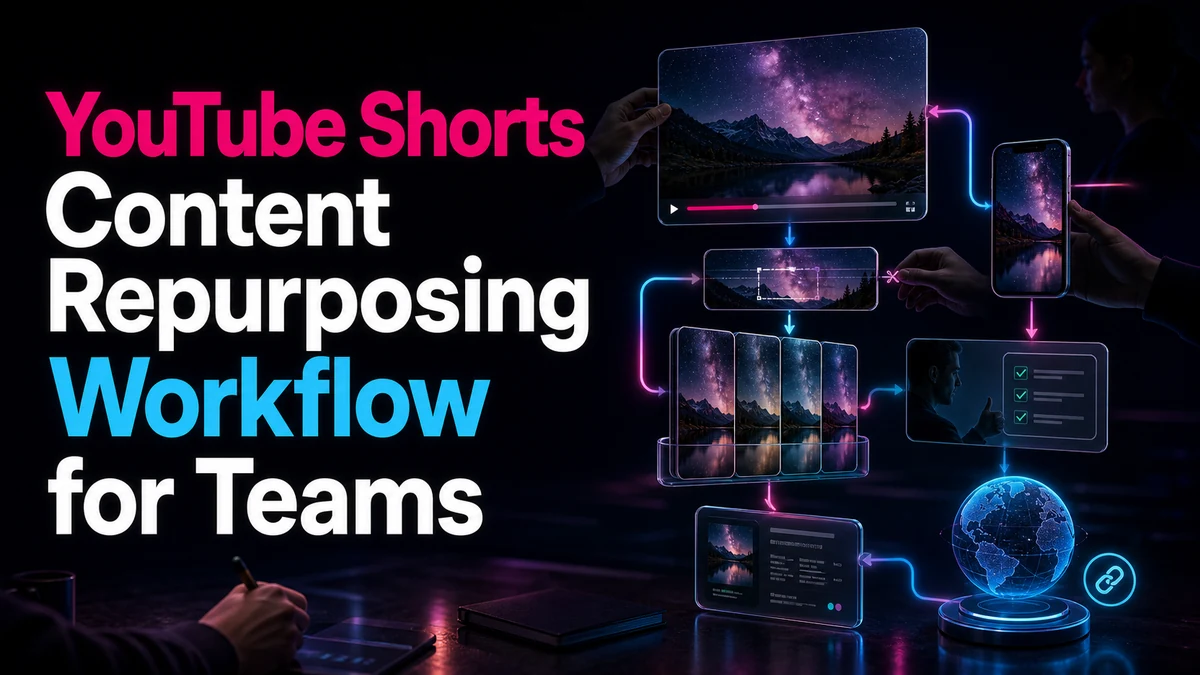
Build a team workflow for repurposing YouTube Shorts with clear intake, rights notes, candidate review, version control, approvals, metadata, and URL checks.
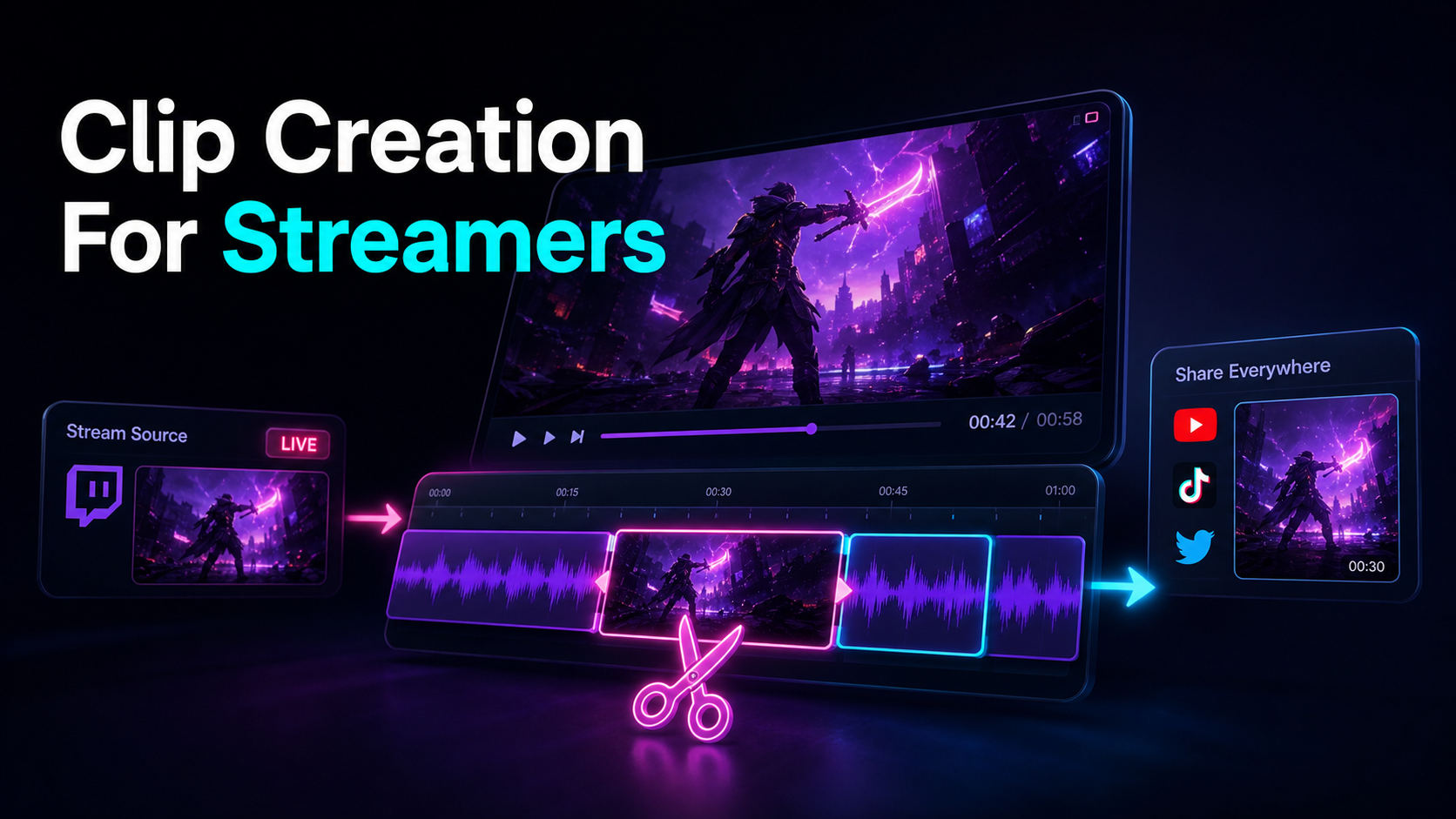
Clip creation for streamers as a repeatable pipeline: turn talk-heavy stream VODs into vertical Shorts, TikToks, and Reels with speech-first clipping.
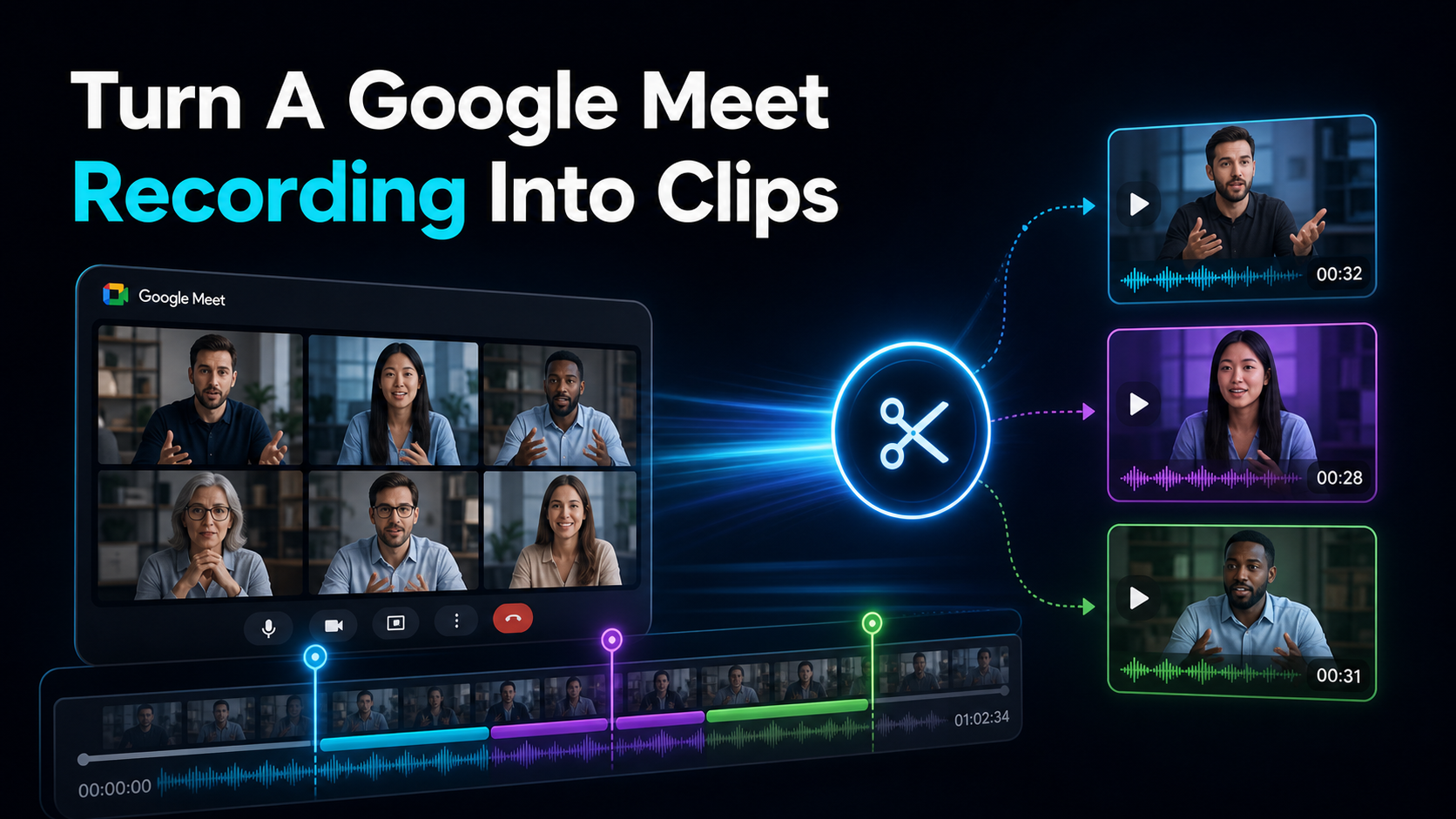
How to turn a Google Meet recording into clips: download from Drive, transcribe to cut by text, shortlist moments, reframe to 9:16, and caption — no install.

Repurpose an online course into promo clips: split each lesson into social teasers and 60–120s previews, add hooks and captions.
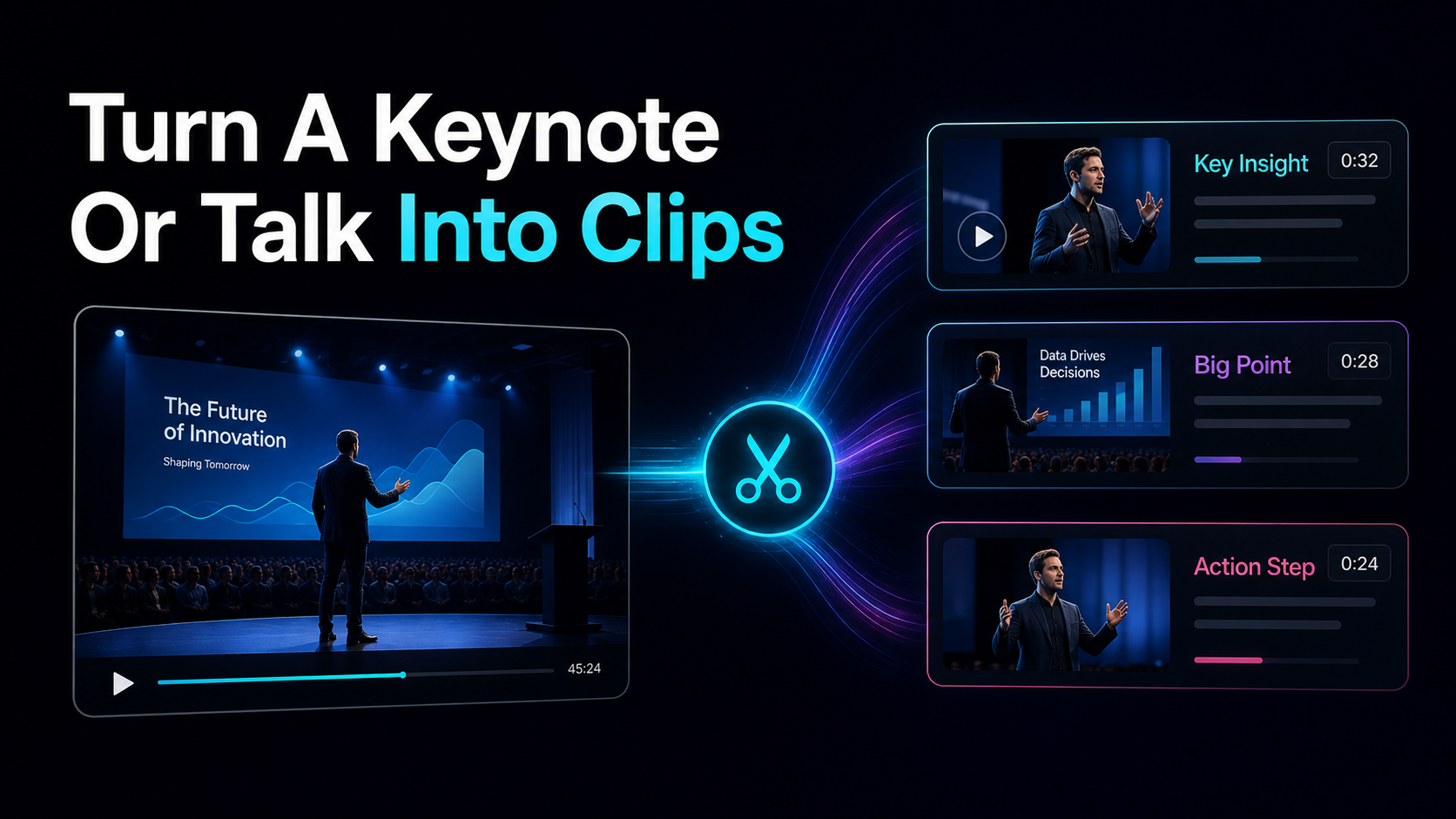
How to turn a keynote into clips: atomize one 60-min talk into ~12 micro-insights, settle usage rights, then reframe and caption each for Shorts, Reels.
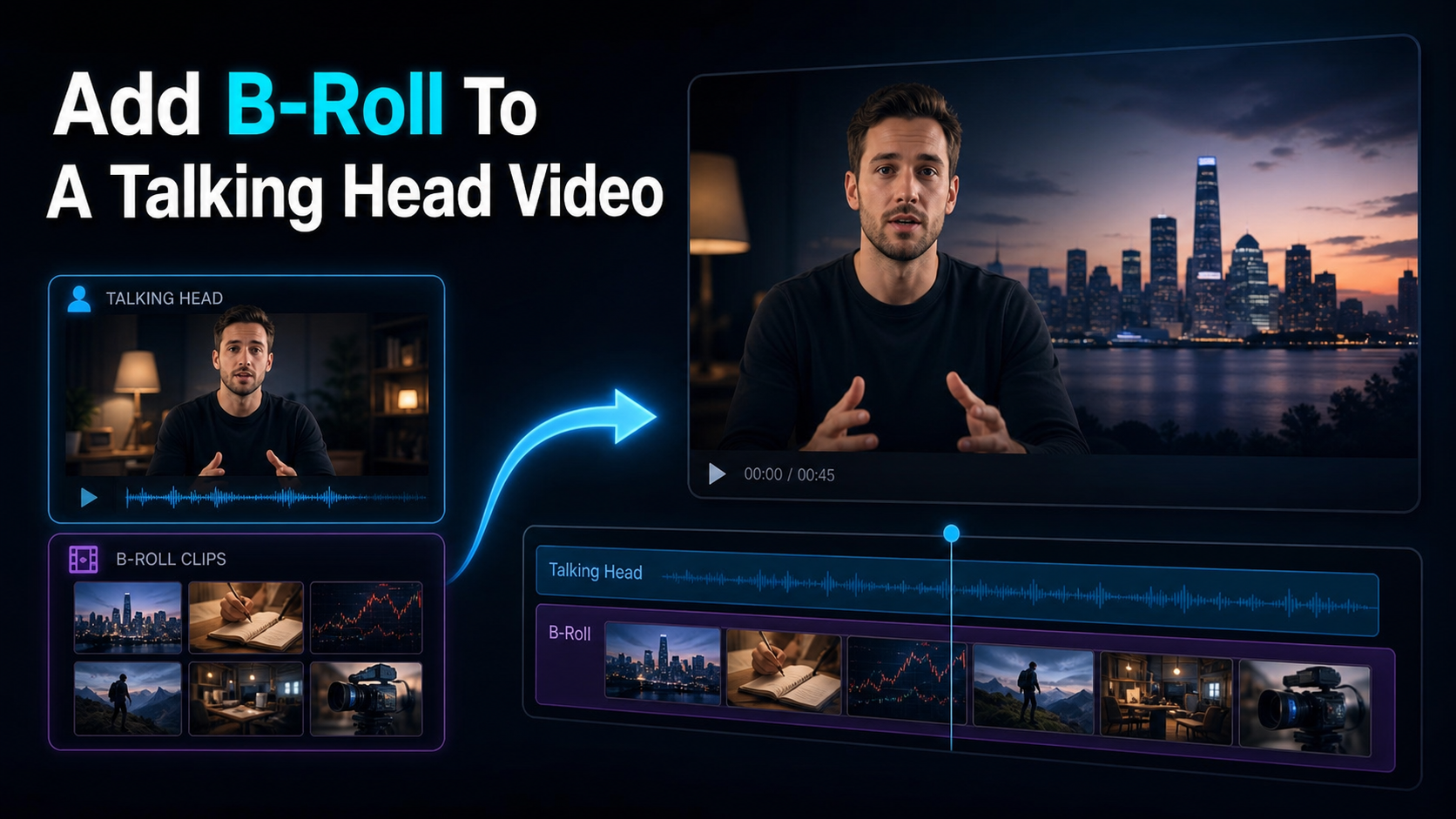
Add B-roll to talking-head video with a shot map, permitted footage, purposeful timing, audio continuity, and a repeatable review process.
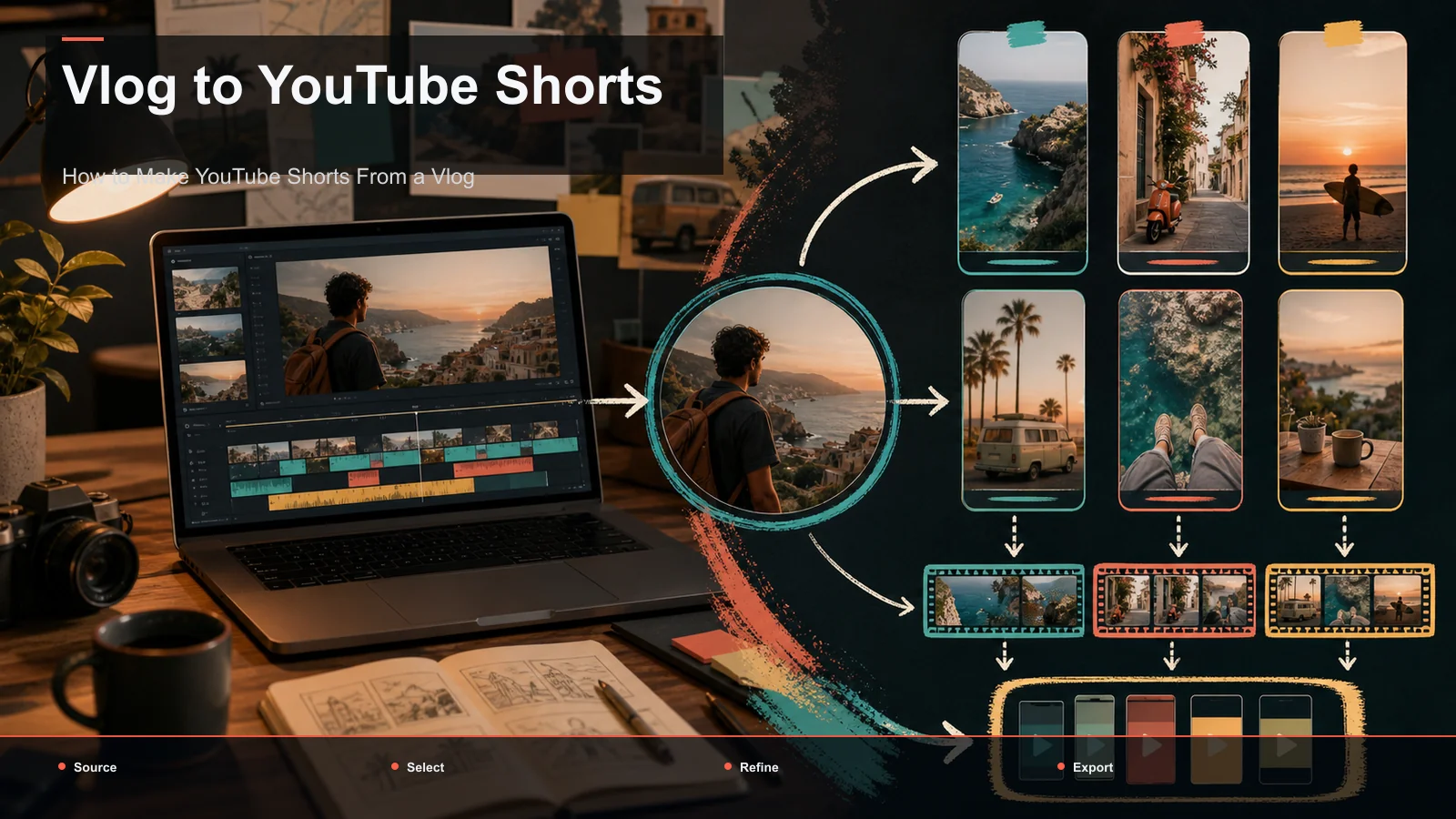
Turn vlog footage into YouTube Shorts by selecting complete moments, testing duration and openings, reviewing captions, and reframing for vertical viewing.
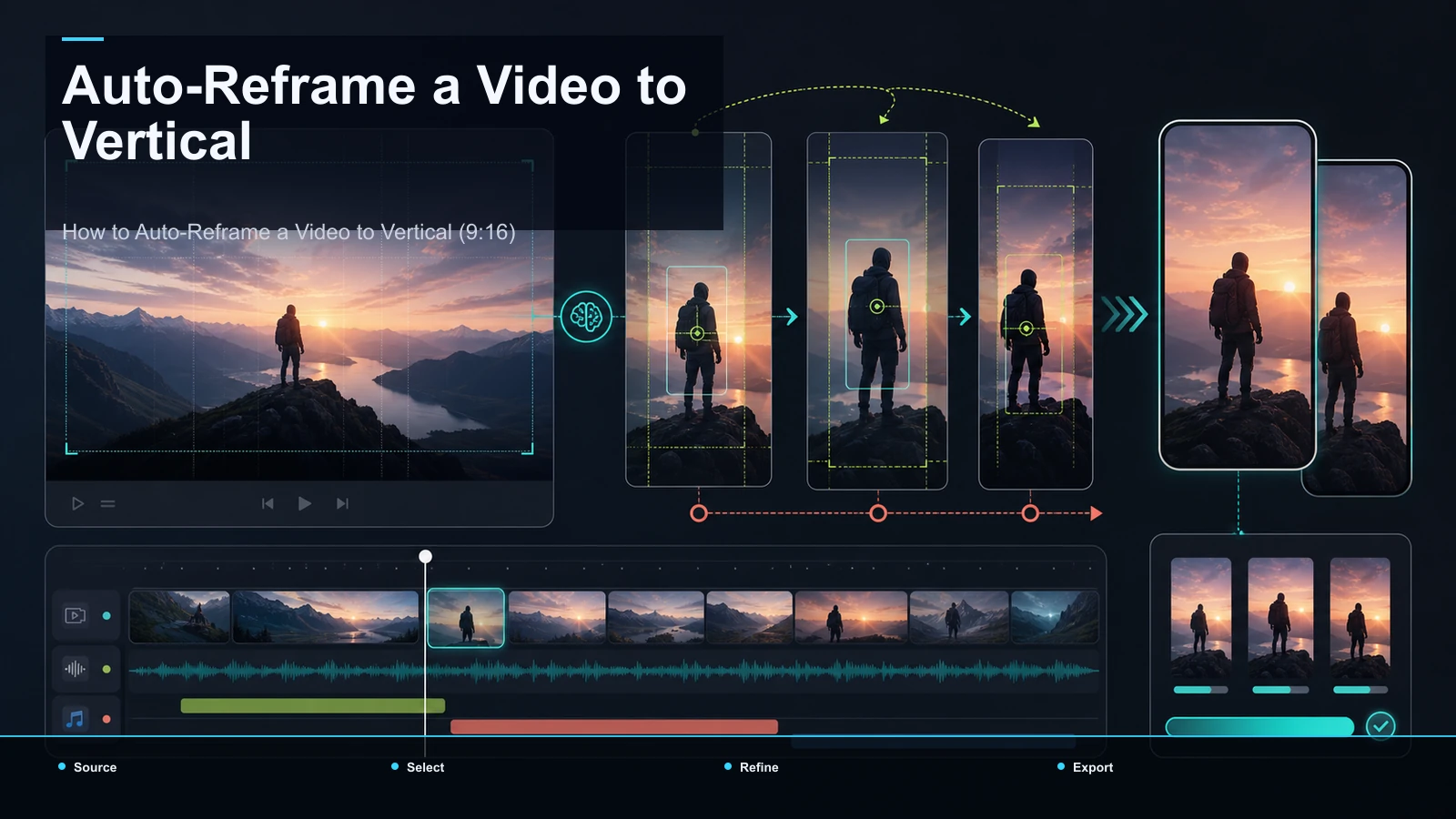
Auto-reframe horizontal video to 9:16, review subject tracking, protect captions from interface overlays, and export platform-ready vertical versions.
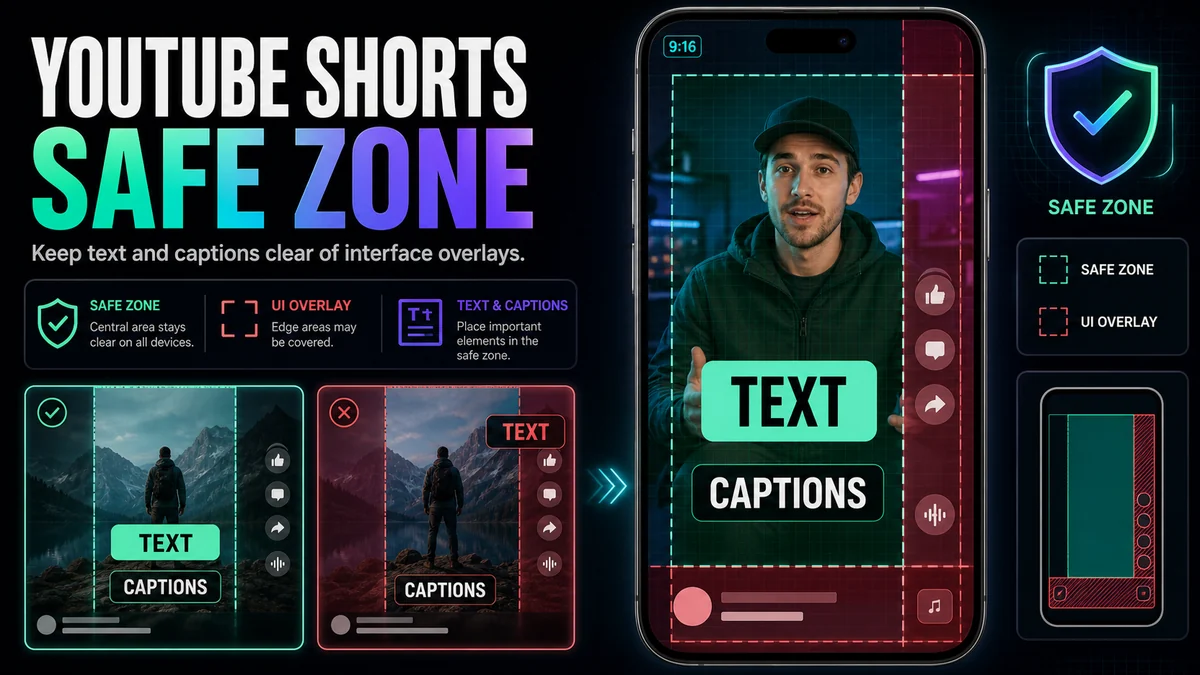
Use a practical YouTube Shorts safe-zone workflow to keep captions, titles, faces, and calls to action clear of interface overlays.
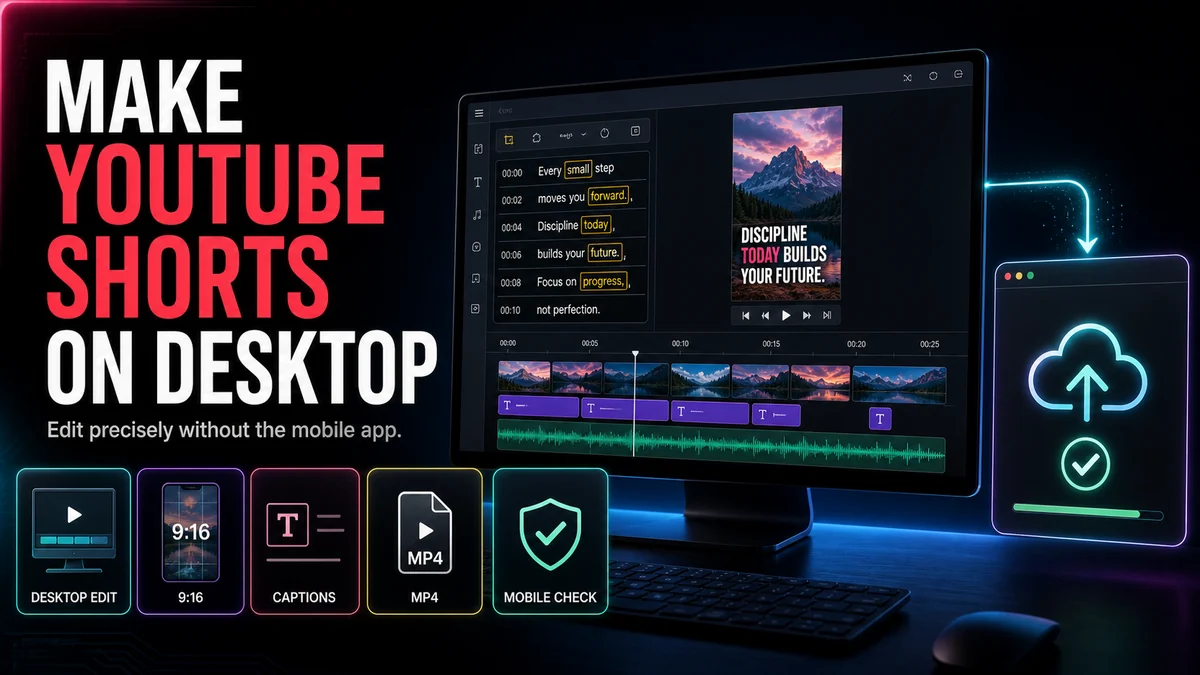
Make YouTube Shorts on desktop by selecting a clip, reframing it vertically, adding captions, reviewing the export, and uploading in Studio.
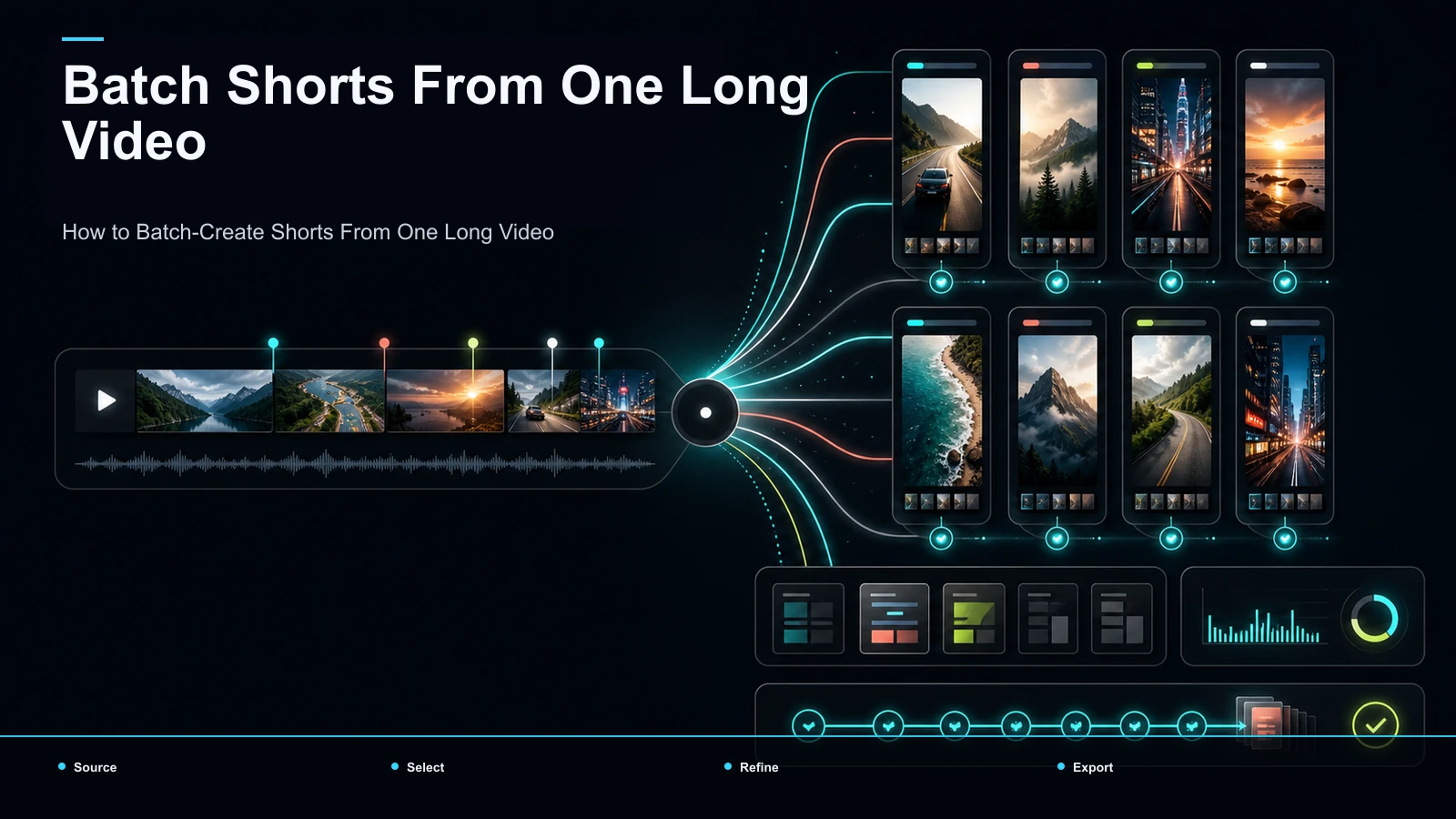
Learn how to batch create shorts from one video: upload once, get a ranked batch, then bulk caption, reframe, and export vertical clips in your browser.
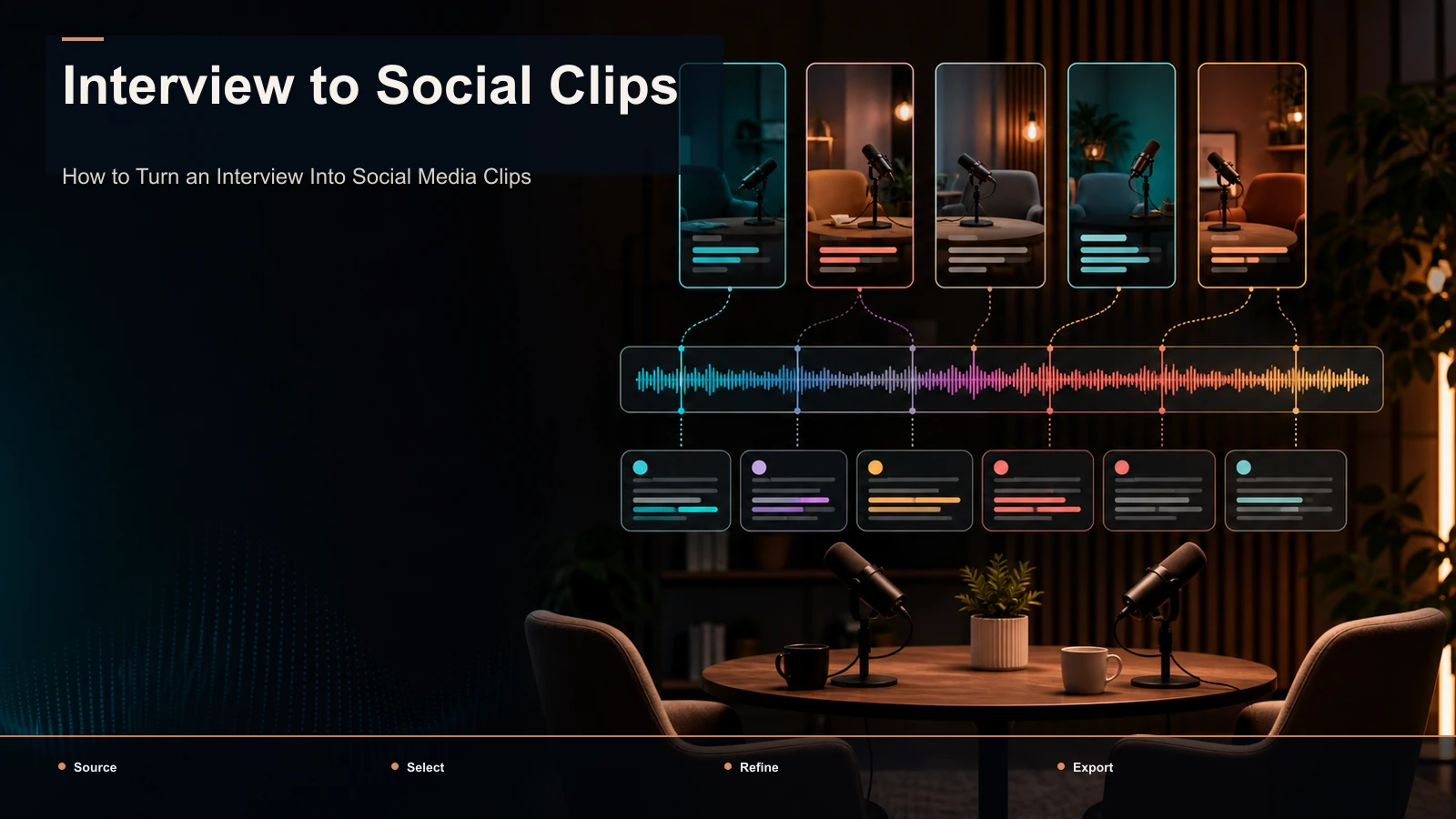
Turn an interview into social clips: find quotable moments, keep or cut the question, frame two speakers vertical, and caption for TikTok, Reels, and Shorts.
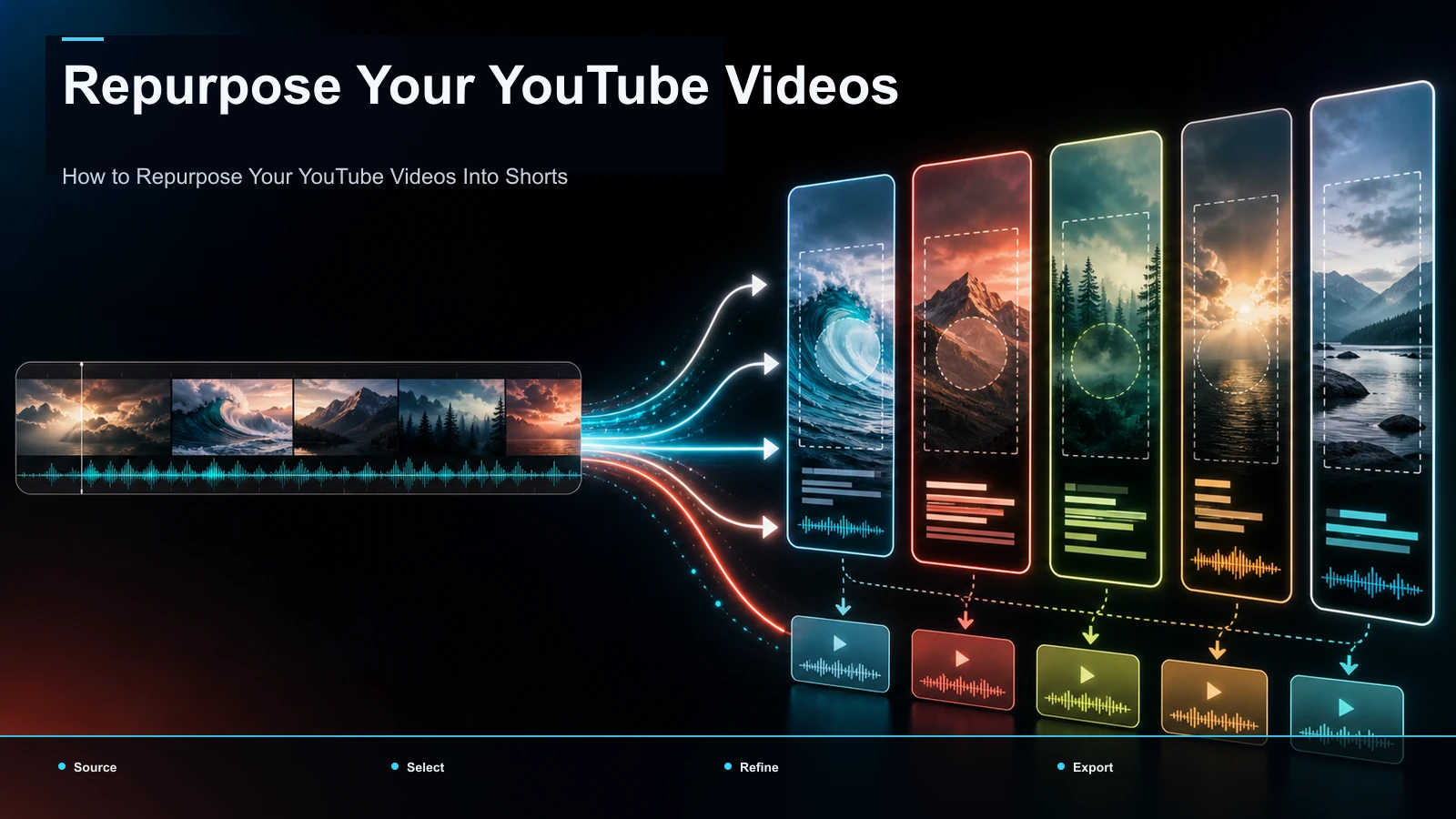
How to repurpose a YouTube video into a Short: contrast YouTube's native sampling with AI batch clipping to mine your back catalog and cross-post to TikTok.
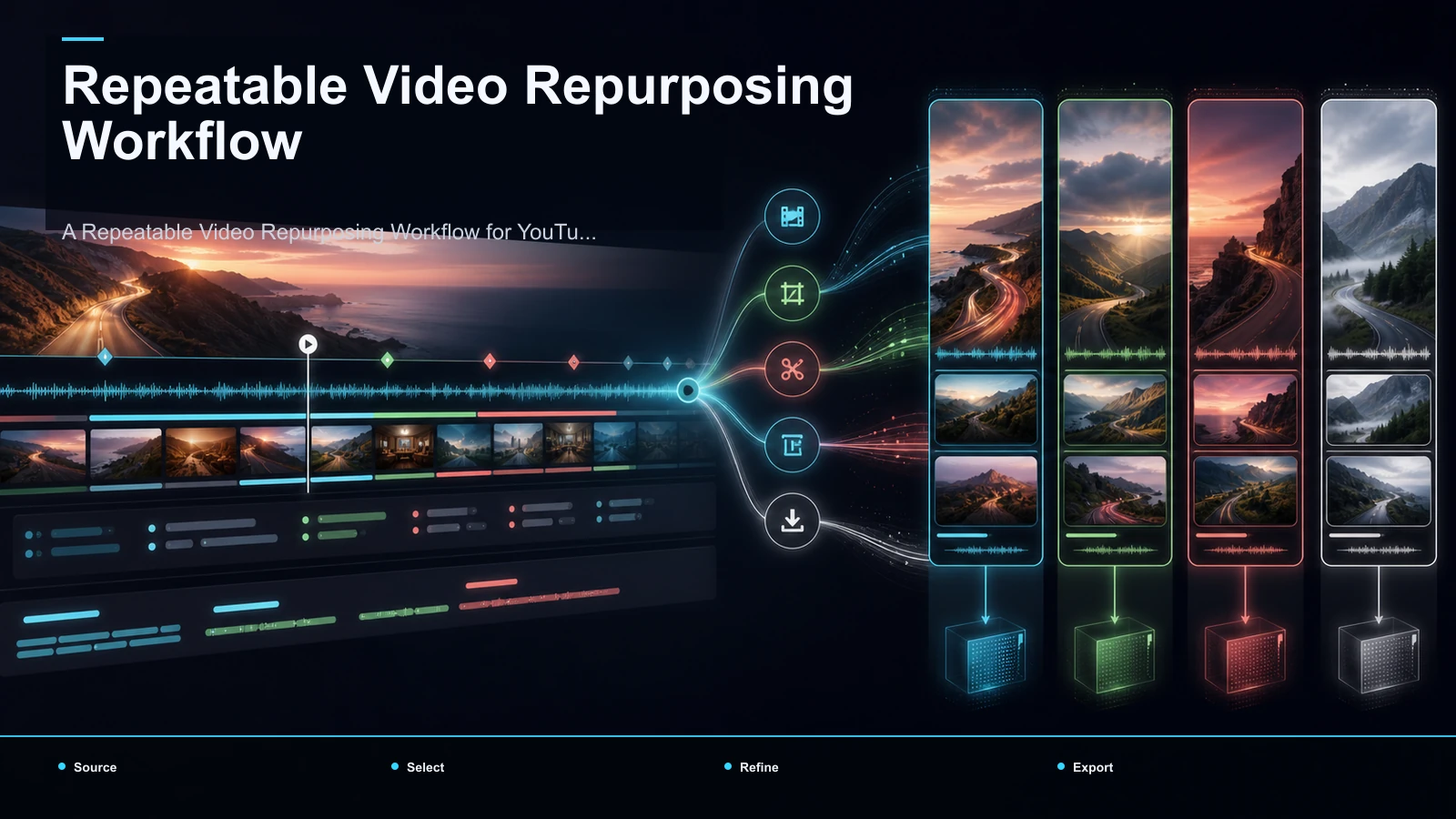
Build a repeatable YouTube repurposing workflow: plan clip-worthy moments, batch clips, correct captions, reframe to 9:16, review, and export.
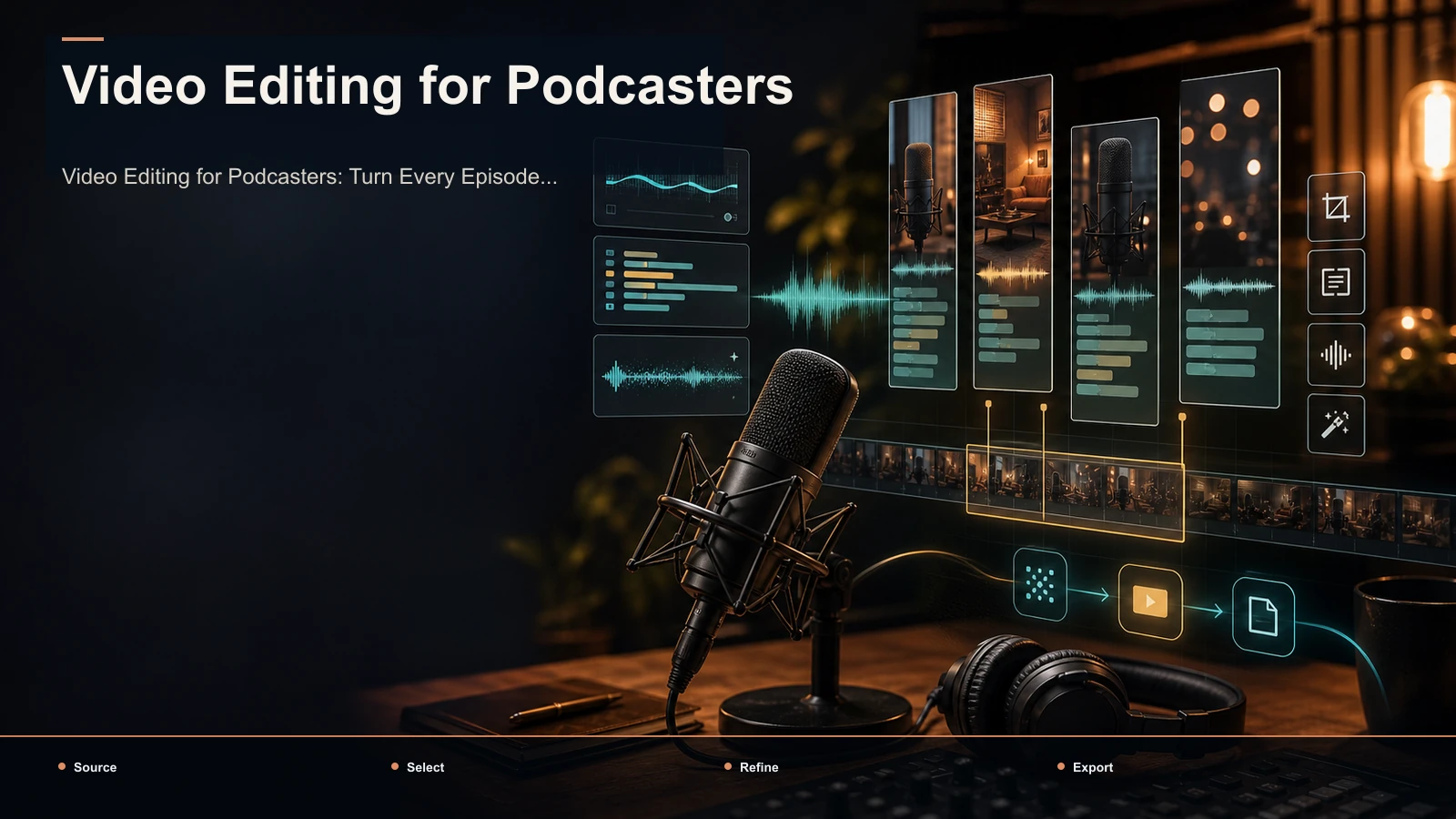
Video editing for podcasters, built as a weekly system: turn one episode into many captioned, vertical clips for YouTube, TikTok, Shorts, and Reels.