Recapo.ai
AI Video Editing
Guides and articles from Recapo.ai for video editing, recap workflows, creators, and AI production.
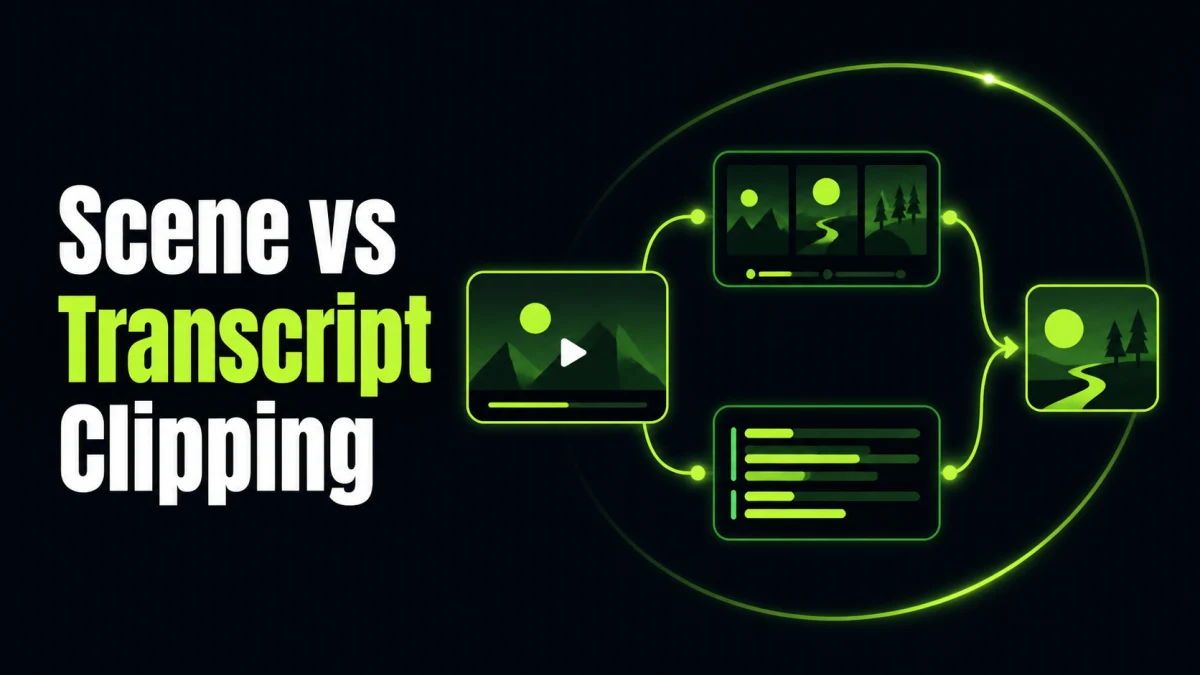
Compare scene-based and transcript-based video clipping for films, podcasts, sports, tutorials, and social clips, including limits and hybrid workflows.

Choose between a long-video-to-Shorts tool and a video summarizer by comparing outputs, workflows, editing depth, review needs, and use cases.
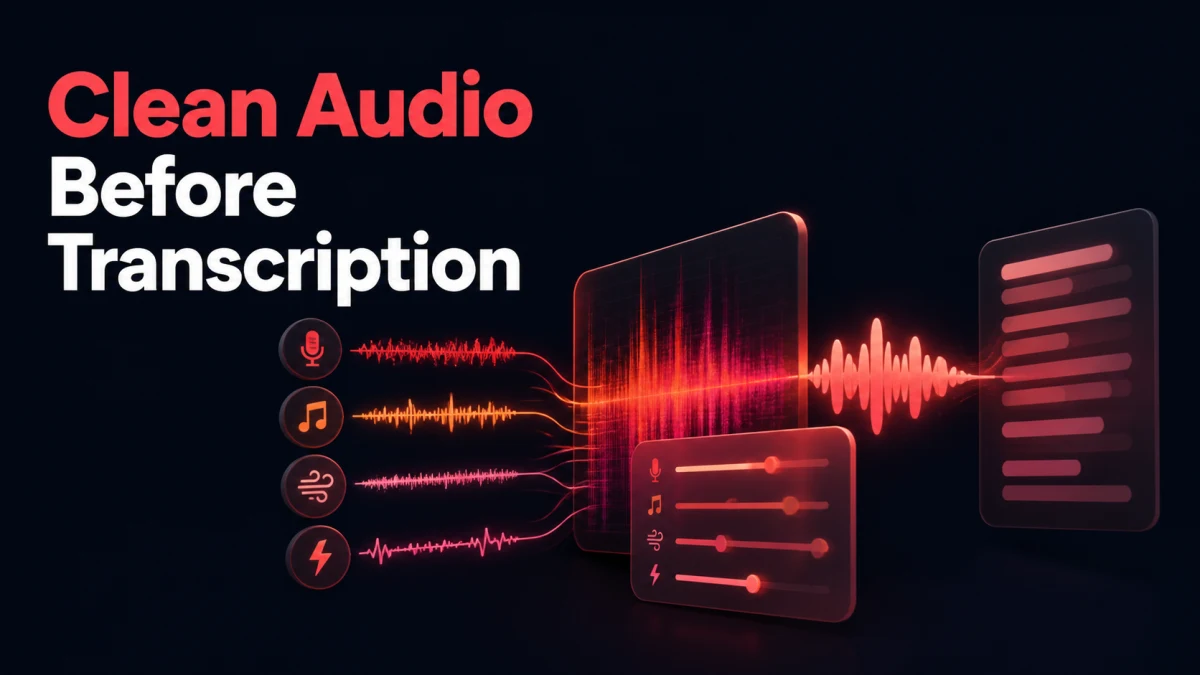
For better transcription, preserve the original, isolate the speech channel, remove only noise that masks words, normalize sections conservatively, and submi

Use noise reduction when unwanted sound is a relatively steady layer such as hiss, hum, wind, or room rumble. Use voice isolation or stem separation when spe

Fix uneven volume in stages: correct clip-level differences, control sudden peaks, automate intentional changes, then normalize the completed program toward
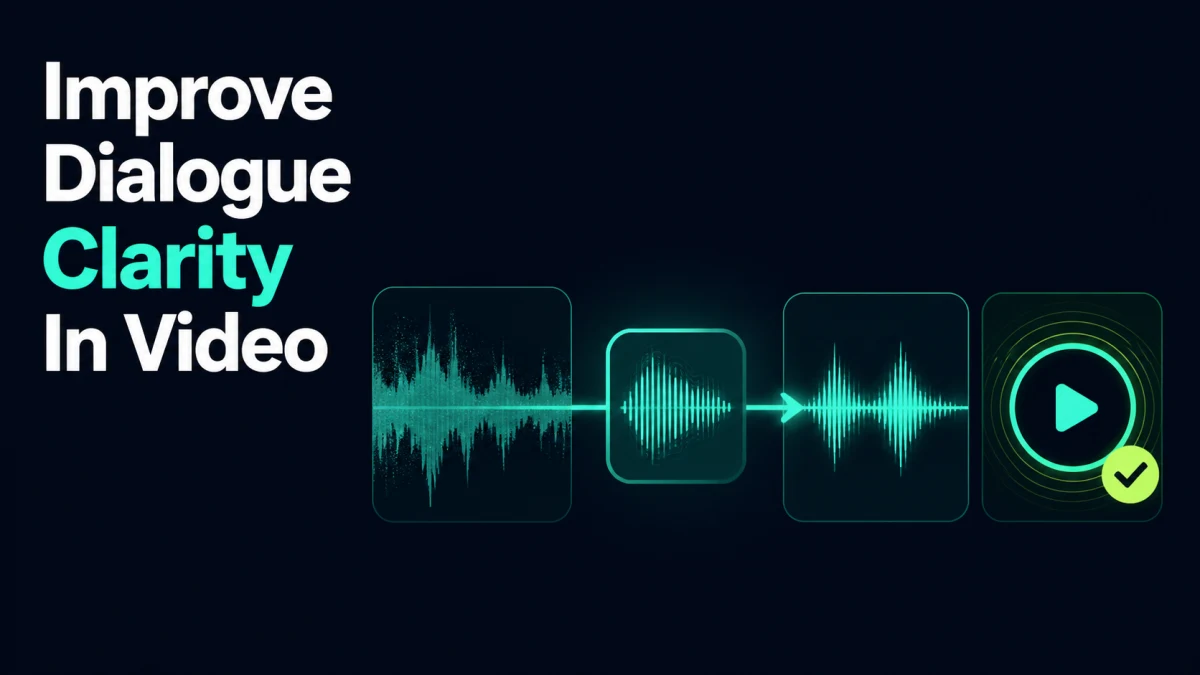
Improve dialogue clarity by identifying what masks speech, selecting the cleanest source, reducing competing sounds, correcting tonal imbalance, and balancin
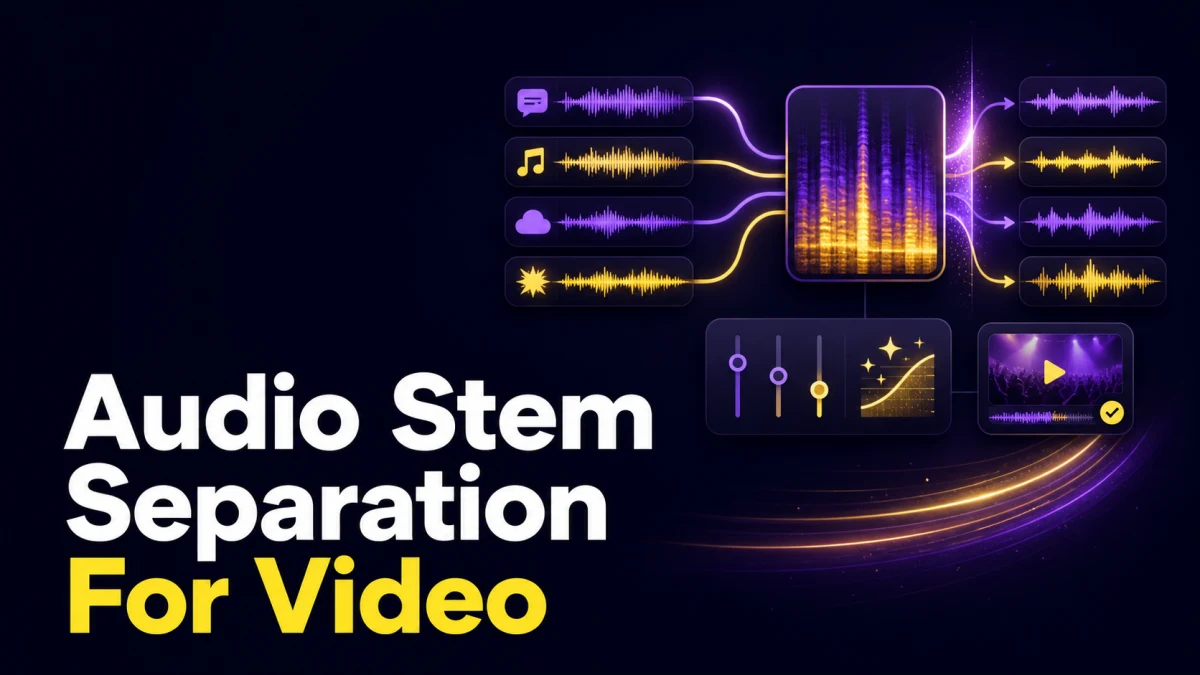
Audio stem separation estimates individual components—such as dialogue, music, and effects—from a mixed soundtrack. It can create editable control where orig
Extract audio from the locked video without changing duration, preserve a timecoded master, prepare a speech-focused transcription copy, and verify the trans
Repair audio when the words are intact and defects are removable without obvious artifacts. Re-record when speech is clipped, missing, wrong, legally unsafe,
Fix AI pronunciation with a versioned lexicon, phonetic or respelled entries, context-aware acronym rules, and sentence-level tests. Correct the script befor
Set pacing from information density and visual events, not a universal words-per-minute target. Use a fast hook only when it remains clear, slow down names a
Review the final encoded video for intelligibility, defects, balance, loudness, sync, channel behavior, accessibility, and platform playback. A timeline that
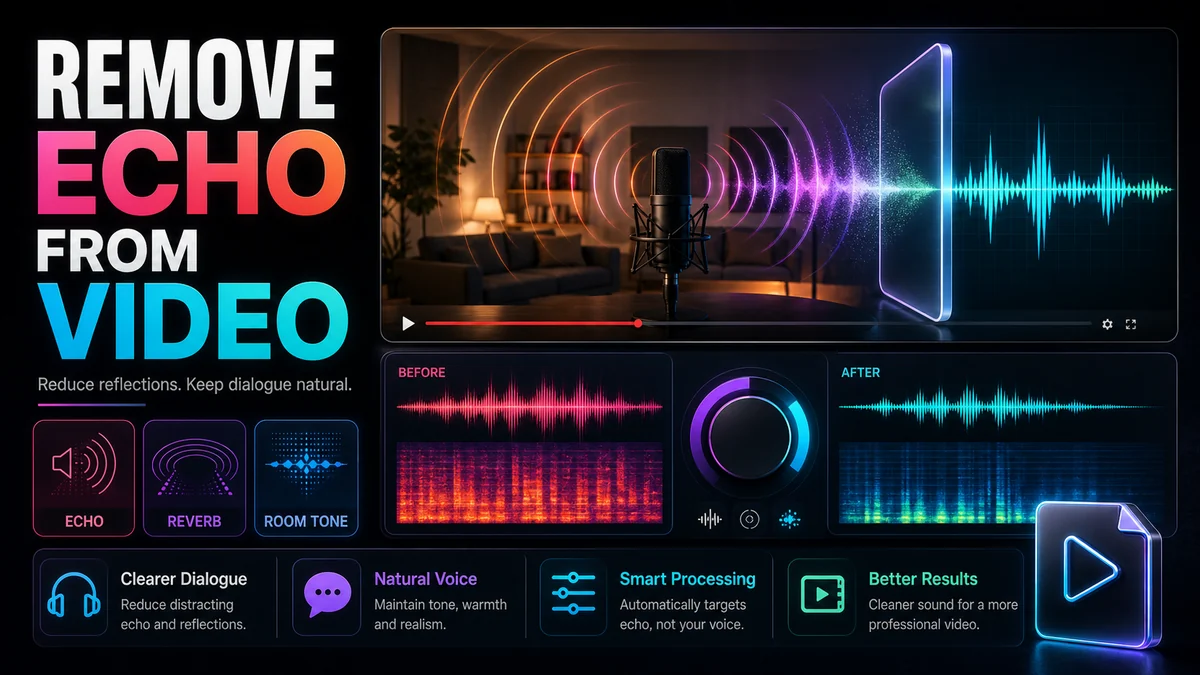
Learn how to remove echo from video dialogue, tell echo from reverb and room tone, apply cautious cleanup, and improve future recordings.
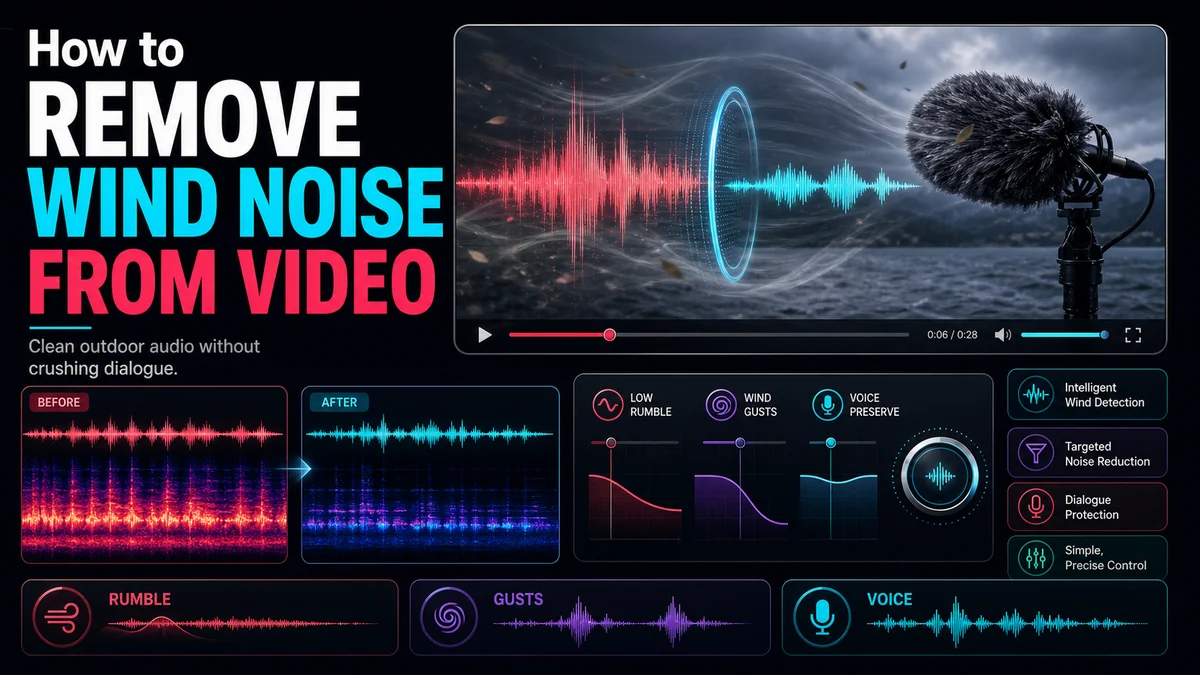
Learn how to remove wind noise from video audio, distinguish rumble from distortion, clean the track cautiously, and prevent wind at capture.
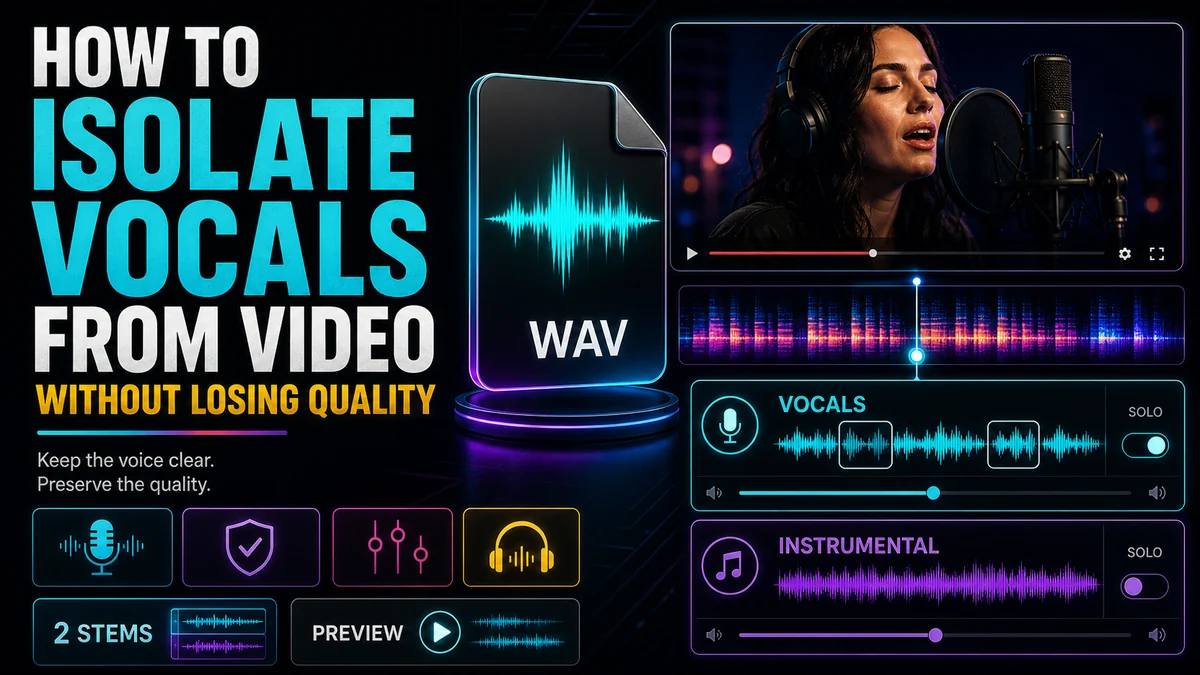
Learn how to isolate vocals from video while minimizing quality loss, checking stem residue, and choosing between vocal and dialogue separation.

Learn how to separate dialogue, music, and sound effects from a video, review each stem, repair residue, and prepare a clean new mix.
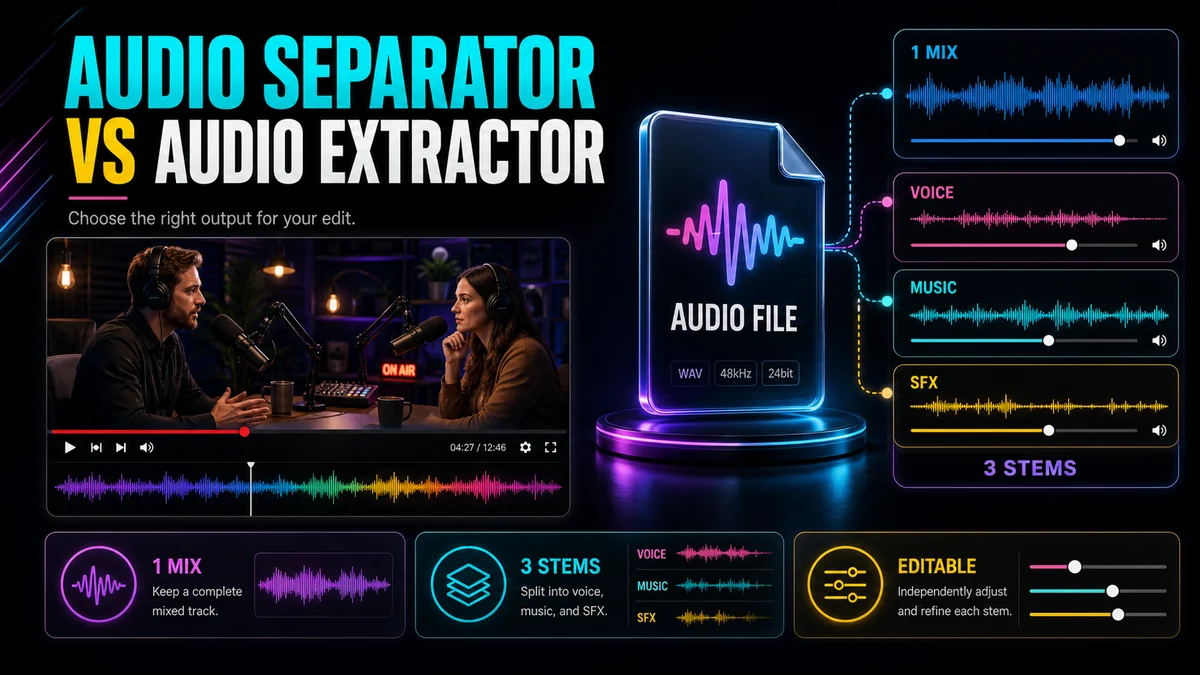
Compare an audio separator vs an audio extractor, understand their outputs, and choose the right workflow for dialogue, music, effects, or a full mix.
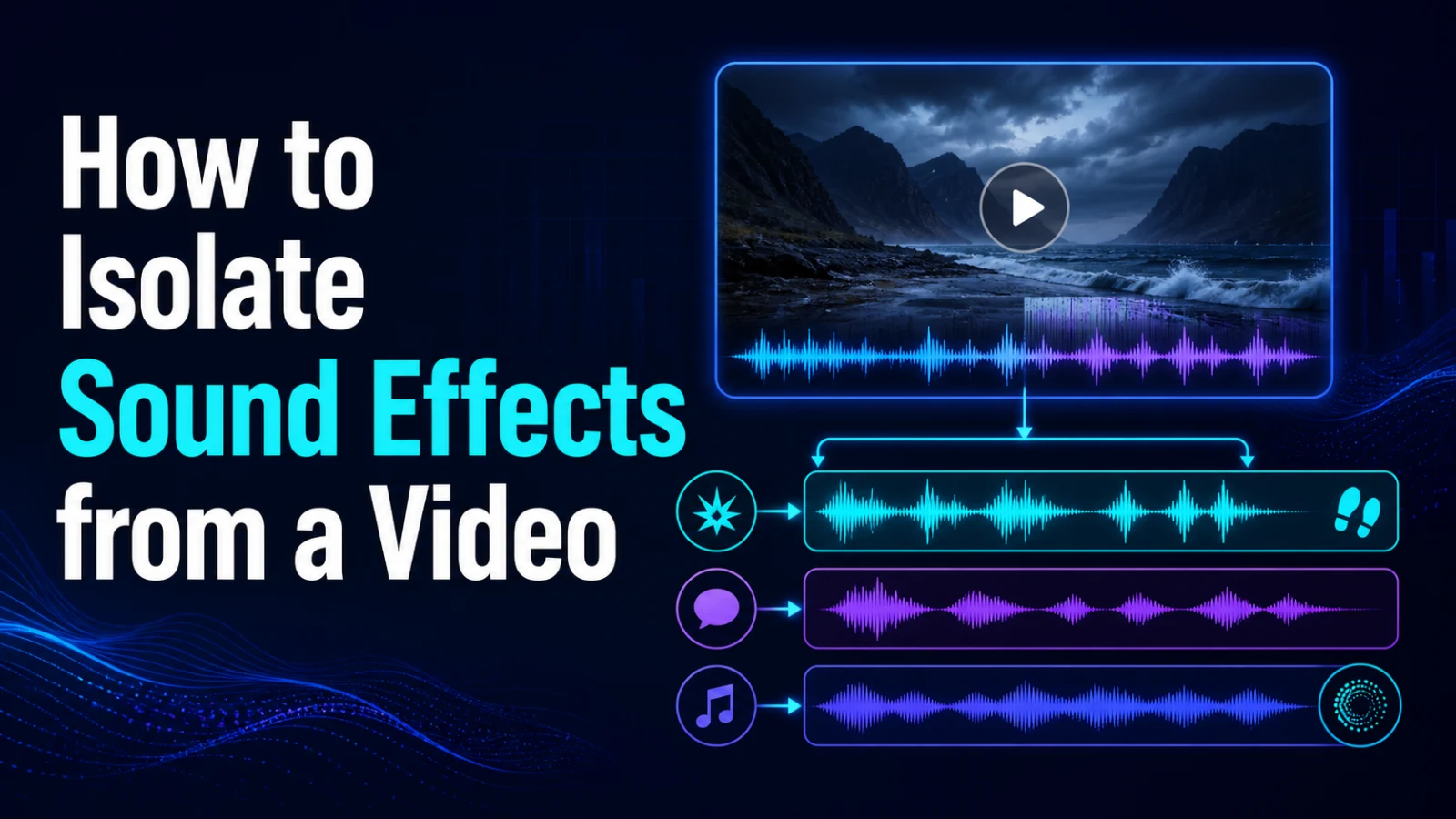
Learn a rights-safe workflow for isolating impacts, ambience and transition sounds from video while checking overlap, residue and manual repair needs.
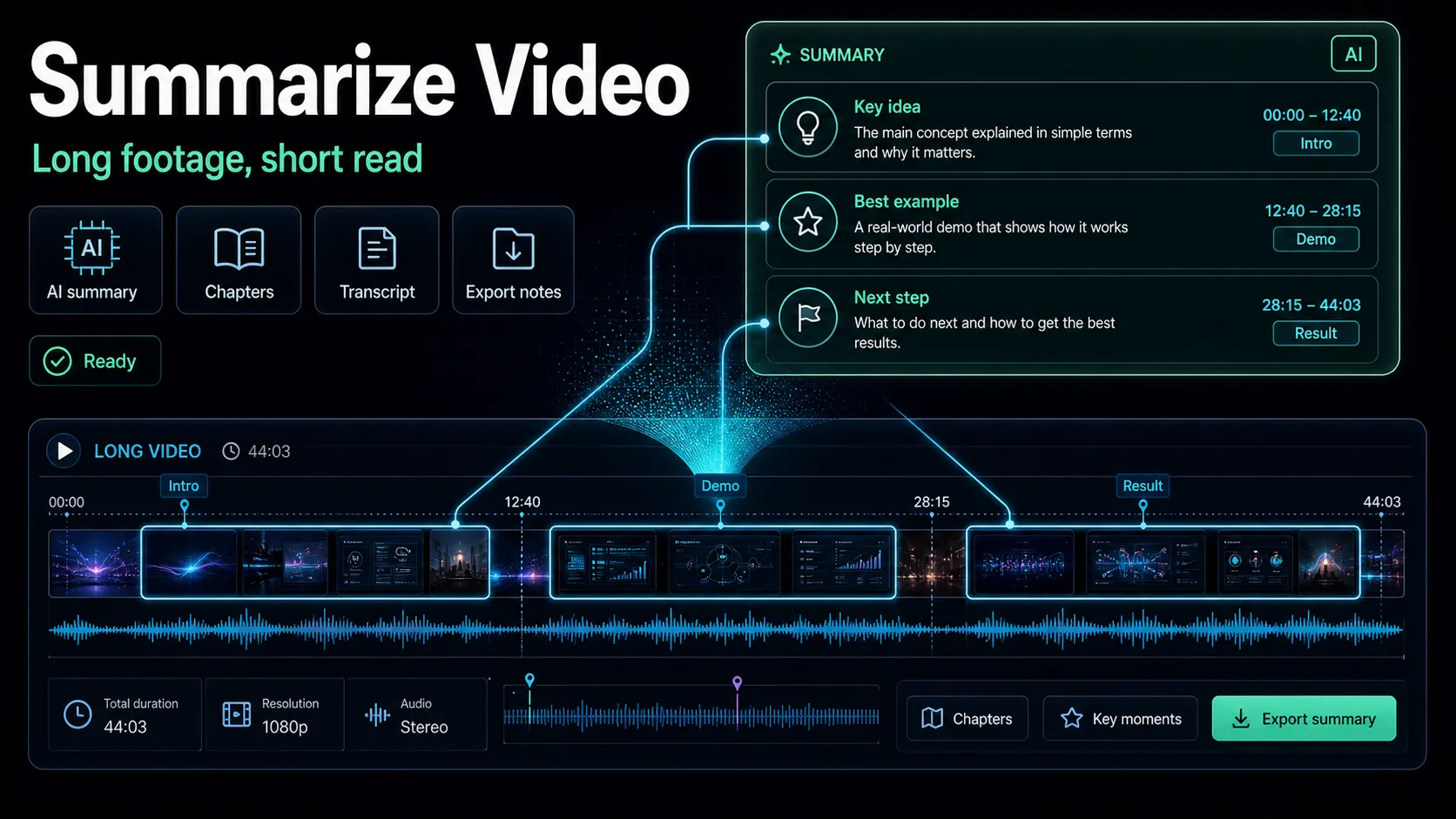
Learn how to summarize a video the creator way: transcribe, generate an AI video summary, build chapters, and reverse-lookup the best highlight clips.
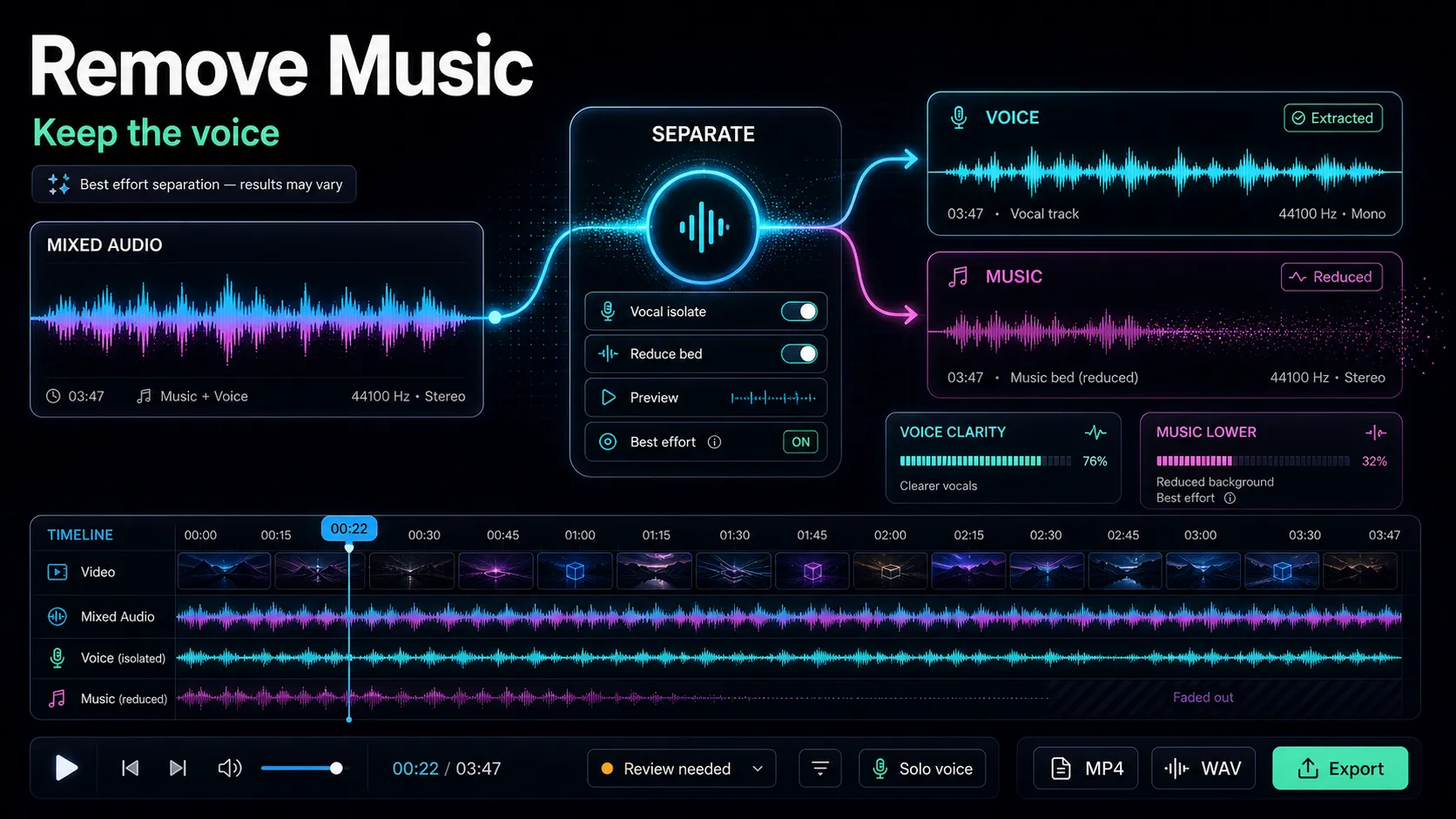
Learn how to remove background music from a video while keeping the voice, using AI stem separation — plus when to just mute audio, and honest artifact limits.
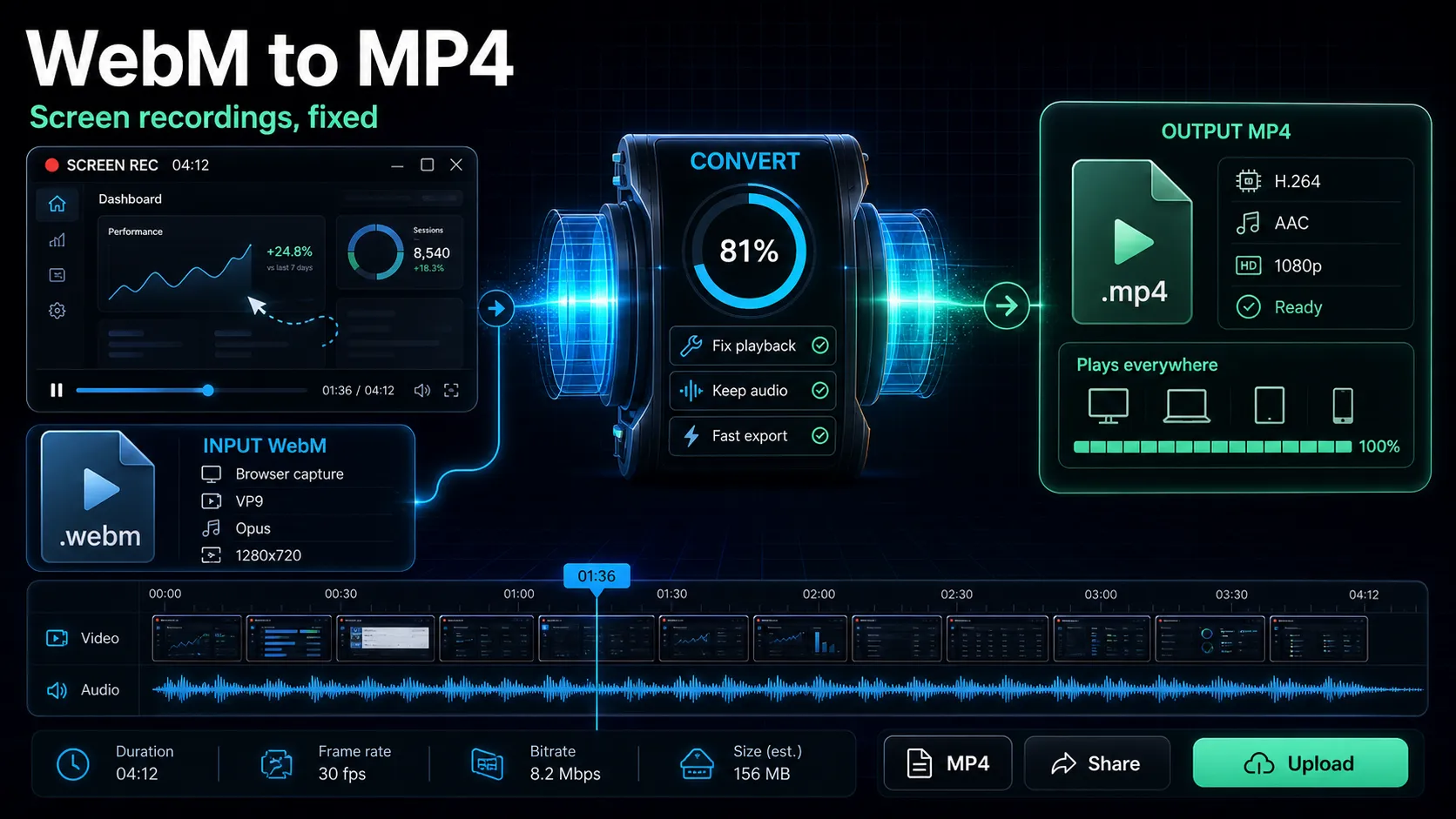
Convert WebM to MP4 online, learn why WebM fails on some devices, and minimize quality loss in a browser workflow.
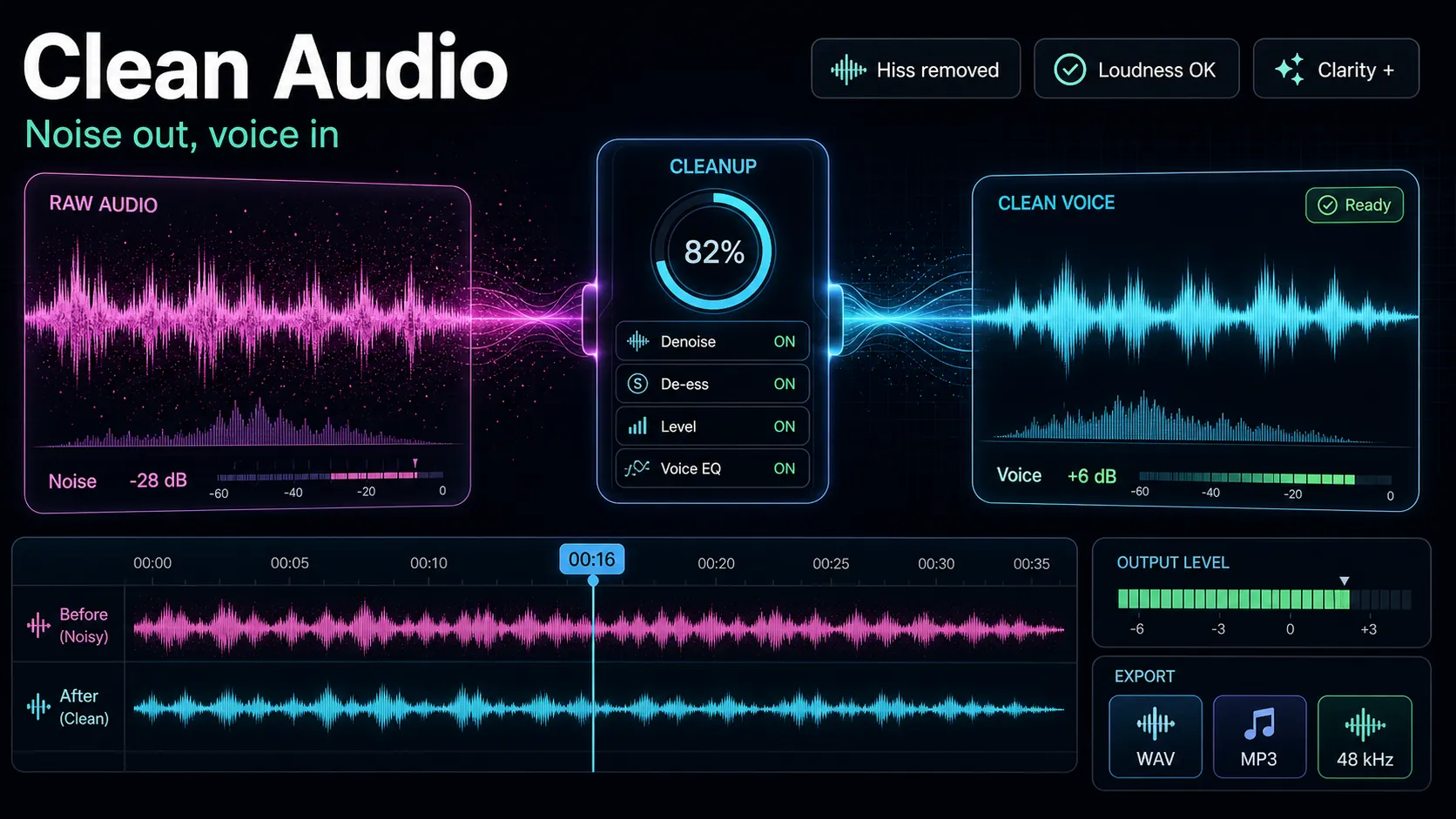
Learn how to remove background noise from video: diagnose hum, hiss, echo and wind, apply AI noise reduction without artifacts, and know when to re-record.

Convert MKV to MP4 without losing quality: learn remuxing vs re-encoding and when a free browser workflow is enough.
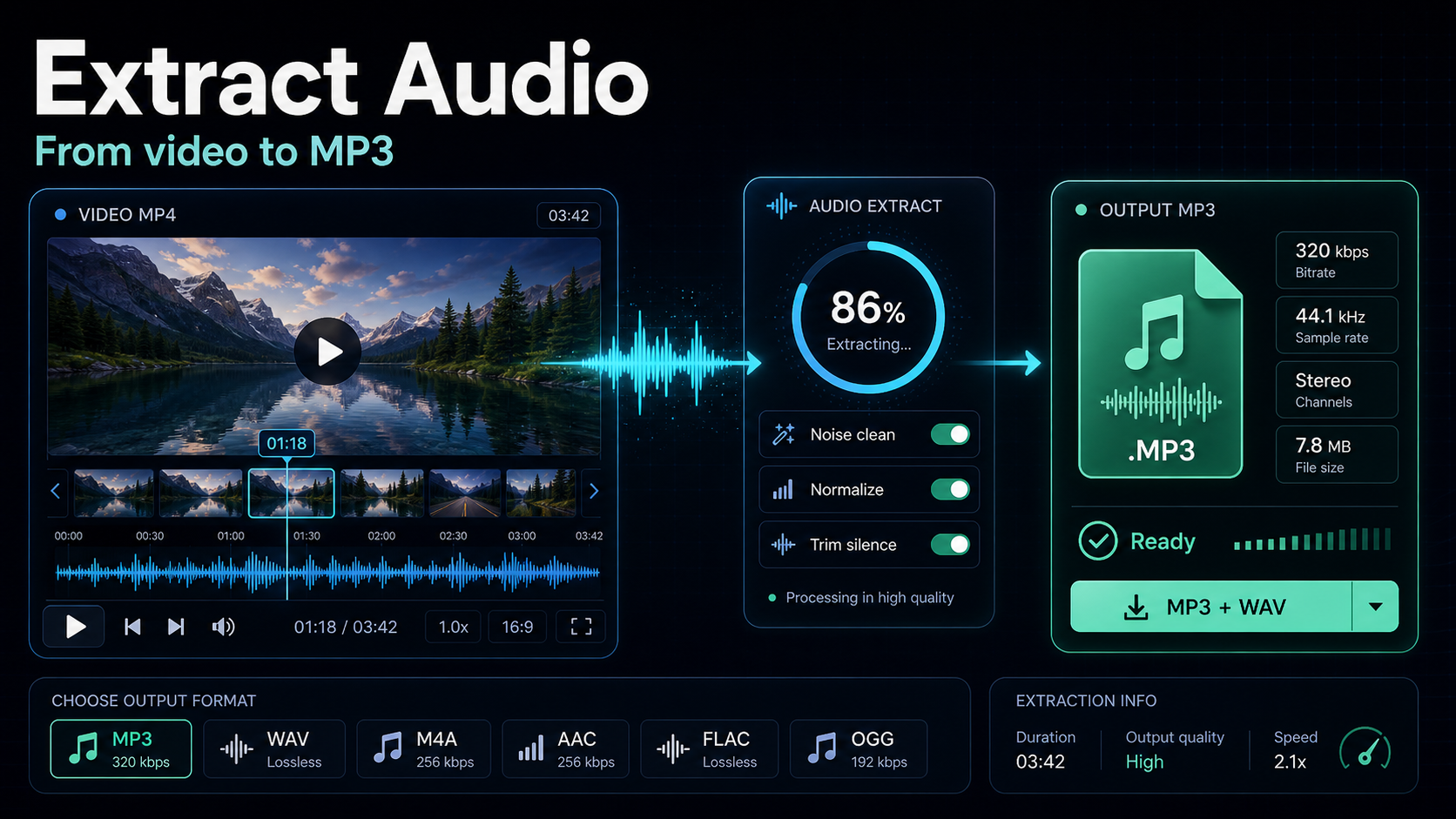
Learn how to extract audio from a video in your browser, on Windows, Mac, phone, or with ffmpeg — plus when to keep the lossless original vs. export to MP3.
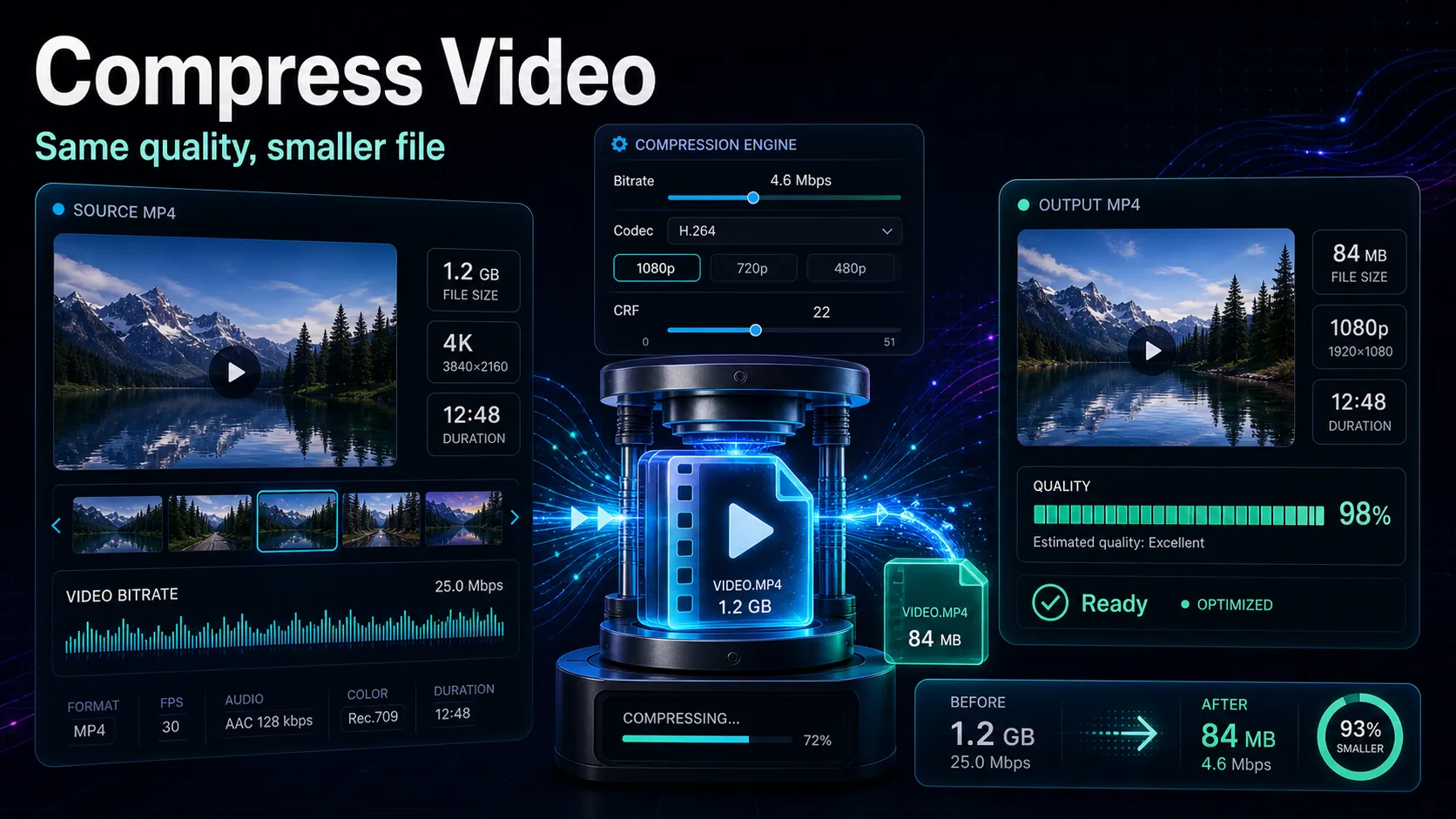
Compress video without visible quality loss: CRF vs bitrate, H.264 vs H.265, platform export targets, and a browser workflow.
Learn how AI video editing works in 2026 — auto clipping, captions, voiceover and resizing — what it still can't do, and how to choose the right tool.