Recapo.ai
Video Editing & Recap Blog
Guides and articles from Recapo.ai for video editing, recap workflows, creators, and AI production.

Short form video to grow your newsletter: the honest, step-by-step workflow to repurpose issues and podcasts into clips that funnel viewers into subscribers.
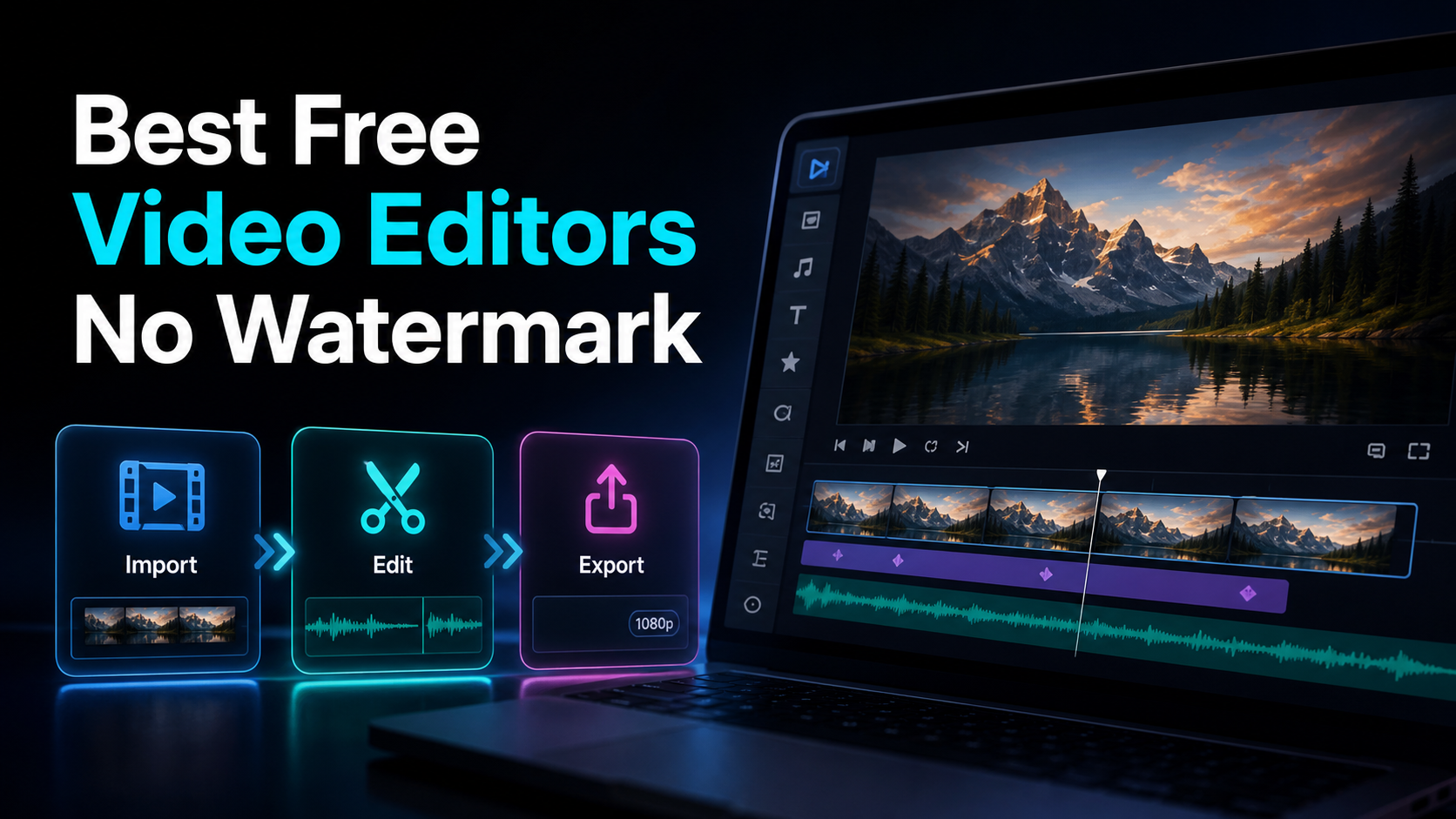
Hunting for the best free video editor no watermark? Learn the four watermark models, run a 60-second export test.
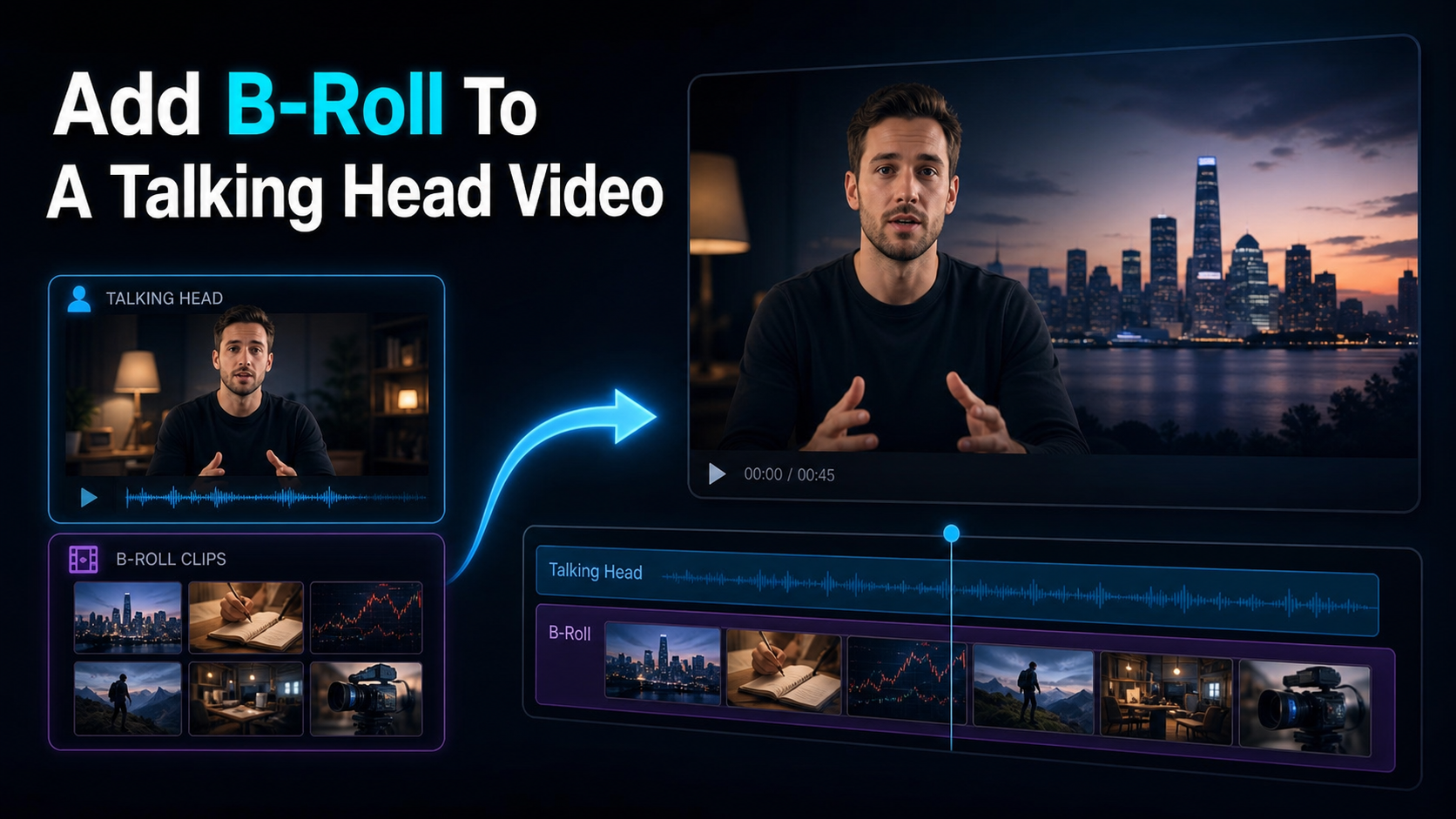
Add B-roll to talking-head video with a shot map, permitted footage, purposeful timing, audio continuity, and a repeatable review process.
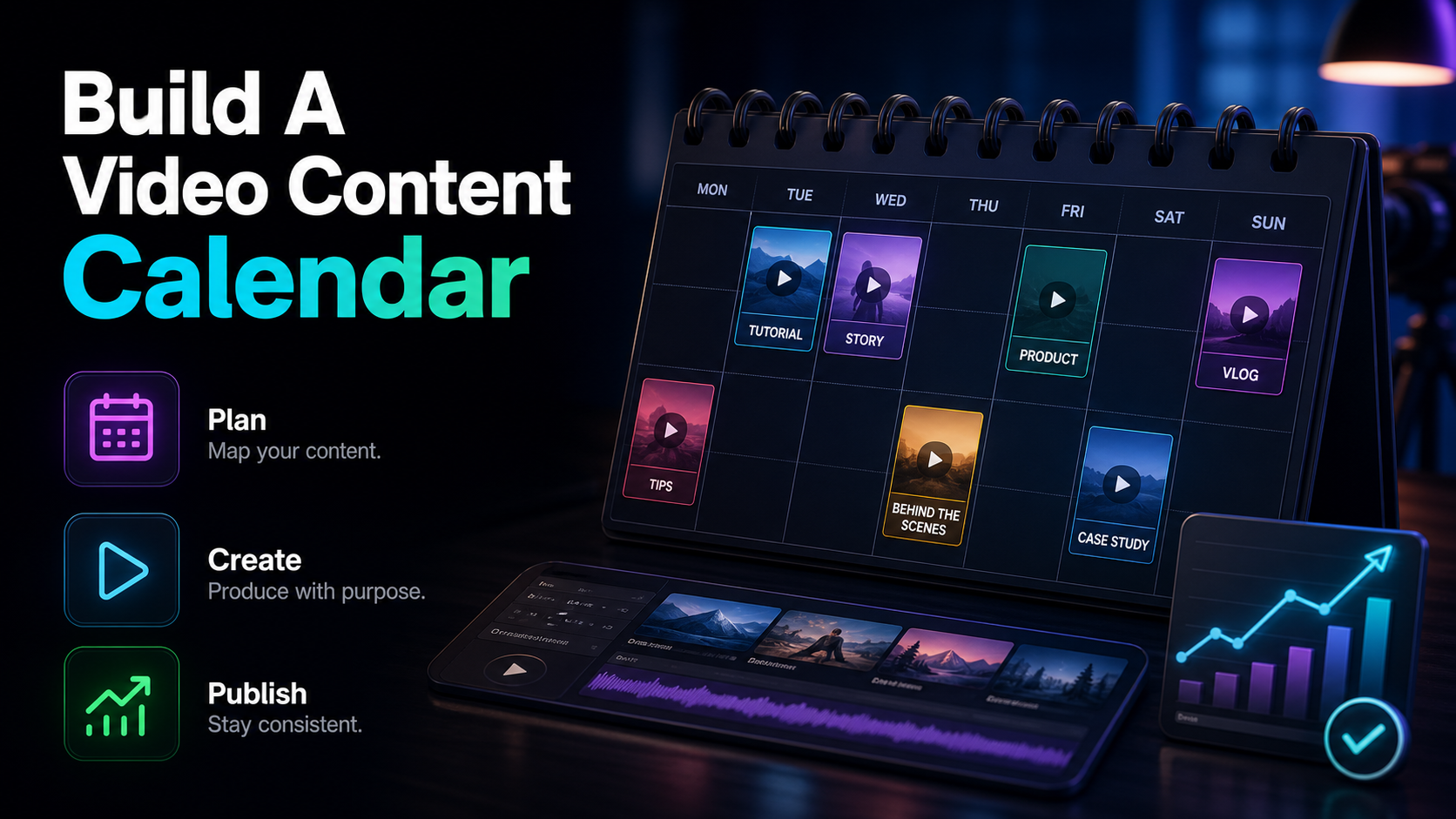
Build a video content calendar that sticks: a copy-ready fields table, a template you can paste into a spreadsheet, and how to fill it with repurposed clips.
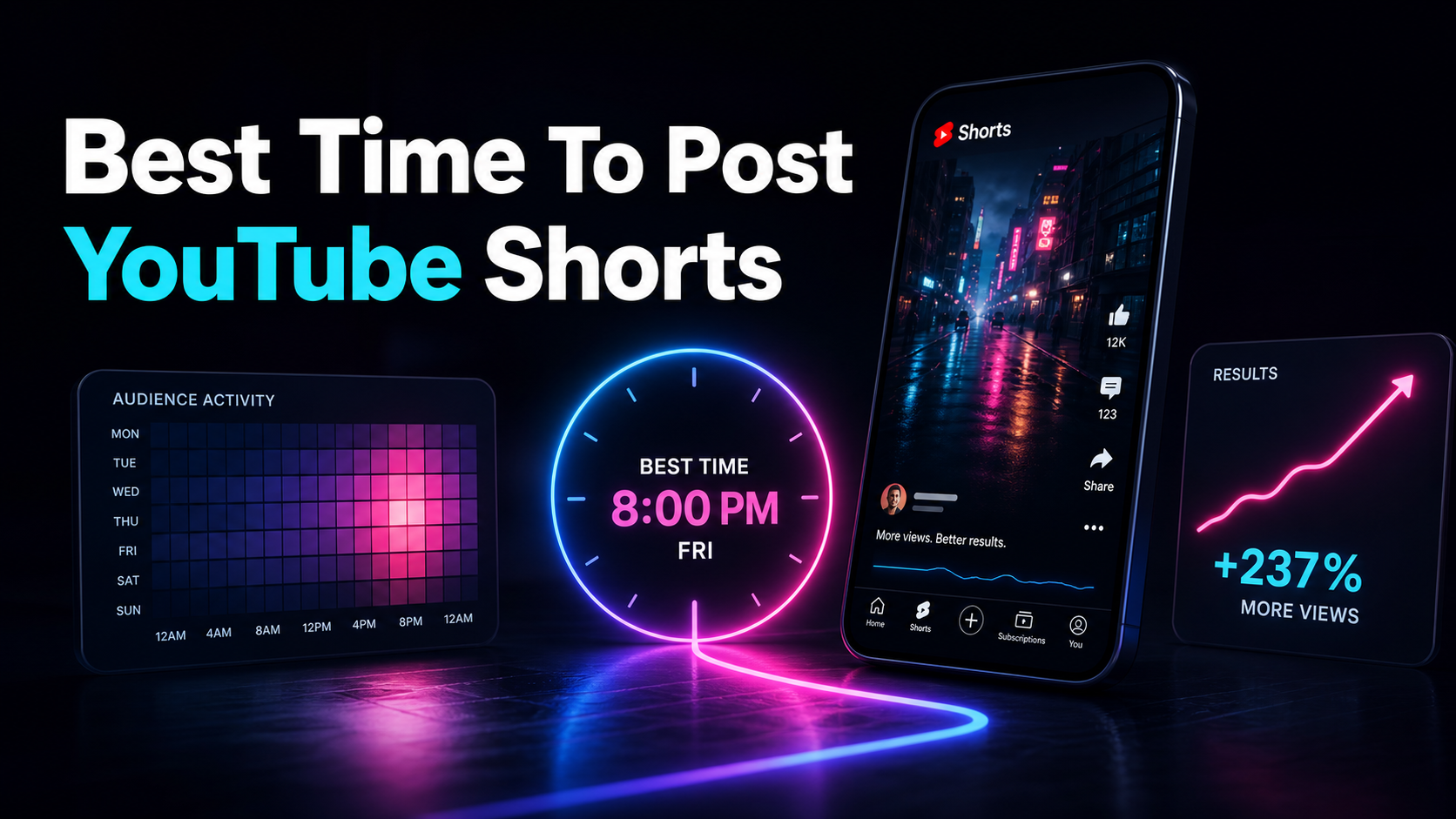
Find the best time to post YouTube Shorts from your own Audience analytics, then test repeatable windows across comparable batches of clips.
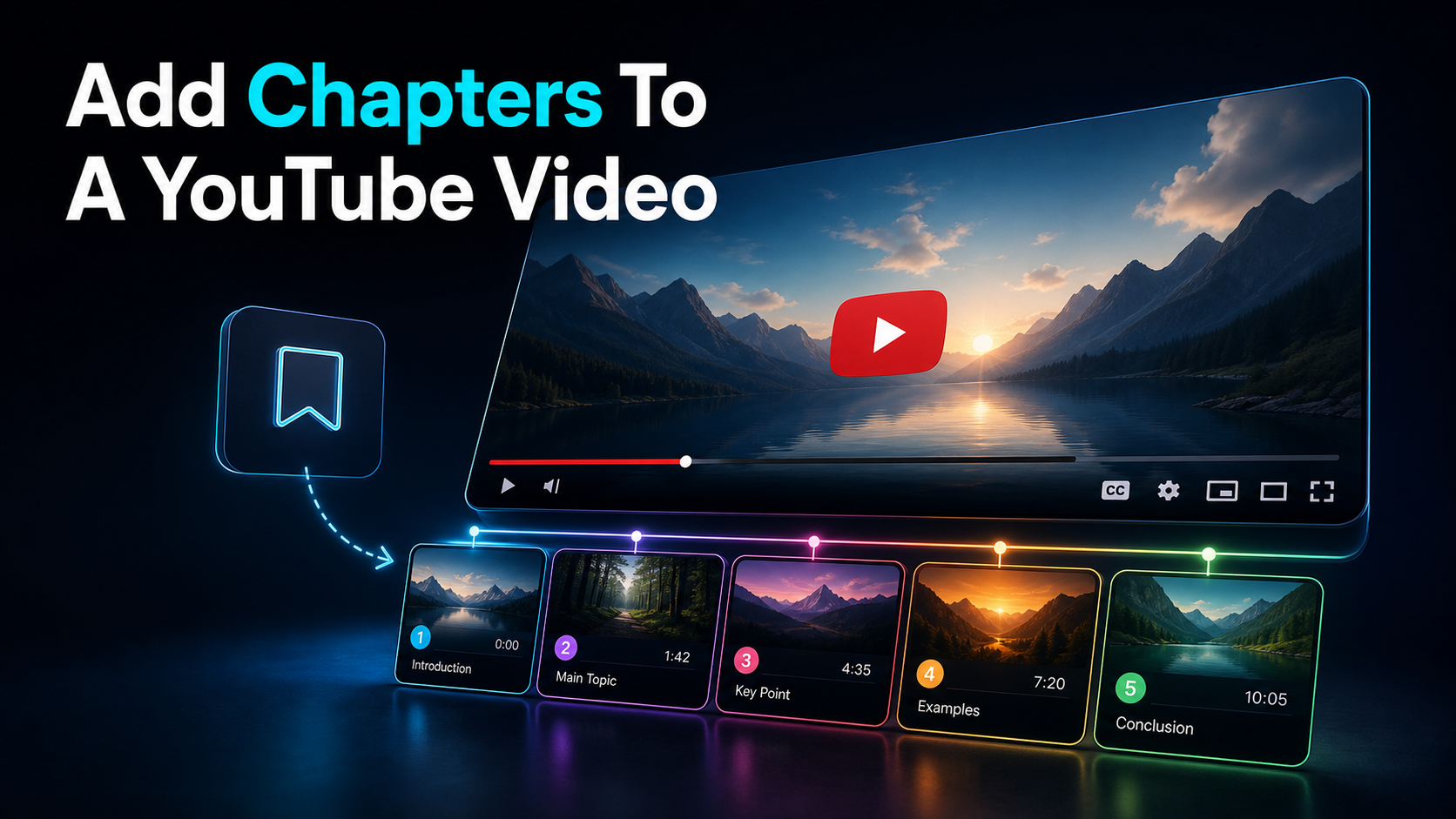
How to add chapters to a YouTube video: the exact timestamp format YouTube requires, a copy-paste template, and fixes for when chapters won't show.
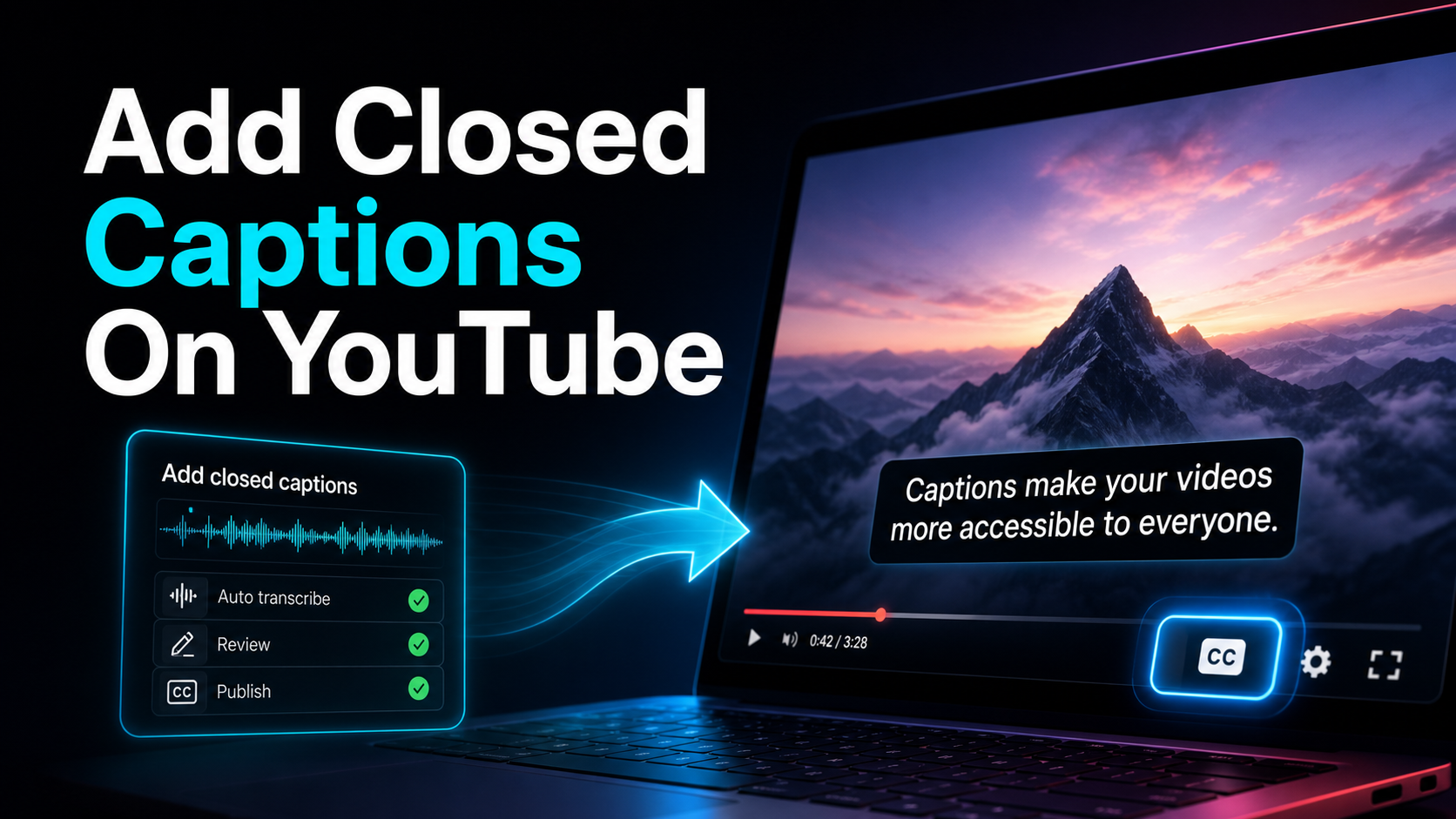
How to add closed captions on YouTube — upload an SRT, auto-sync a transcript, or type them in YouTube Studio.
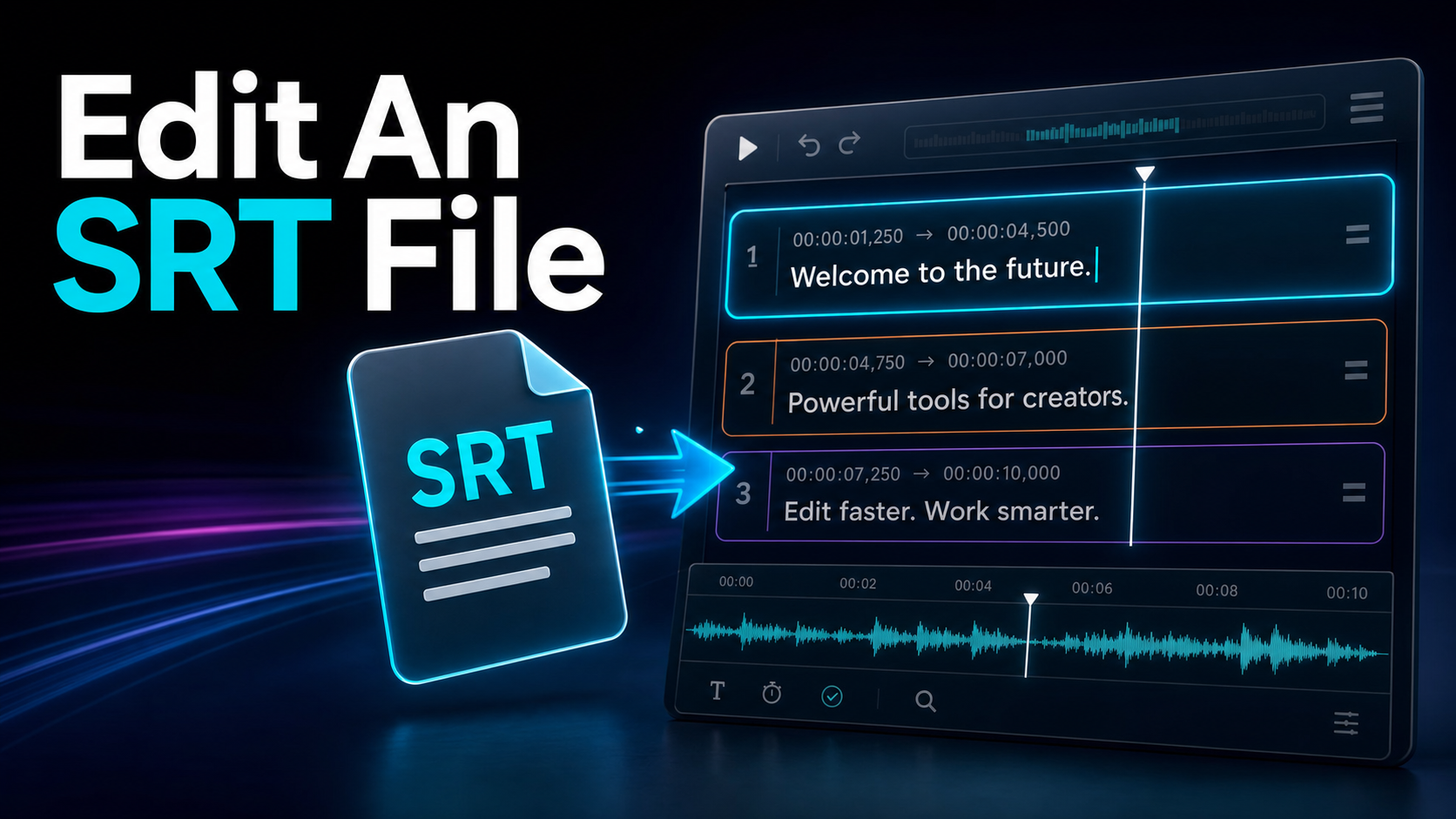
How to edit an SRT file safely: the format rules that quietly break subtitles, how to fix timing, and when to move from Notepad to an online SRT editor.
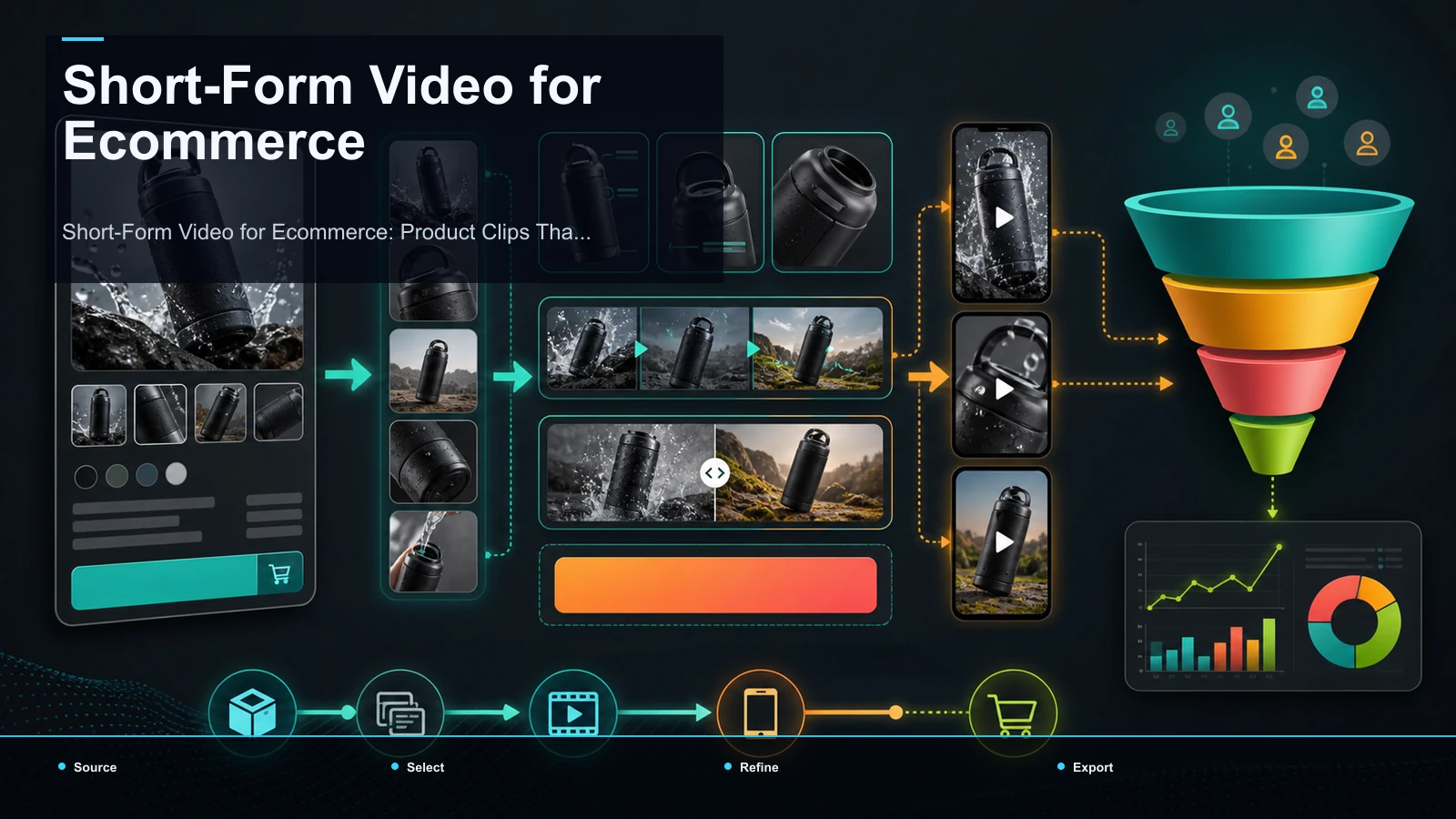
Plan ecommerce short-form video by product question, proof, source rights, CTA, captions, and a workflow for repurposing existing brand footage.
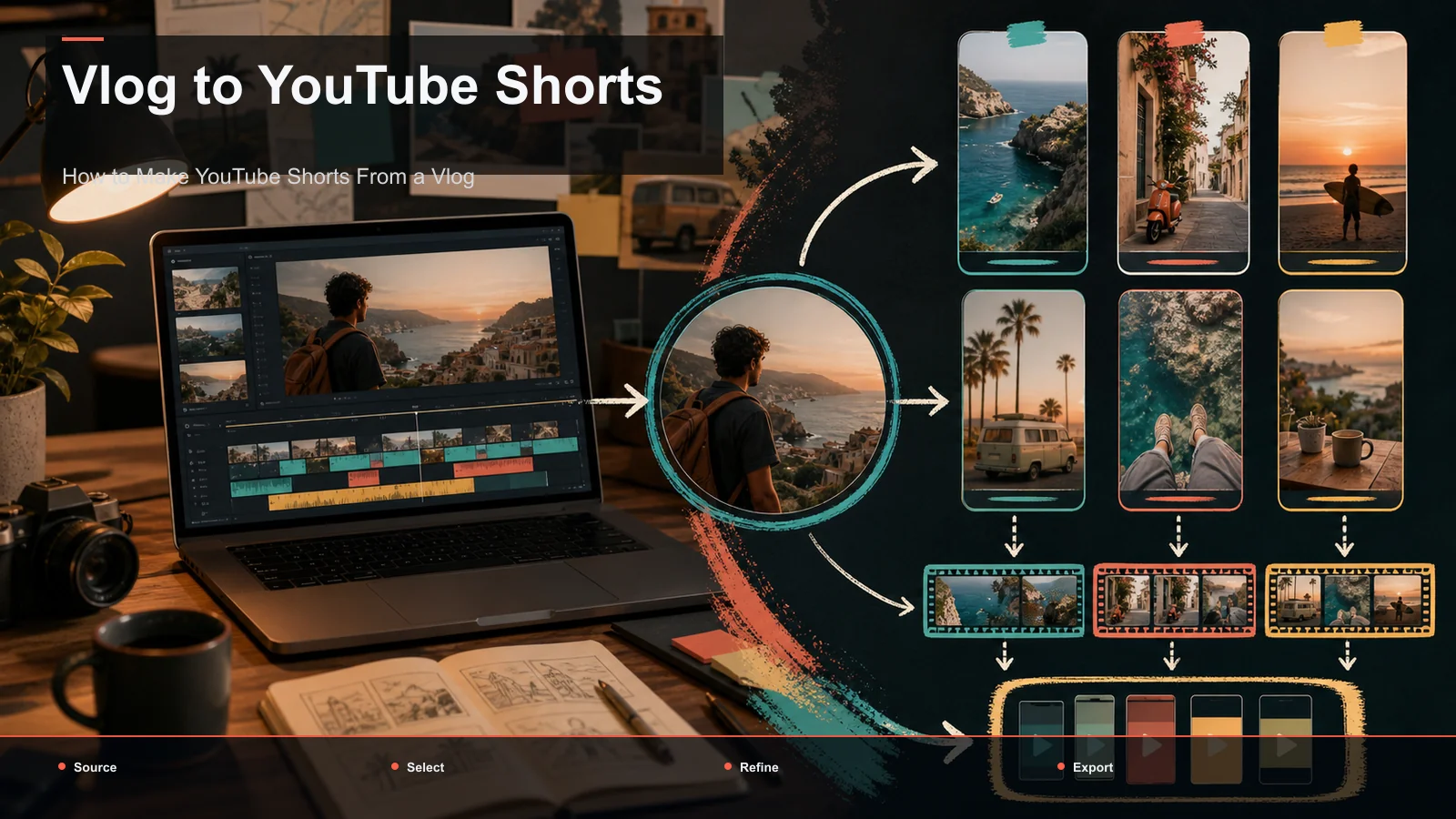
Turn vlog footage into YouTube Shorts by selecting complete moments, testing duration and openings, reviewing captions, and reframing for vertical viewing.
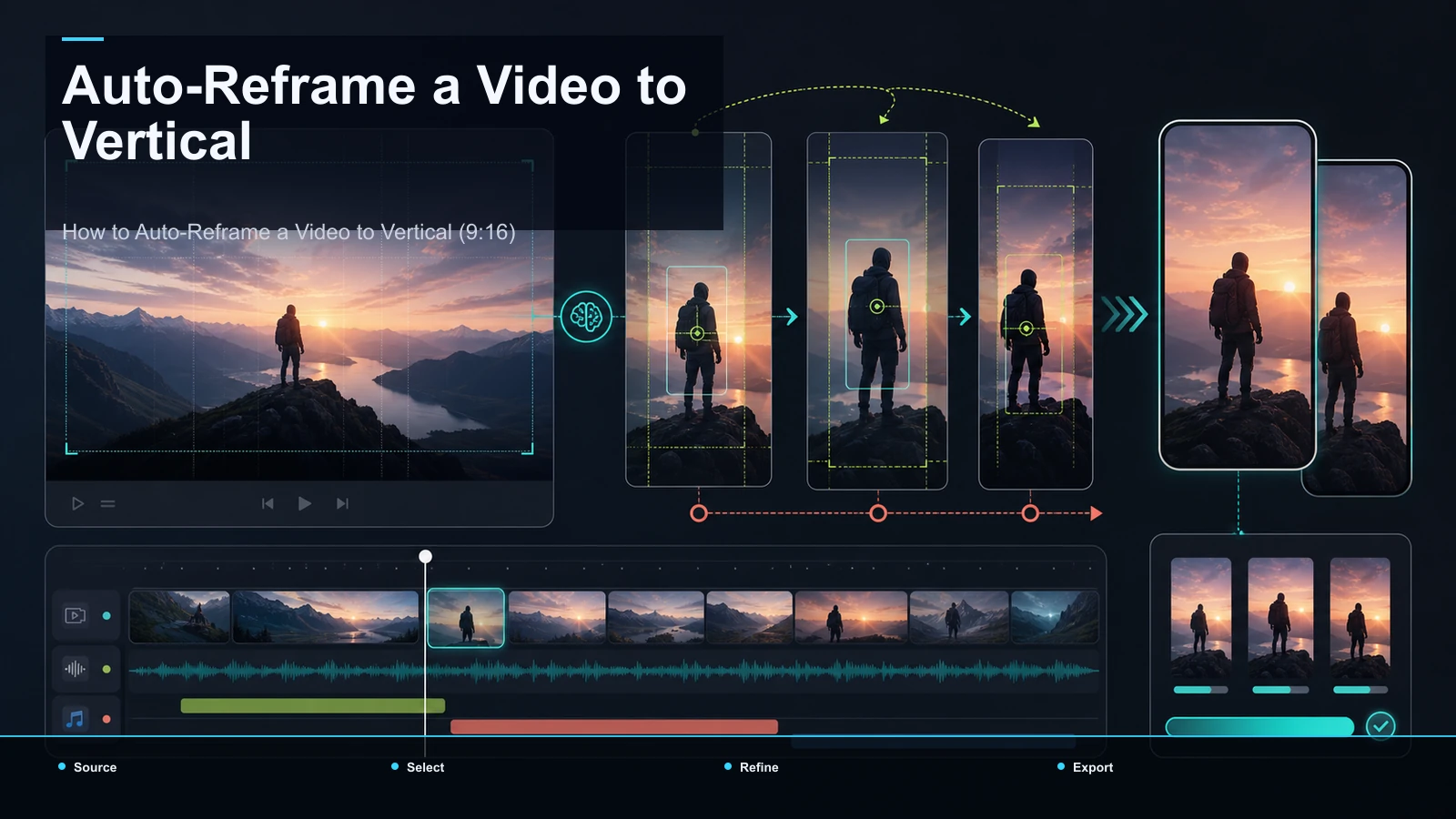
Auto-reframe horizontal video to 9:16, review subject tracking, protect captions from interface overlays, and export platform-ready vertical versions.
How to caption a podcast video: transcribe the episode once, proofread and style podcast subtitles, then reuse the transcript to caption vertical clips.
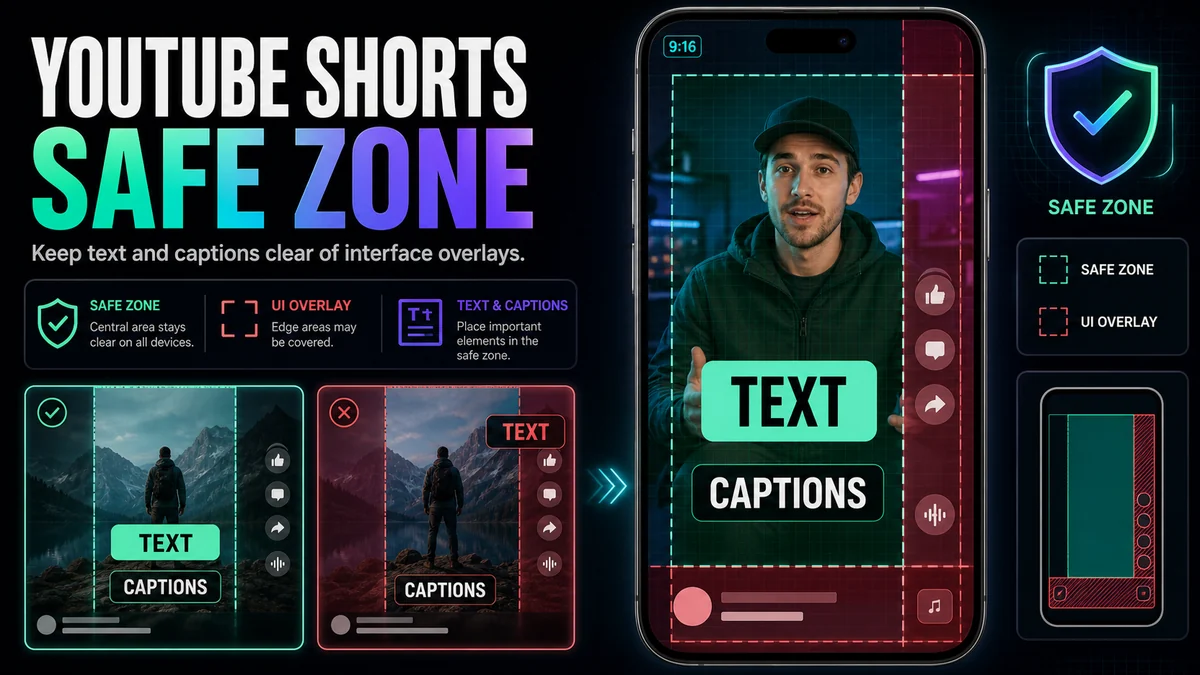
Use a practical YouTube Shorts safe-zone workflow to keep captions, titles, faces, and calls to action clear of interface overlays.
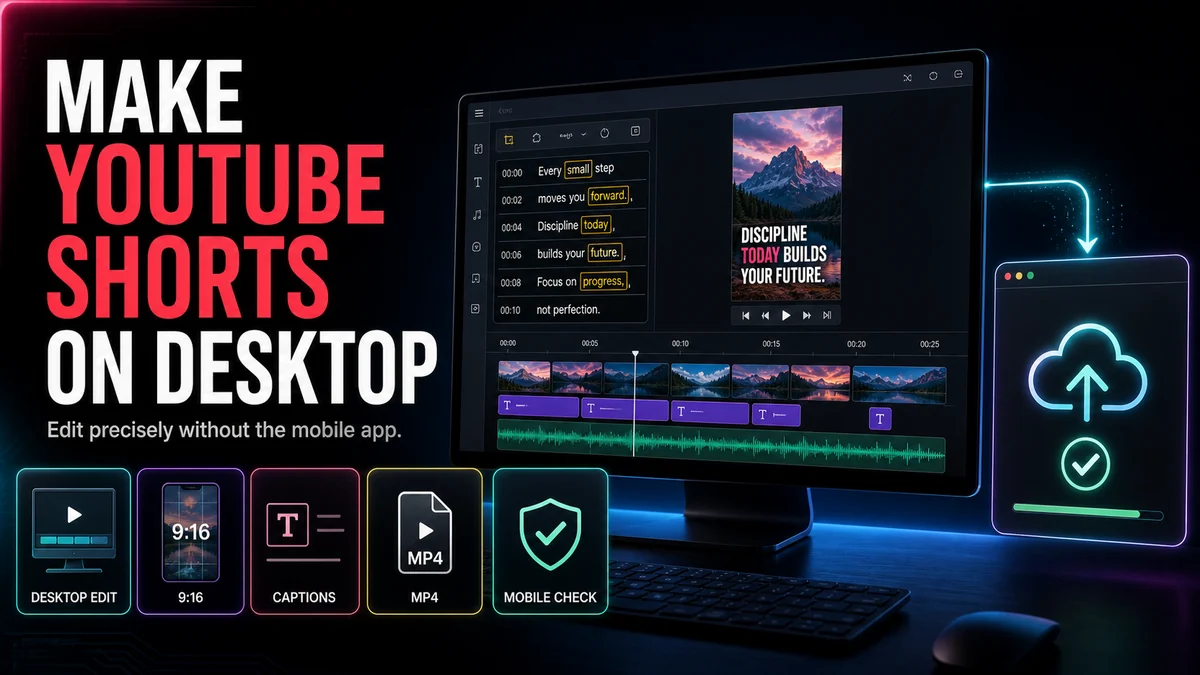
Make YouTube Shorts on desktop by selecting a clip, reframing it vertically, adding captions, reviewing the export, and uploading in Studio.
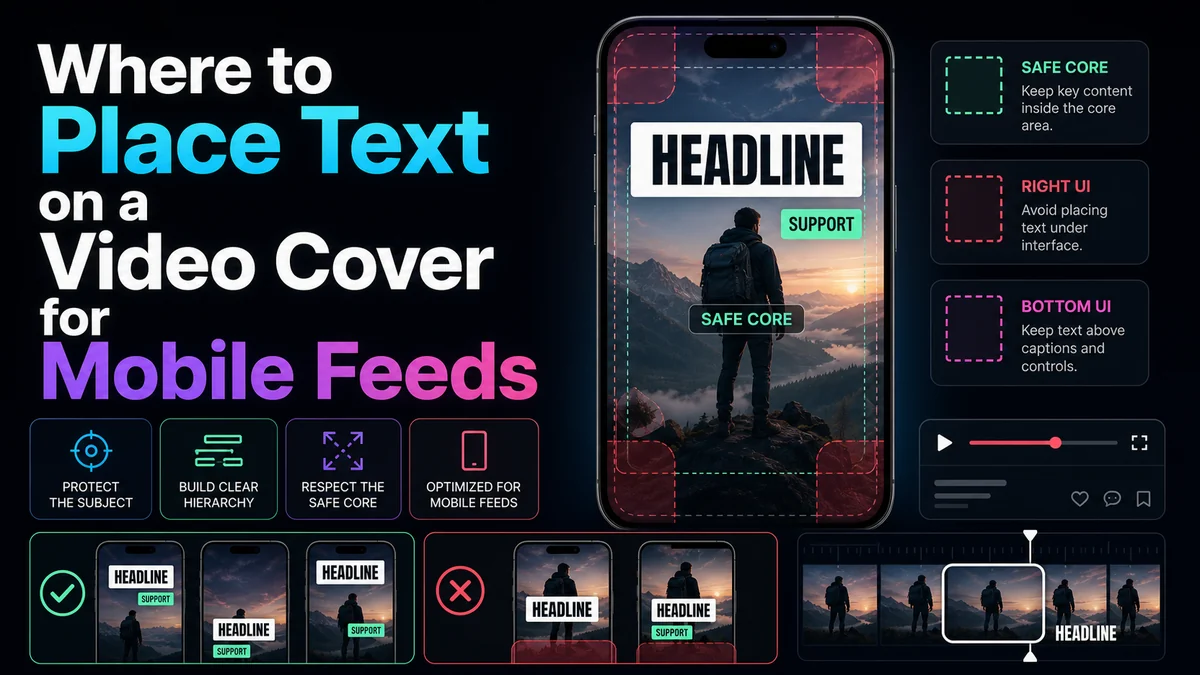
Place video cover text for mobile readability with clear hierarchy, crop-safe spacing, platform-specific canvases, and a practical phone-preview checklist.
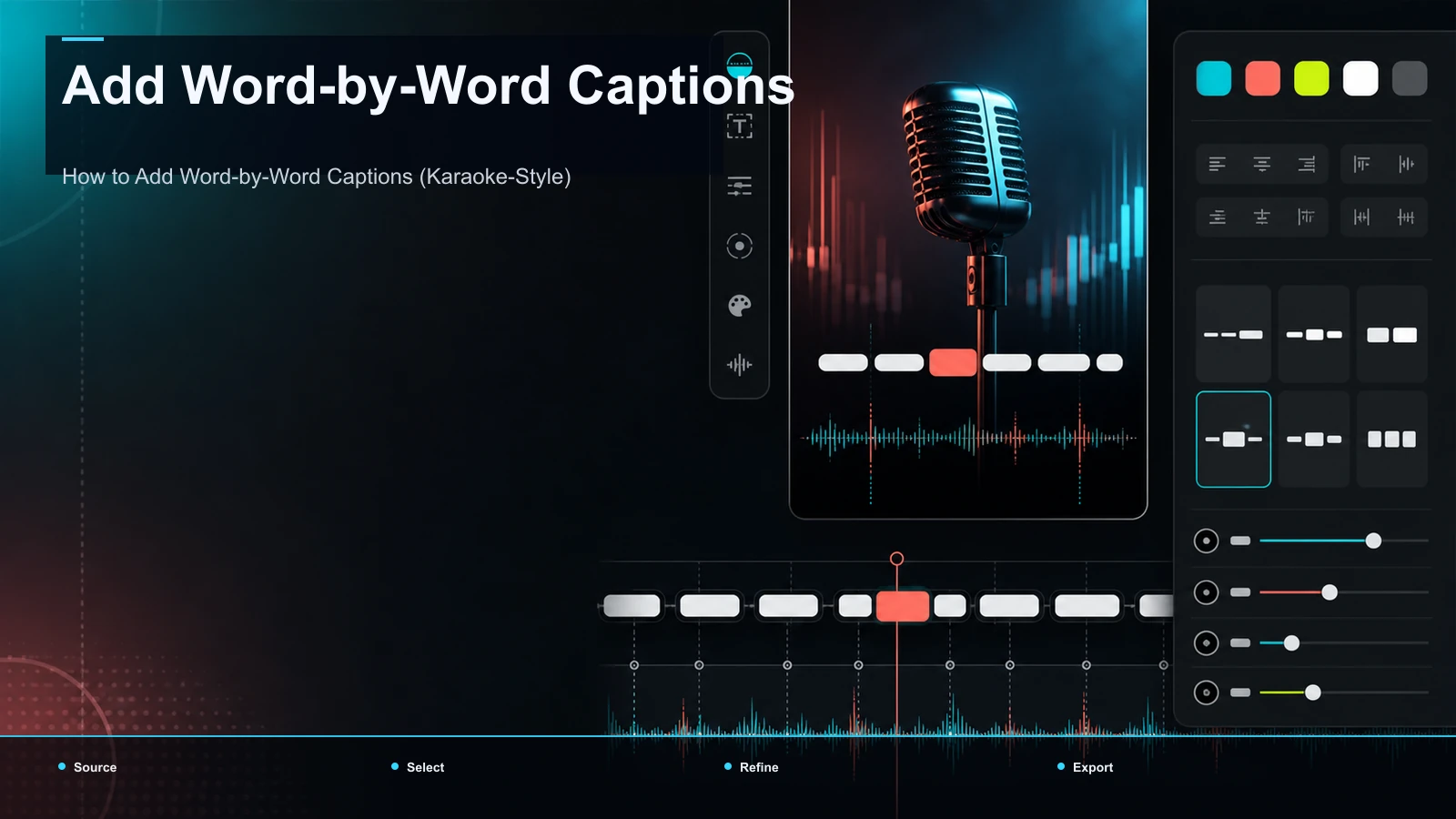
How to add word-by-word captions the karaoke way: highlight vs. pop-in modes, the word-level timeline both need, and typography that stays readable at speed.
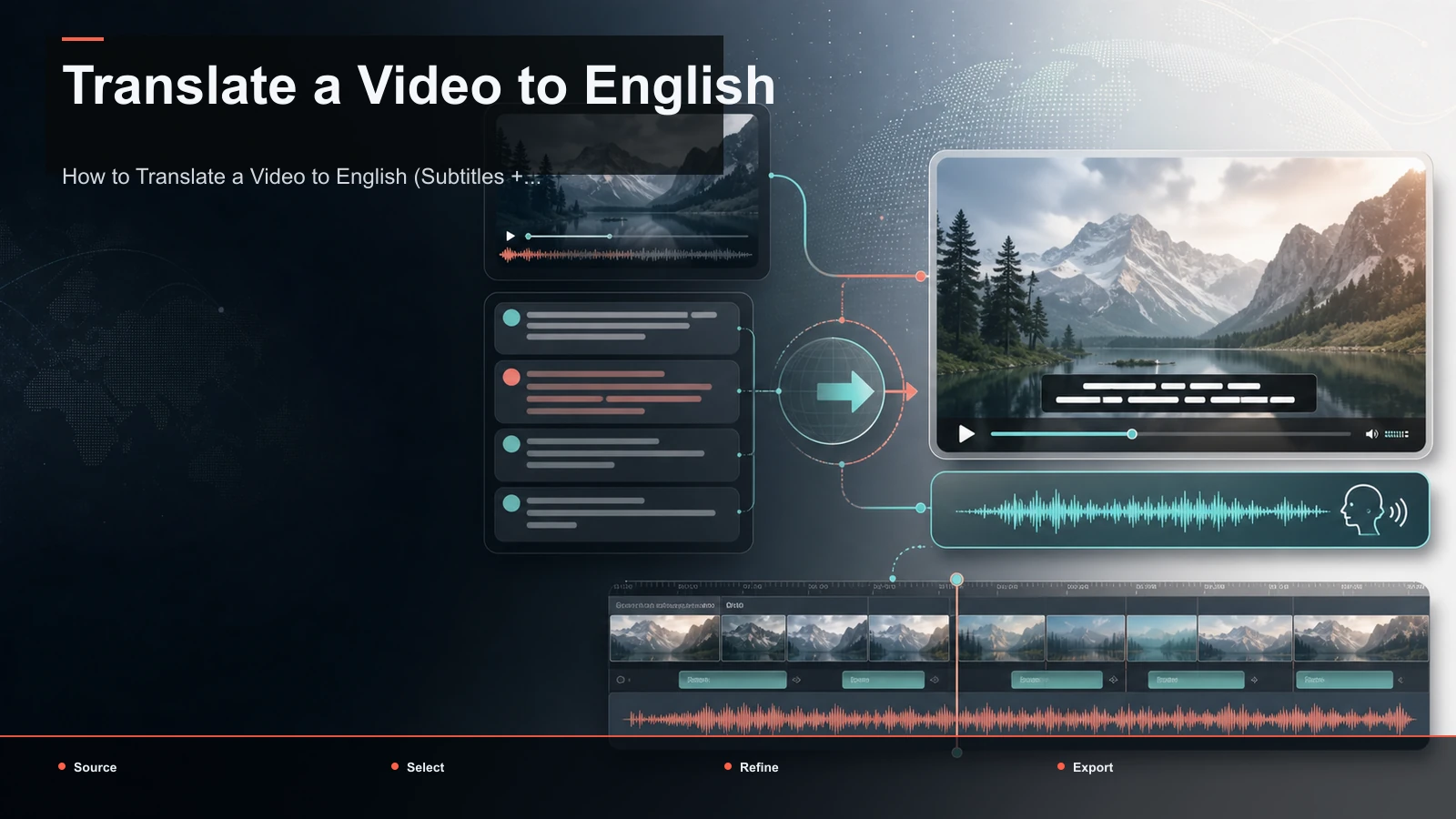
How to translate a video to English two ways — translate the subtitles or add an English AI voiceover. Step-by-step workflows plus idiom-proofing tips.
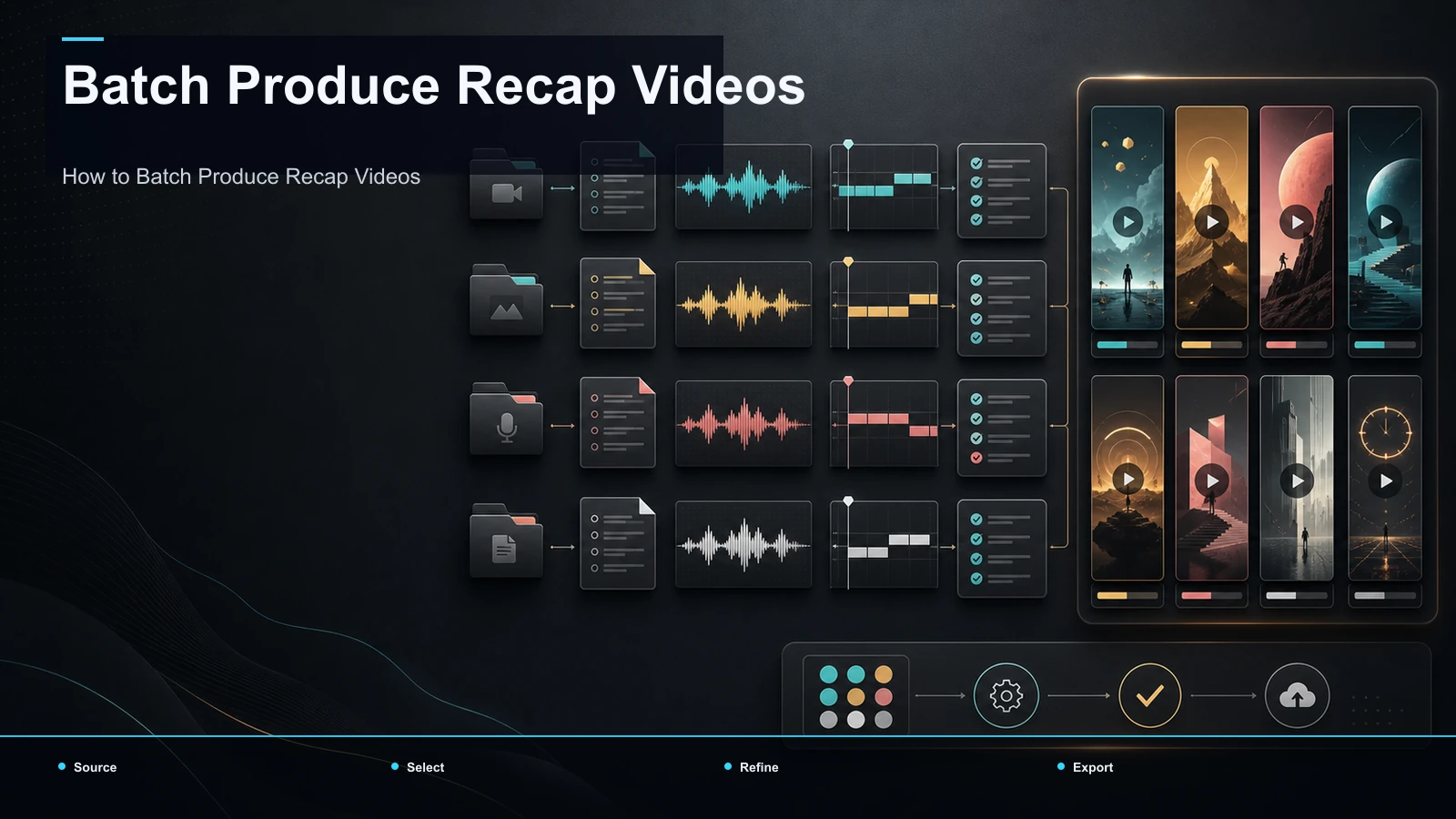
Batch-produce recap videos with a reusable template and a documented script, narration, clip, caption, review, and export workflow.
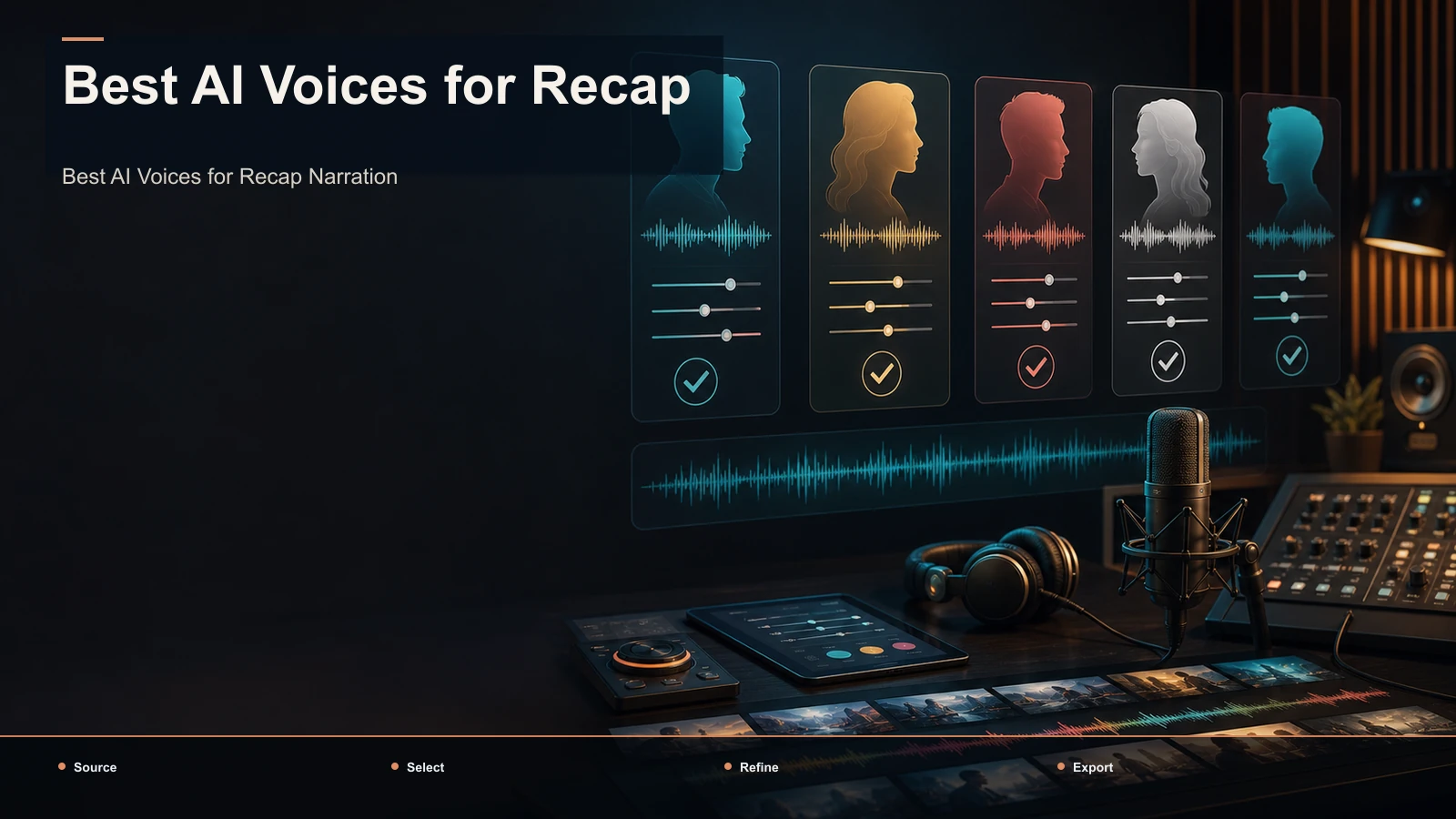
Choosing the best AI voices for recap narration? Pick by genre — true crime, thriller, documentary, anime — with script-prep tips and a same-script self-test.
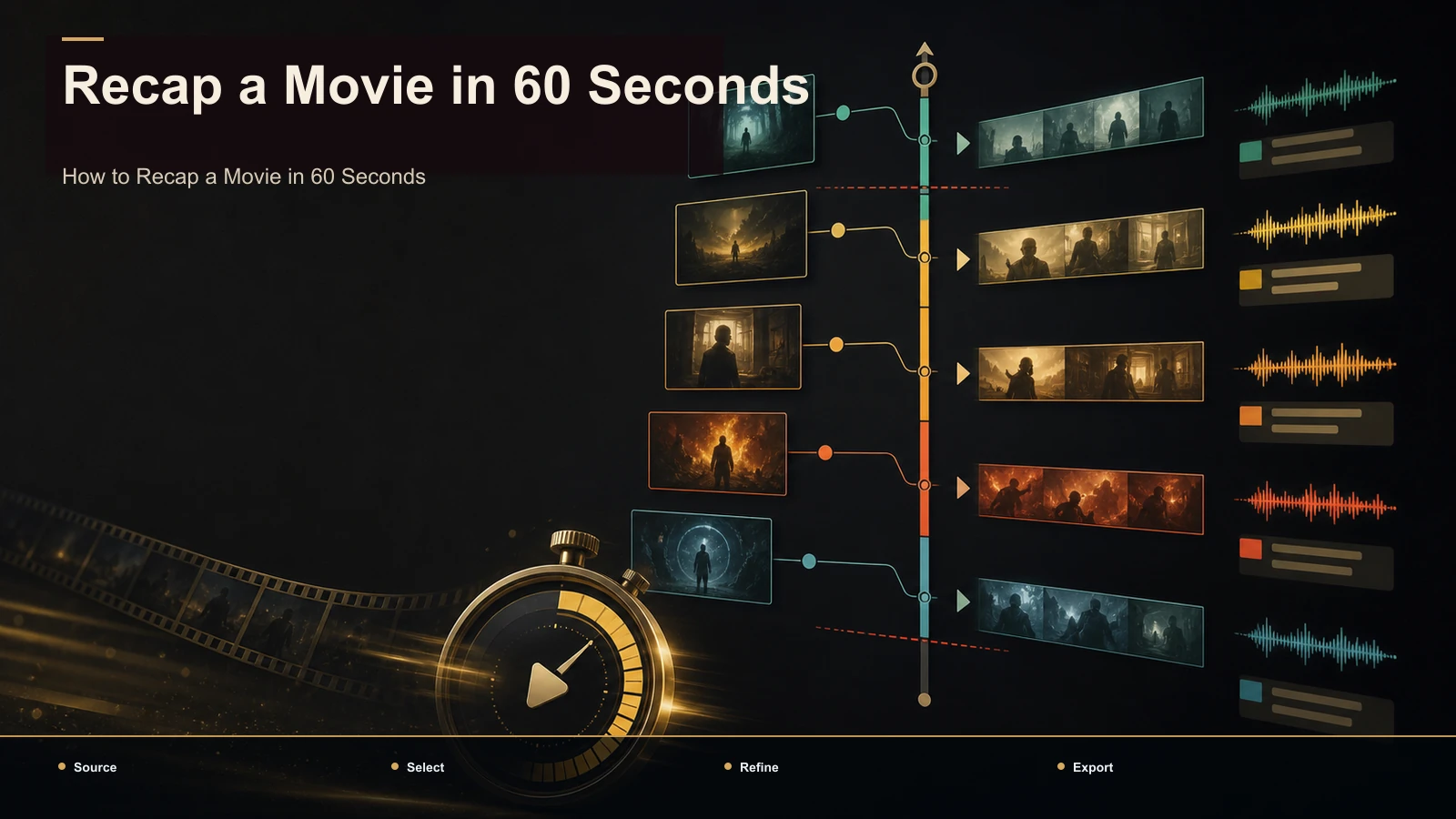
Build a 60-second movie recap with one editorial angle, 3–4 key beats, reviewed captions, a 9:16 layout, and a separate copyright check.
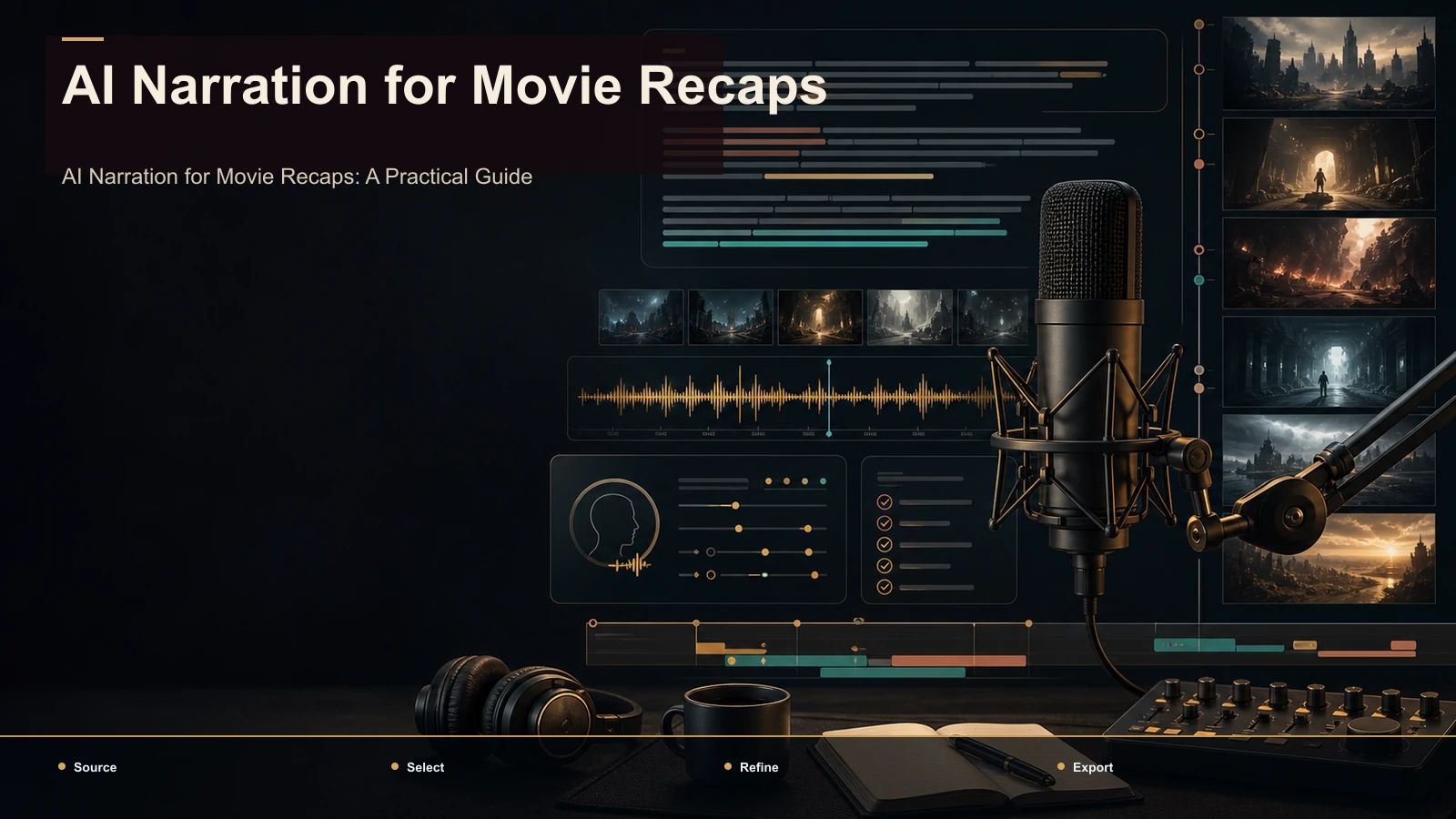
Test AI narration for movie recaps by voice consistency, comprehension at several speeds, pronunciation, caption accuracy, source rights, and export time.
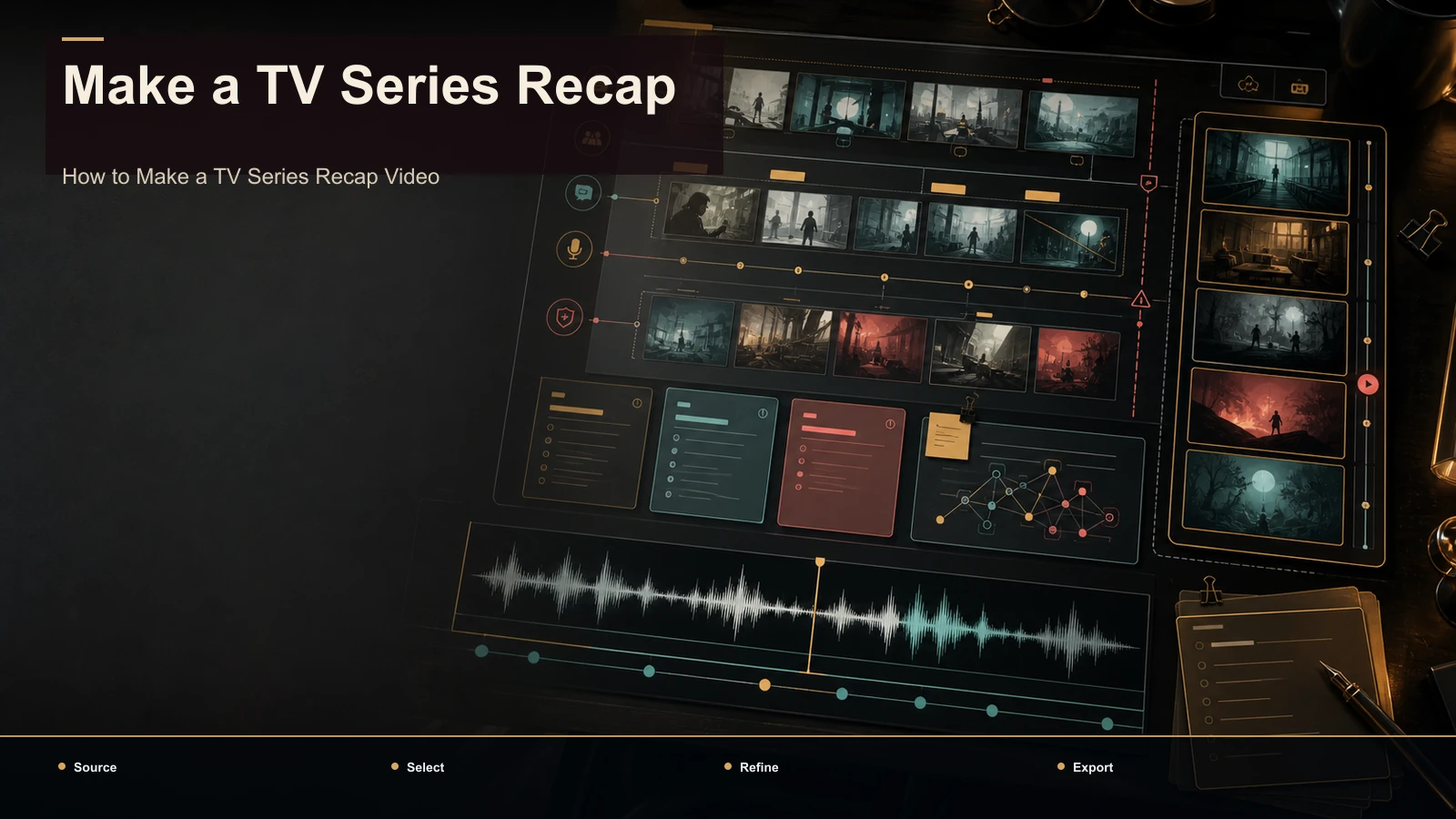
Make a TV series recap with episode or season structure, source records, original commentary, narration, captions, and a repeatable review workflow.
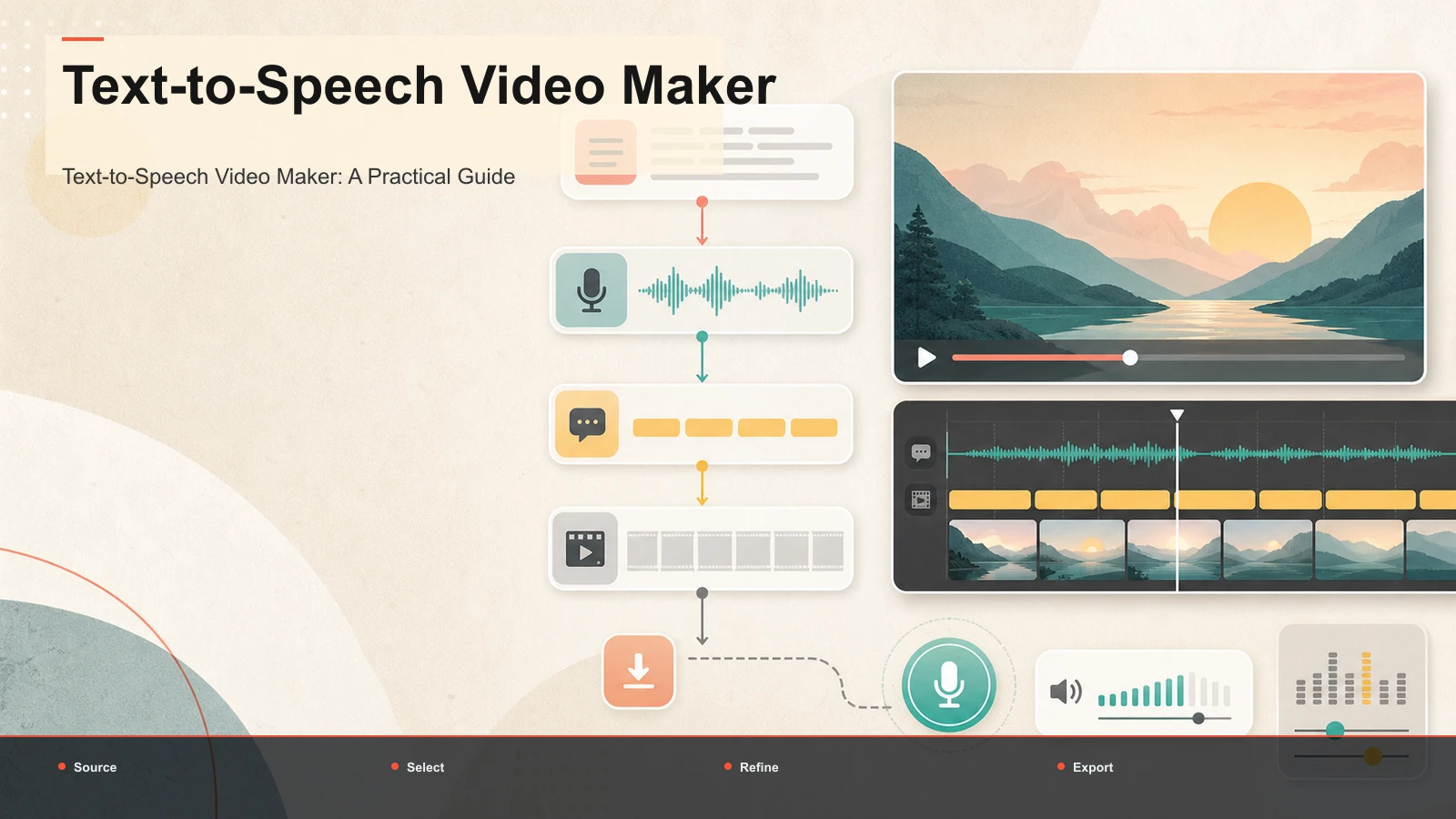
A practical text-to-speech video maker guide: take a script all the way to a finished video — voiceover, captions, vertical reframing, cover.
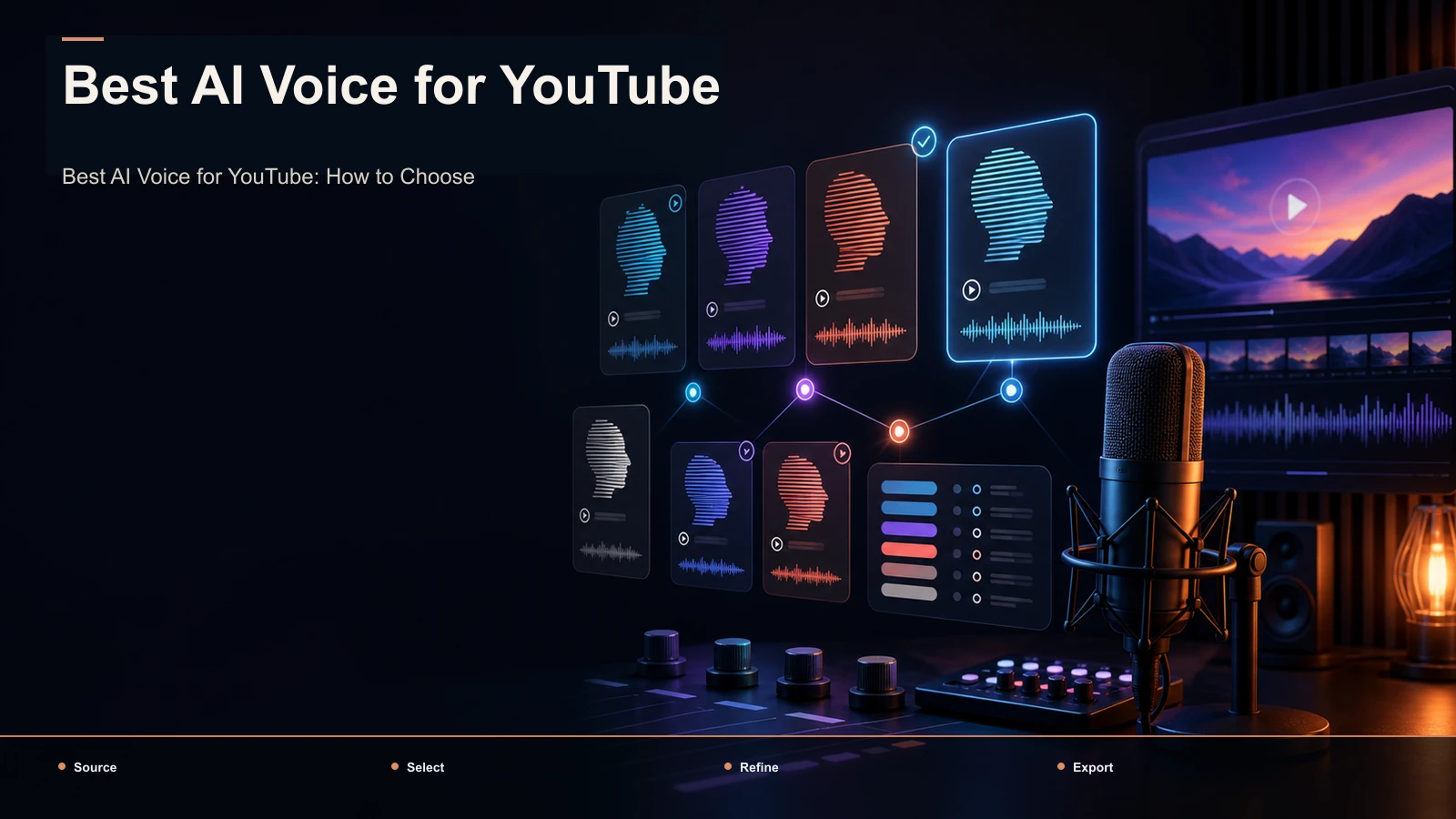
There's no single best AI voice for YouTube — choose by niche, test candidates on the same script, and check commercial licensing.
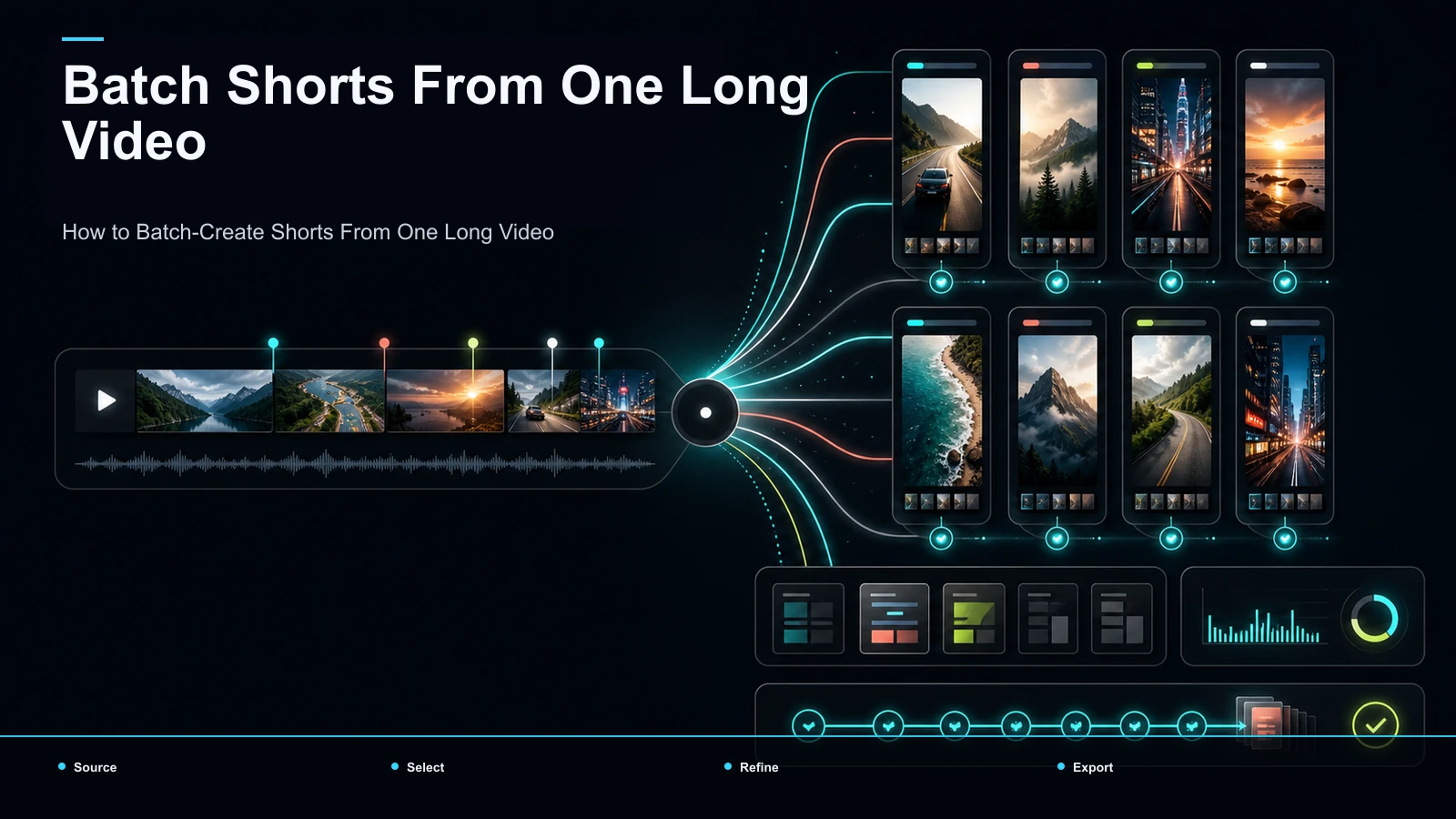
Learn how to batch create shorts from one video: upload once, get a ranked batch, then bulk caption, reframe, and export vertical clips in your browser.
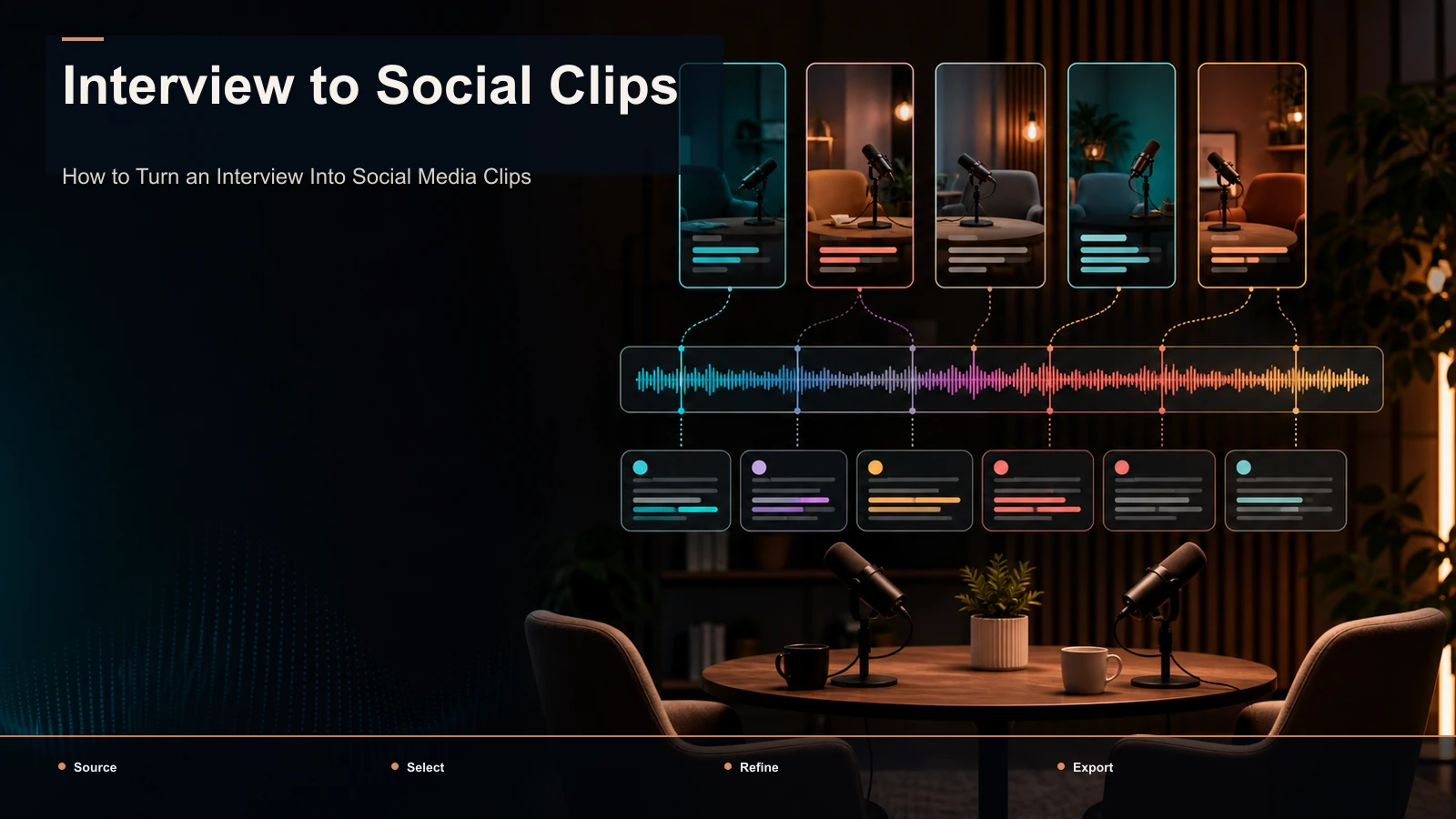
Turn an interview into social clips: find quotable moments, keep or cut the question, frame two speakers vertical, and caption for TikTok, Reels, and Shorts.
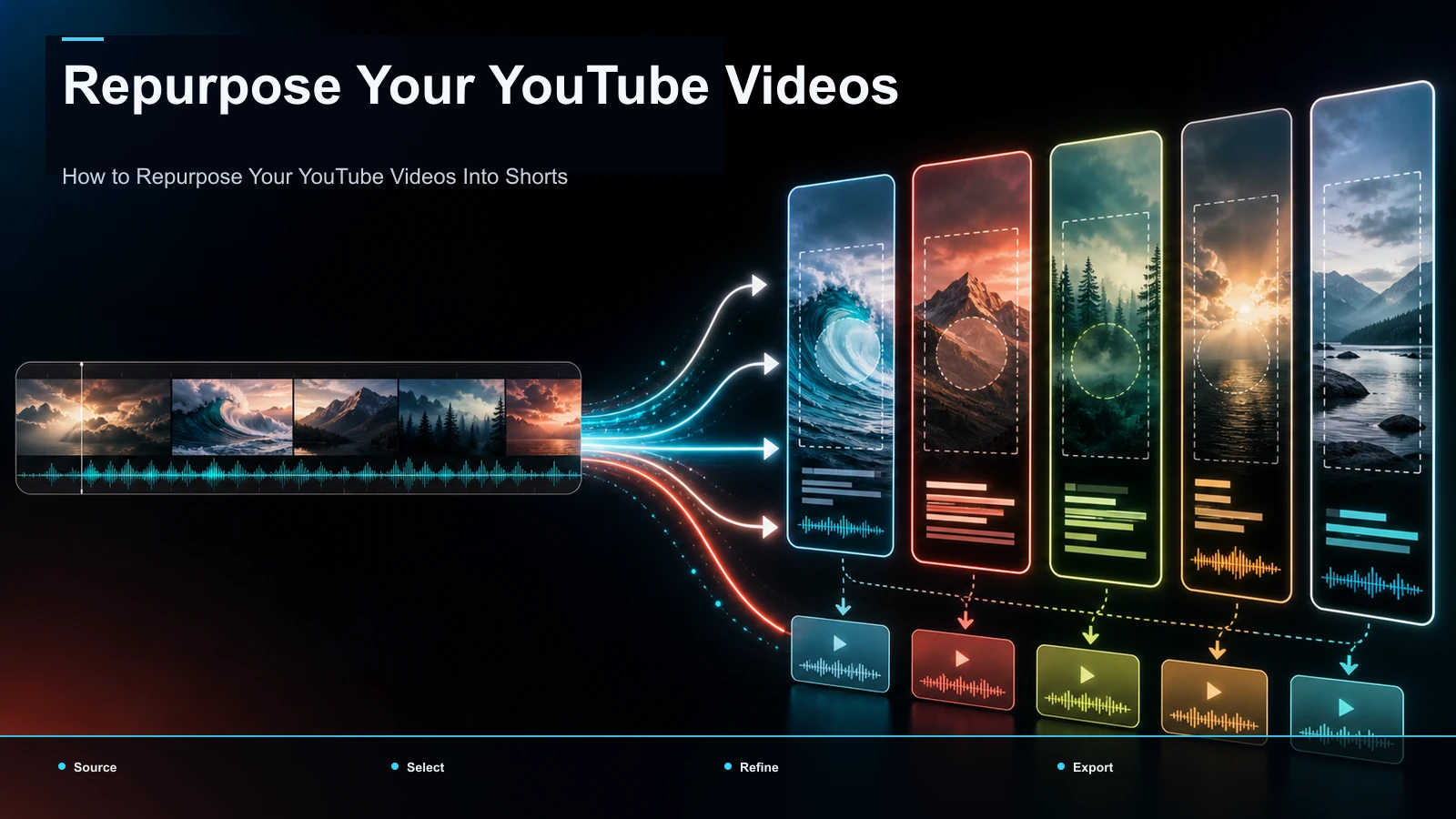
How to repurpose a YouTube video into a Short: contrast YouTube's native sampling with AI batch clipping to mine your back catalog and cross-post to TikTok.
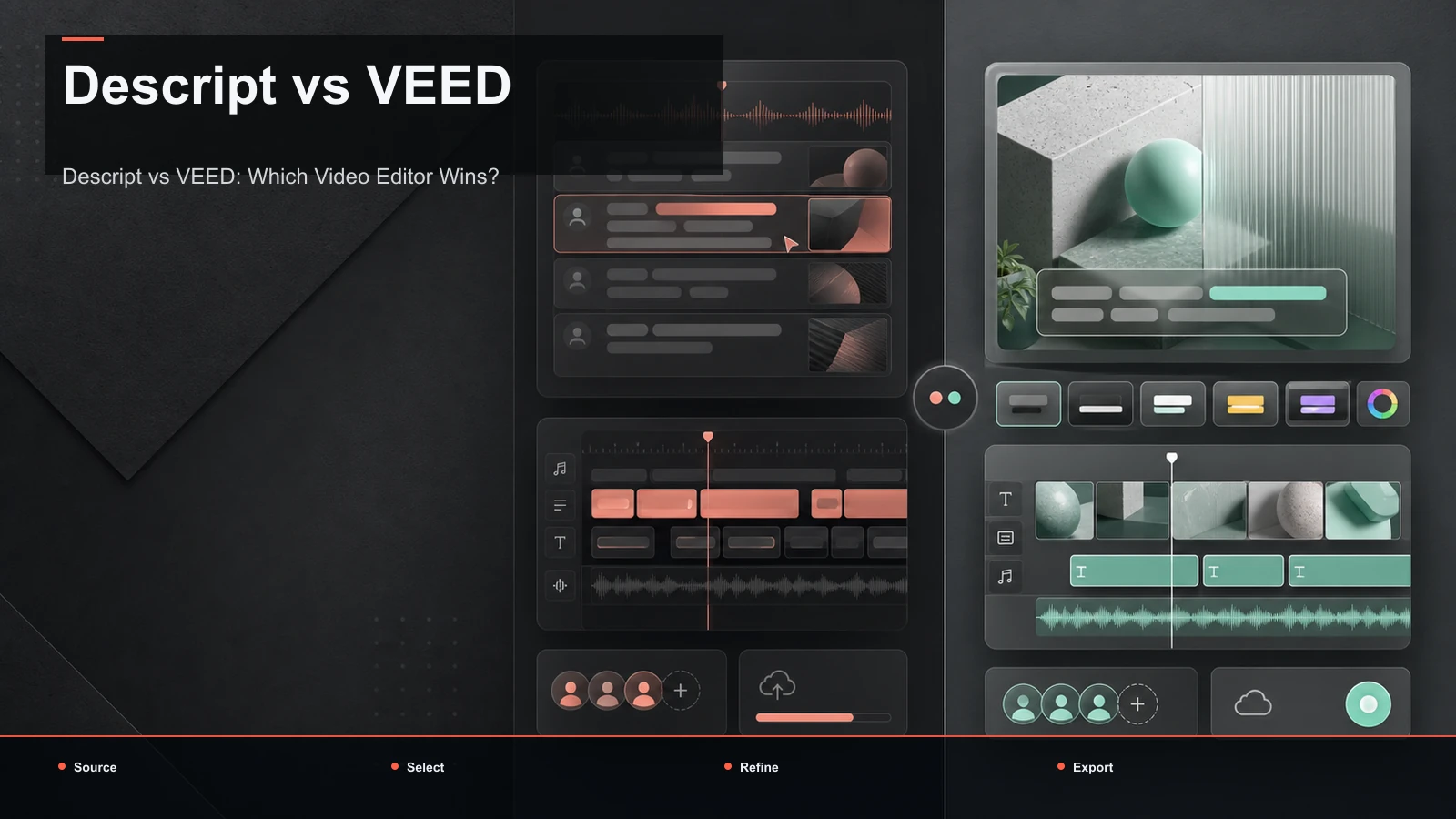
Descript vs VEED compared by workflow, not stale specs: transcript editing vs browser captions, AI voice, translation, and a 30-minute test to pick your fit.
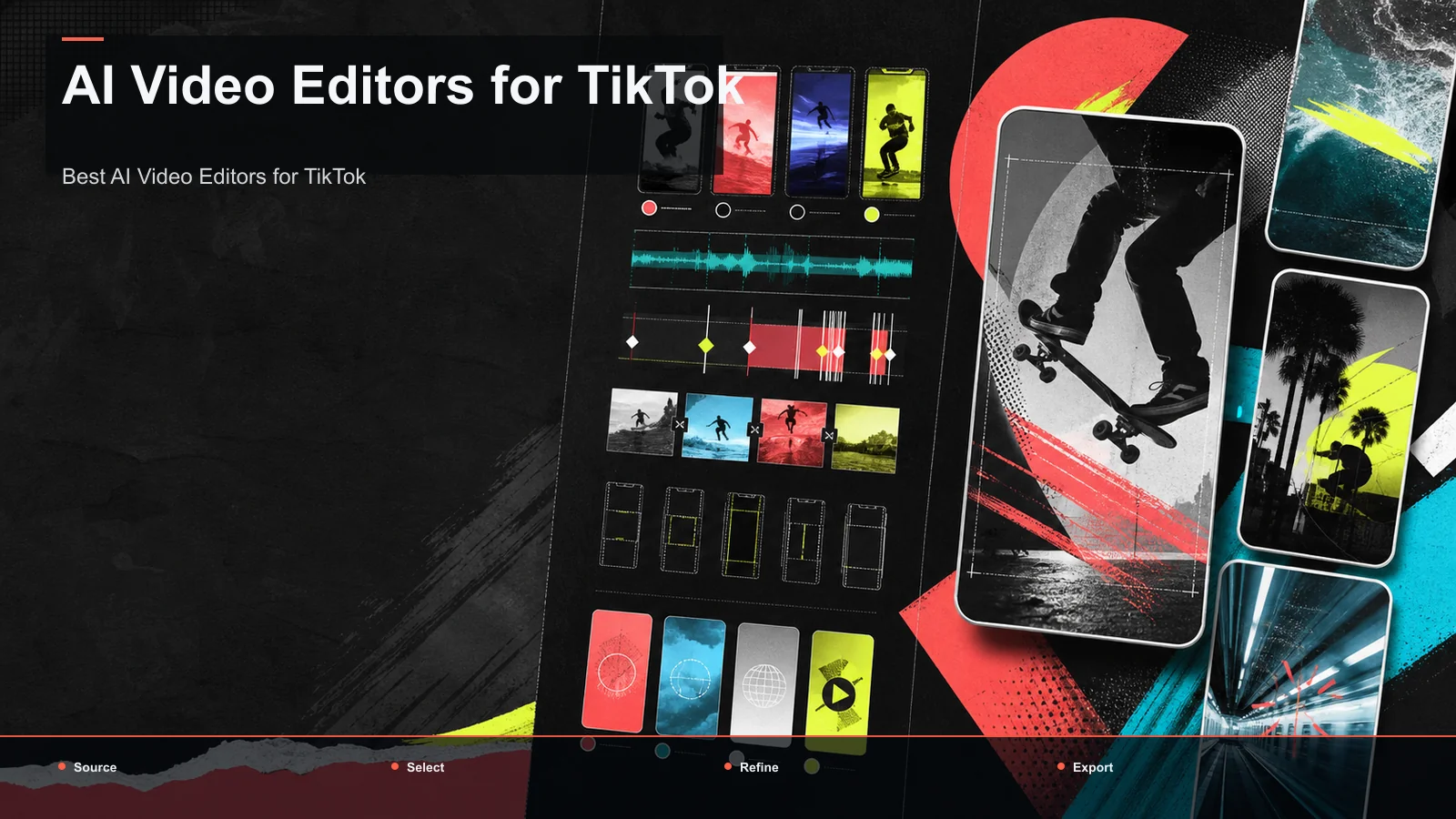
Choosing the best AI video editor for TikTok? Compare tools by job—hand-edit, auto-clip, or generate—with a self-test on your own footage and honest picks.
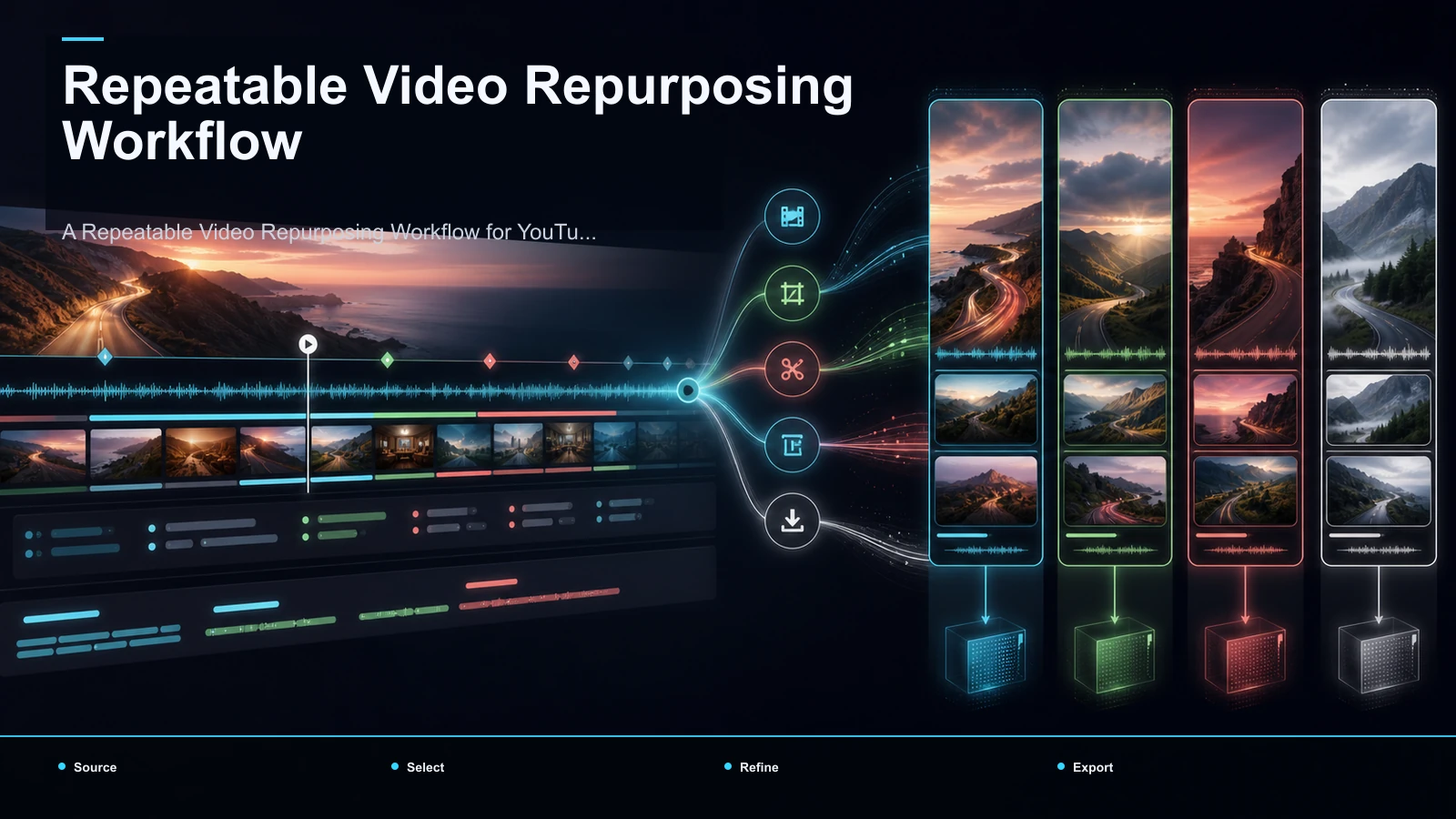
Build a repeatable YouTube repurposing workflow: plan clip-worthy moments, batch clips, correct captions, reframe to 9:16, review, and export.